
Participating Frequently
May 26, 2017
Question

UNABLE TO GET DOWNLOADED ADOBE LENS PROFILES IN LIGHTROOM 5.7

  • May 26, 2017
  • 1 reply
  • 1200 views

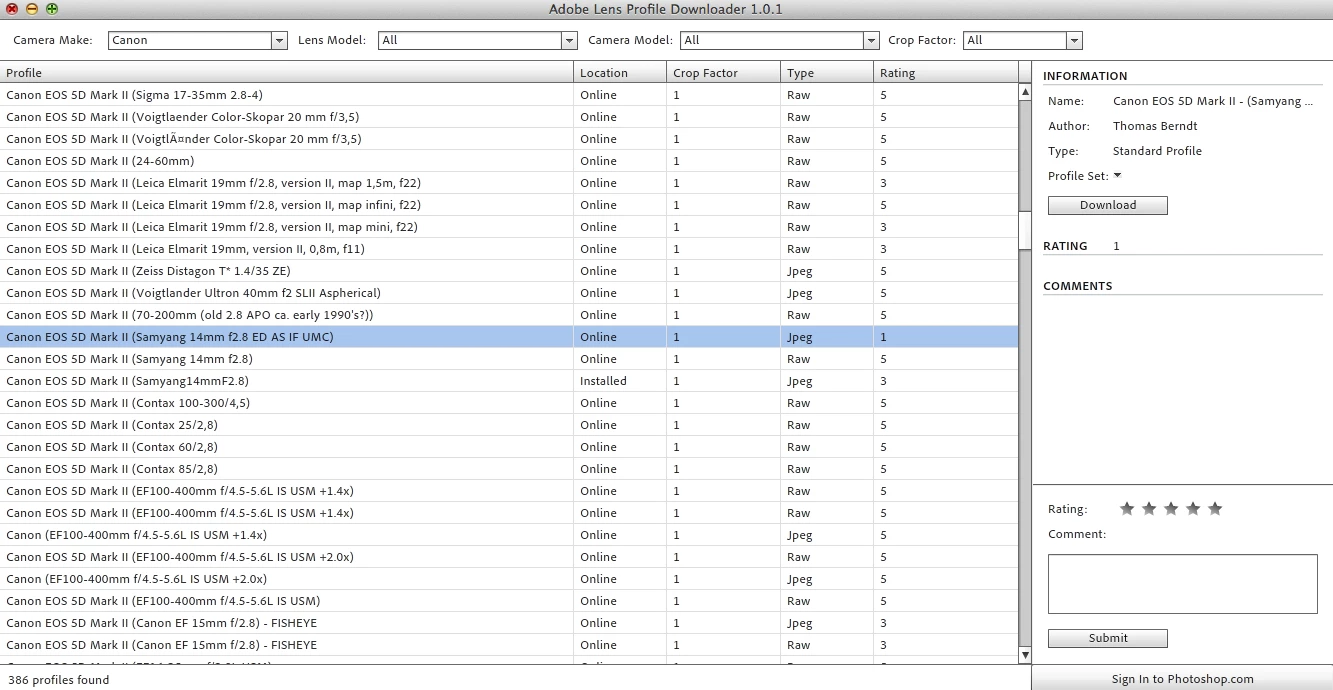
I am trying to download adobe lens profiles in Lightroom 5.7.

I hit download for this specific lens. I restarted Lightroom 5. This correction does not show up in the lens correction tab of Develop.

(The download is in Library, application support, adobe, camera raw, lens profiles, 1.0, downloaded.)

What am I doing wrong?
    This topic has been closed for replies.

    1 reply

    sarsaxen
    Participating Frequently
    May 26, 2017

    Hi Claire,

    Could you please check whether the downloaded lens profile is present at the below location:

    Applications/Adobe Photoshop Lightroom X/Right-click Show Package Contents/Resources/Lens Profiles

    Regards

    Sarika

    Participating Frequently
    May 26, 2017

    No I do not see it in here.

    DdeGannes
    Community Expert
    Community Expert
    May 26, 2017

    Downloaded Lens profiles  must be installed in the user files folders not in the same location as the Lightroom installed location. See the link below for the full info for the location instructions.

    https://www.lightroomqueen.com/articles-page/lightroom-cc6-default-locations/

    Regards, Denis: iMac 27” mid-2015, macOS 11.7.10 Big Sur; 2TB SSD, 24 GB Ram, GPU 2 GB; LrC 12.5,; Lr 6.5, PS 24.7,; ACR 15.5,; (also Laptop Win 11, ver 24H2, LrC 15.0.1, PS 27.0; ) Camera Oly OM-D E-M1.