Participant
December 5, 2024
Question

Unable to open Lightroom Classic

  • December 5, 2024
  • 2 replies
  • 271 views

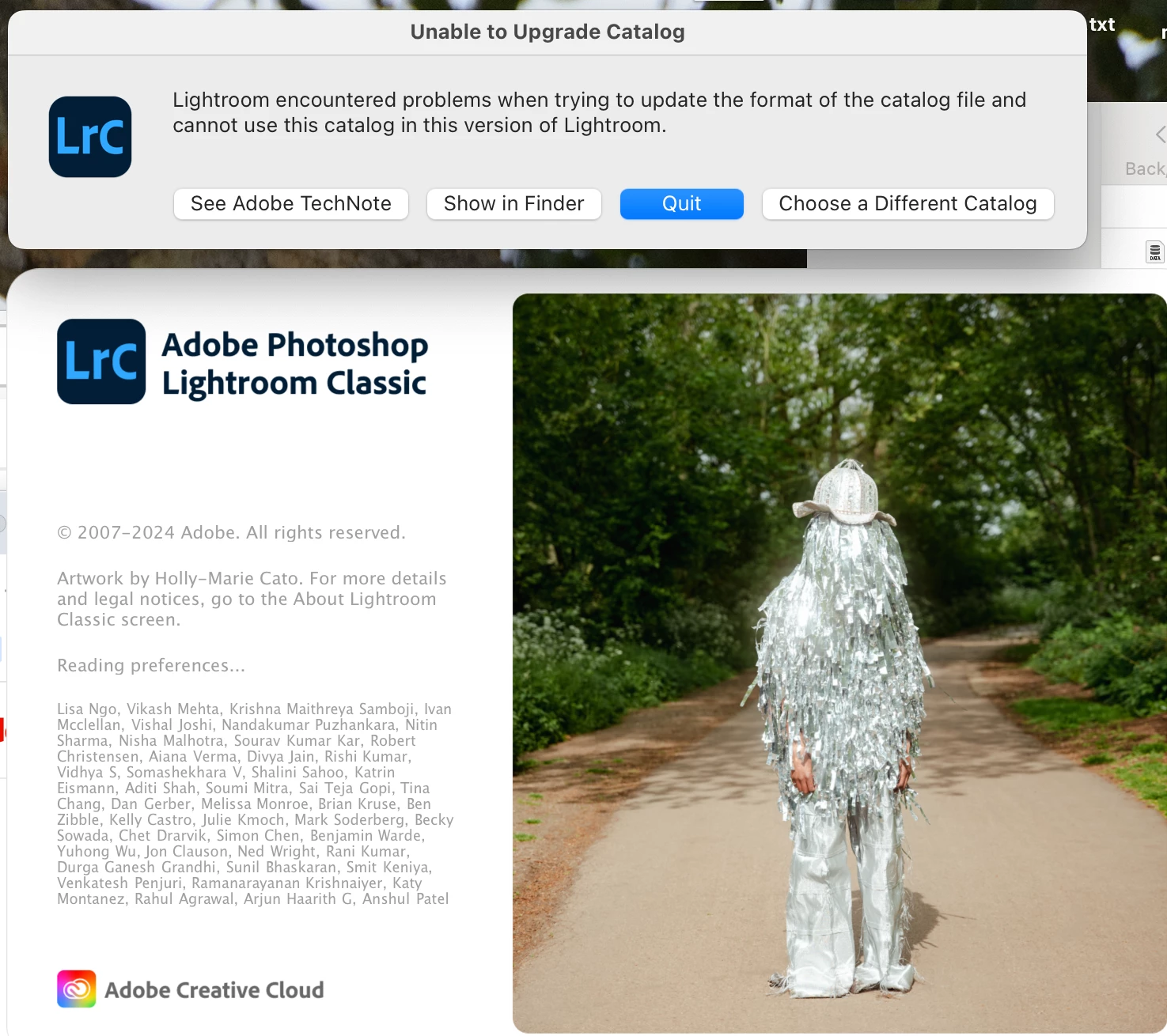
I have an old mac and Lightroom Classic 14.0.1 is not compatible with it. I would like to use Lightroom Classic 13.5, which previously worked on my computer. However, despite installing 13.4, when I go to open it, it attempts to do a catalog upgrade "to access the latest changes in this newer version of Lightroom Classic" and I have no option for avoiding this (my options are update, choose a different catalog, or quit). When I click "update",  I get a system error that then quits the app. Any thoughts on how I can get this working again?


This topic has been closed for replies.

2 replies

JohanElzenga
Community Expert
Community Expert
December 6, 2024

You say "I would like to use Lightroom Classic 13.5, which previously worked on my computer". So why did you install 13.4 again if you used 13.5? Or is this a typo?


Lightroom Classic 13.4 should not ask to upgrade your catalog if you used version 13.5 already, so if you really used 13.5 before, then perhaps you are trying to upgrade an old catalog. Maybe a backup that is still zipped...


-- Johan W. Elzenga
Participant
December 6, 2024

Yes, it was a typo. Though I would use either 13.4 or 13.5, neither of them are working - same issue.

JohanElzenga
Community Expert
Community Expert
December 6, 2024

In that case the catalog you are trying to upgrade may be corrupted. First try if you can launch Lightroom Classic by using another catalog. In the dialog about upgrade failure, click on 'Choose a Different Catalog'. In the next dialog you can either select another catalog or click the button to create a new one. If you have a different catalog, then you can try that one, otherwise create a new catalog and see if Lightroom Classic launches correctly with it.


-- Johan W. Elzenga
GoldingD
Legend
December 5, 2024

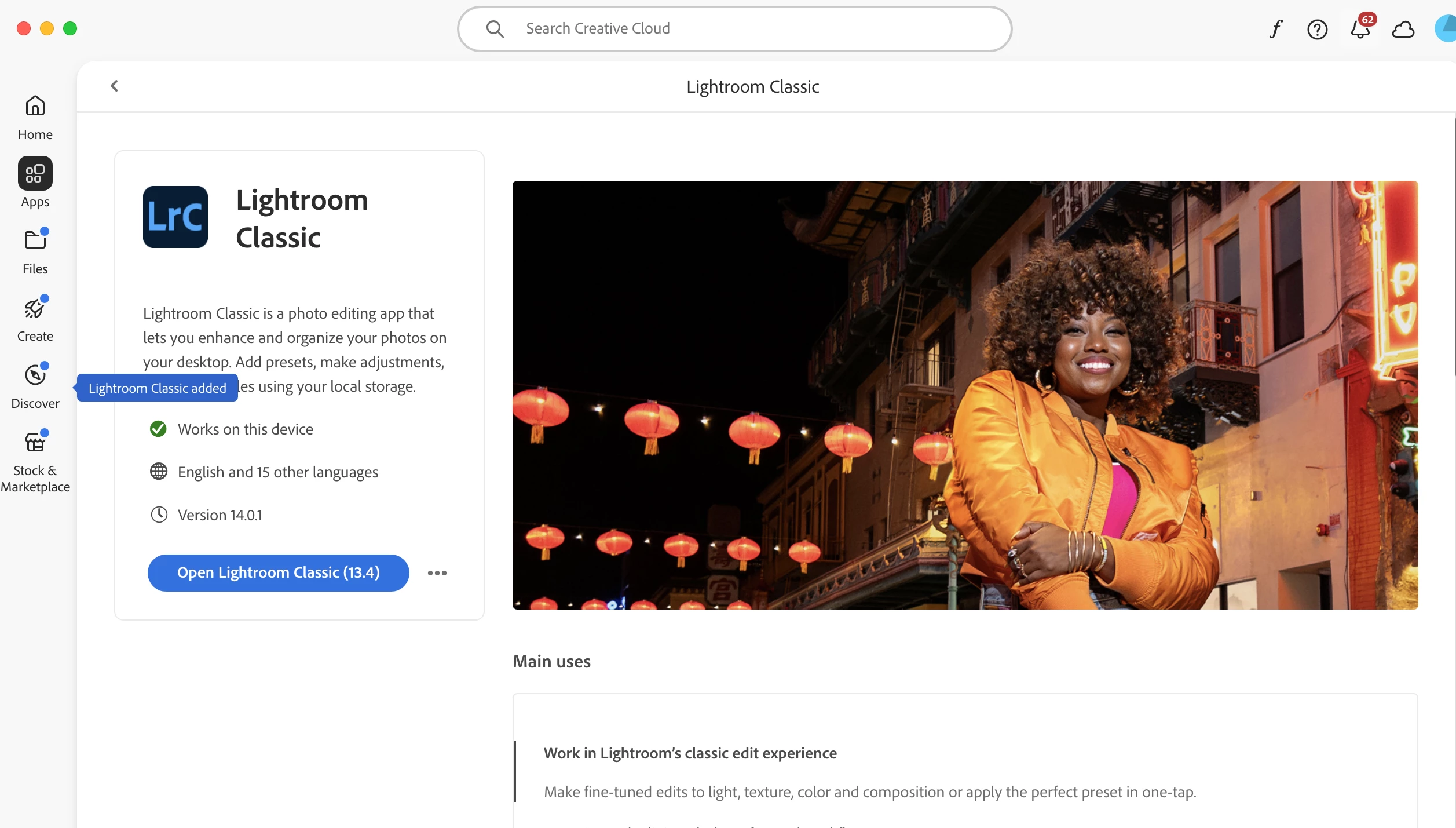
Bring up your copy of the Adobe Creative Cloud Desktop App, the Creative Cloud, select the Apps tab, look at what app (versions) are installed.


Participant
December 6, 2024

I think that's the screenshot above. The version installed is 13.4