Answered
Unable to rearrange images
For a few weeks now I have been more often then not unable to arrange the order my images because this error pops up! Anyone else have advice on how to fix this? I'm always editing in my quick collection.
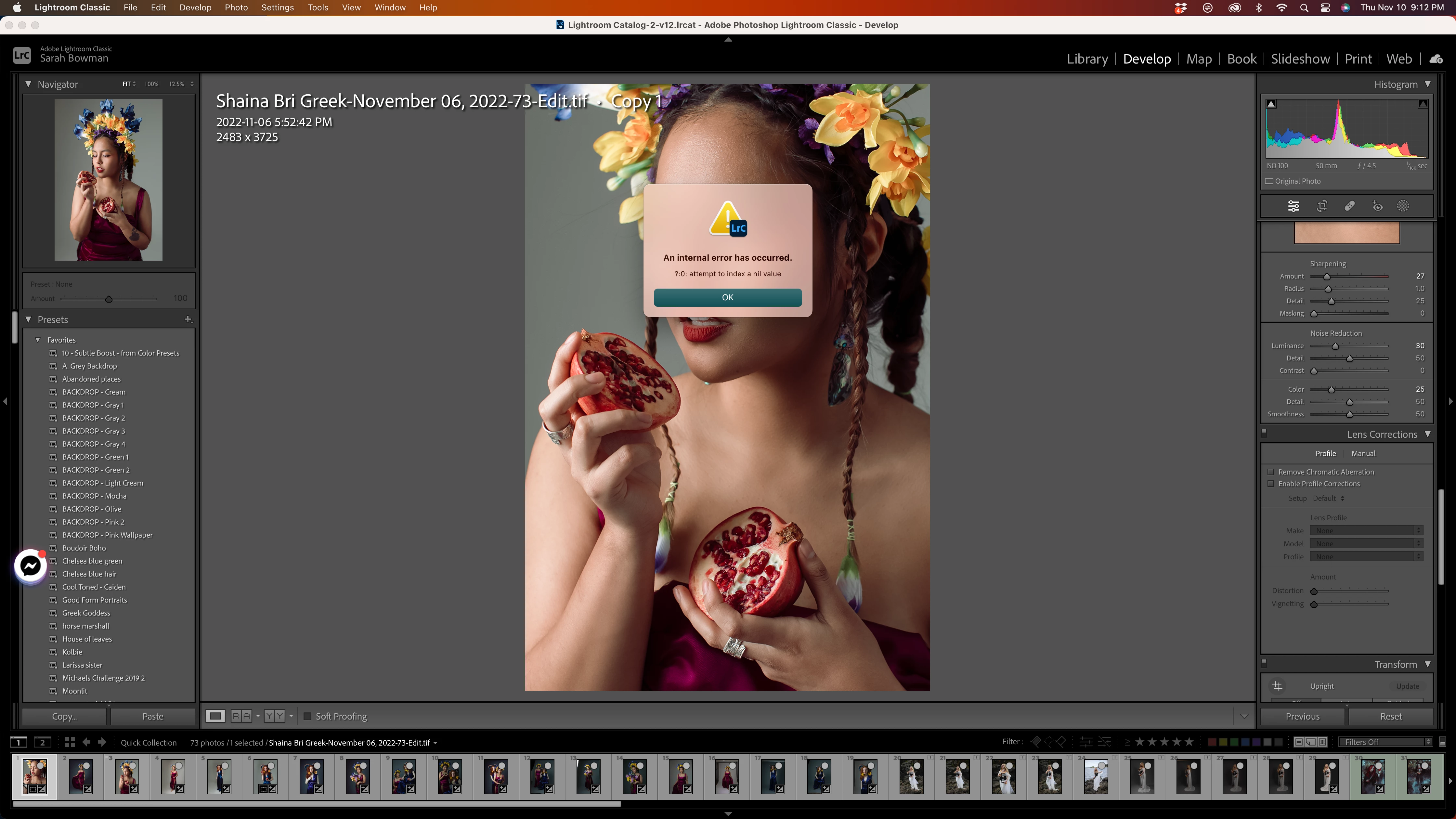

For a few weeks now I have been more often then not unable to arrange the order my images because this error pops up! Anyone else have advice on how to fix this? I'm always editing in my quick collection.
That folder doesn't display all the plugins that might be installed somewhere else.
Do the LR command File > Plug-in Extras and scroll through the list of plugins. Do you see one called Logi Options? If so, select it and in the Status panel on the right click Disable. Restart LR.
The Logi Options plugin is a poorly written plugin from Logitech that it silently installs when you install Logitech utilities. It often causes this error.
Thank you for helping! Is this the area you were mentioning? Also as you can see in the backgound there are phantom images in my quick collection even though I just cleared it all out!
Ok actually update, I went to File -> Clear Quick Collection and that seems to have cleared everything out. I have also tried recreating the issue and it seems to have been solved somehow? I will update if it comes up again!
Already have an account? Login
No account yet? Create an account
Enter your E-mail address. We'll send you an e-mail with instructions to reset your password.


 AdChoices