


Participant
March 17, 2025
Answered
Unable to scroll in preferences menu
- 2 replies
- 290 views
- Translate
Lighroom v14.2 on Windows.
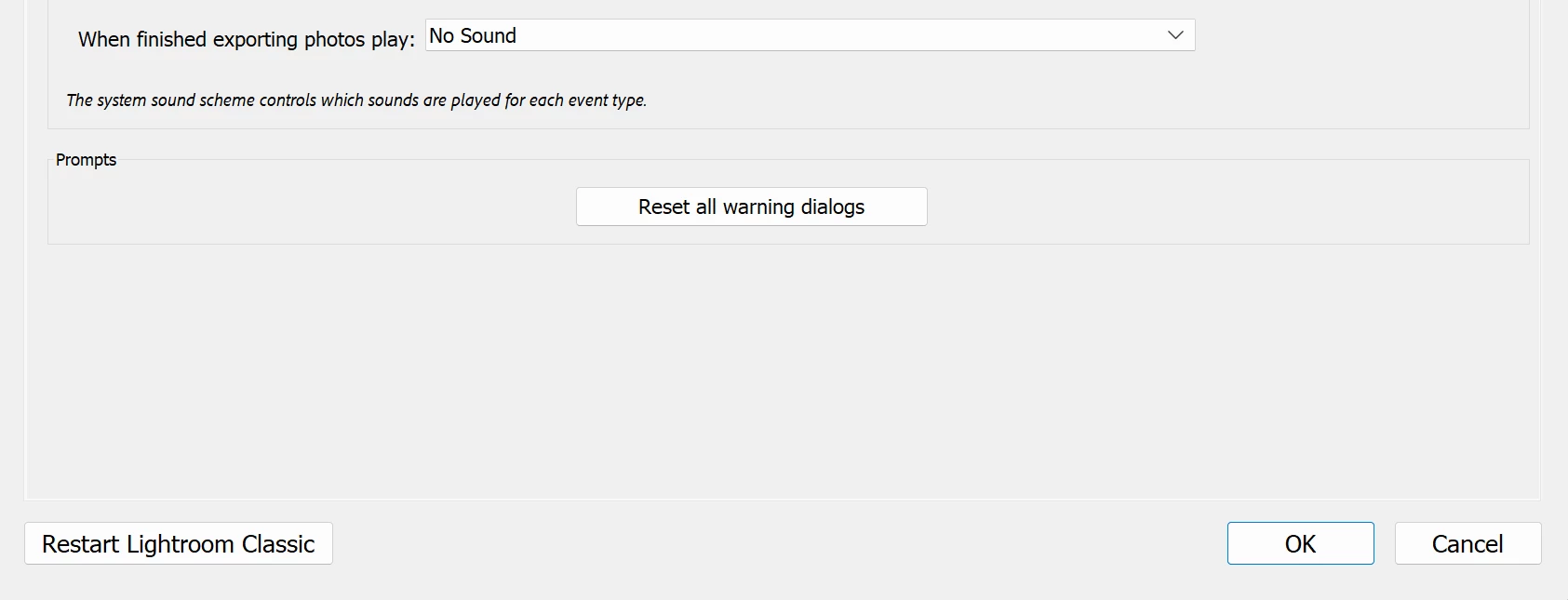
Cannot scroll down in the Preferences menu (Edit<Preferences). Any changes I try to make cannot be saved, as I can't scroll down far enough to hit the save button. Tried resetting the settings when re-opening Lighroom with (shift & ,), does not fix the issue. There is no scroll bar, and neither mouse or trackpad scrolling is working. Tried everything I can to make enough space on the screen to see the save button, but it is not working. Nor do I have a monitor to connect to to give the screen more space.
Help appreciated 🙂
(image attatched is all i can see, can't scroll or make more space, removing taskbar doesnt help)

 AdChoices