Question
Unable to synchronize white balance in series of photos
I just upgraded to Classic 12.1
I took a series of photos seconds apart. My ususal work flow is process in Lightroom then open them in Photoshop.
In Lightroom, two of the four RAW files render the correct WB, and two of the four RAW files have incorrect WB.
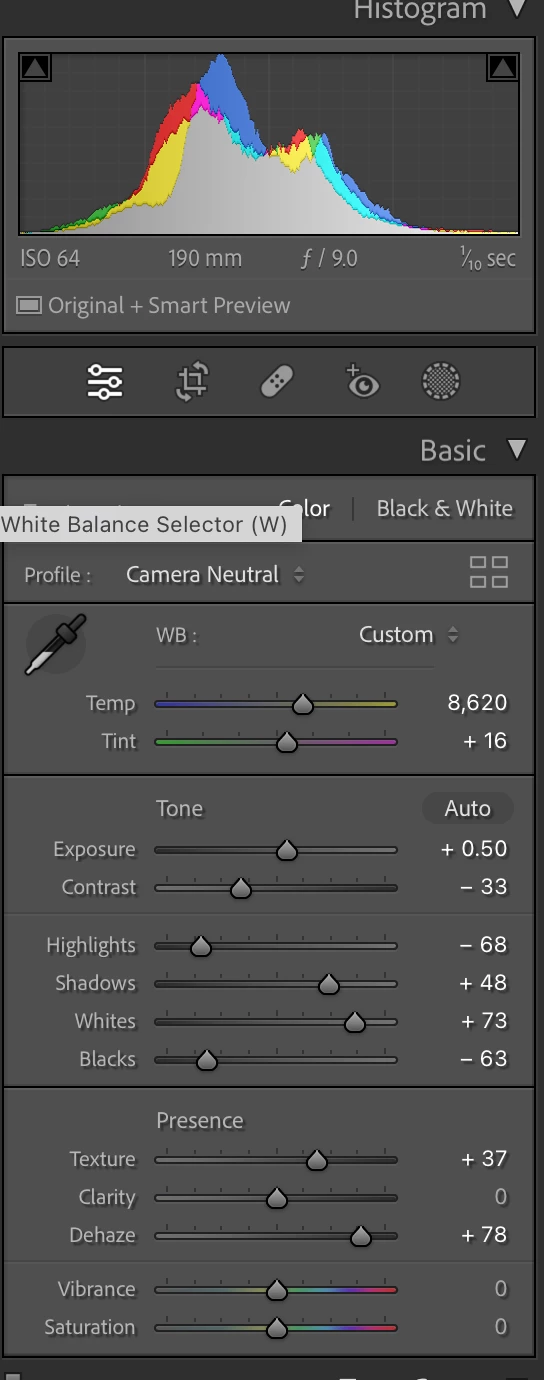
They both show EXACTLY the same Temp and Tint numbers in the dialog window.
The weird thing is sometimes the photos show the correct WB, but they suddenly switch to the incorrect WB even as I am looking at them.
When importing the four RAW files into Photoshop as layers, two layers show the correct WB and two do not.
So I cannot do the focus stack.
I have experienced this bug before, in the past few years. I am stymied.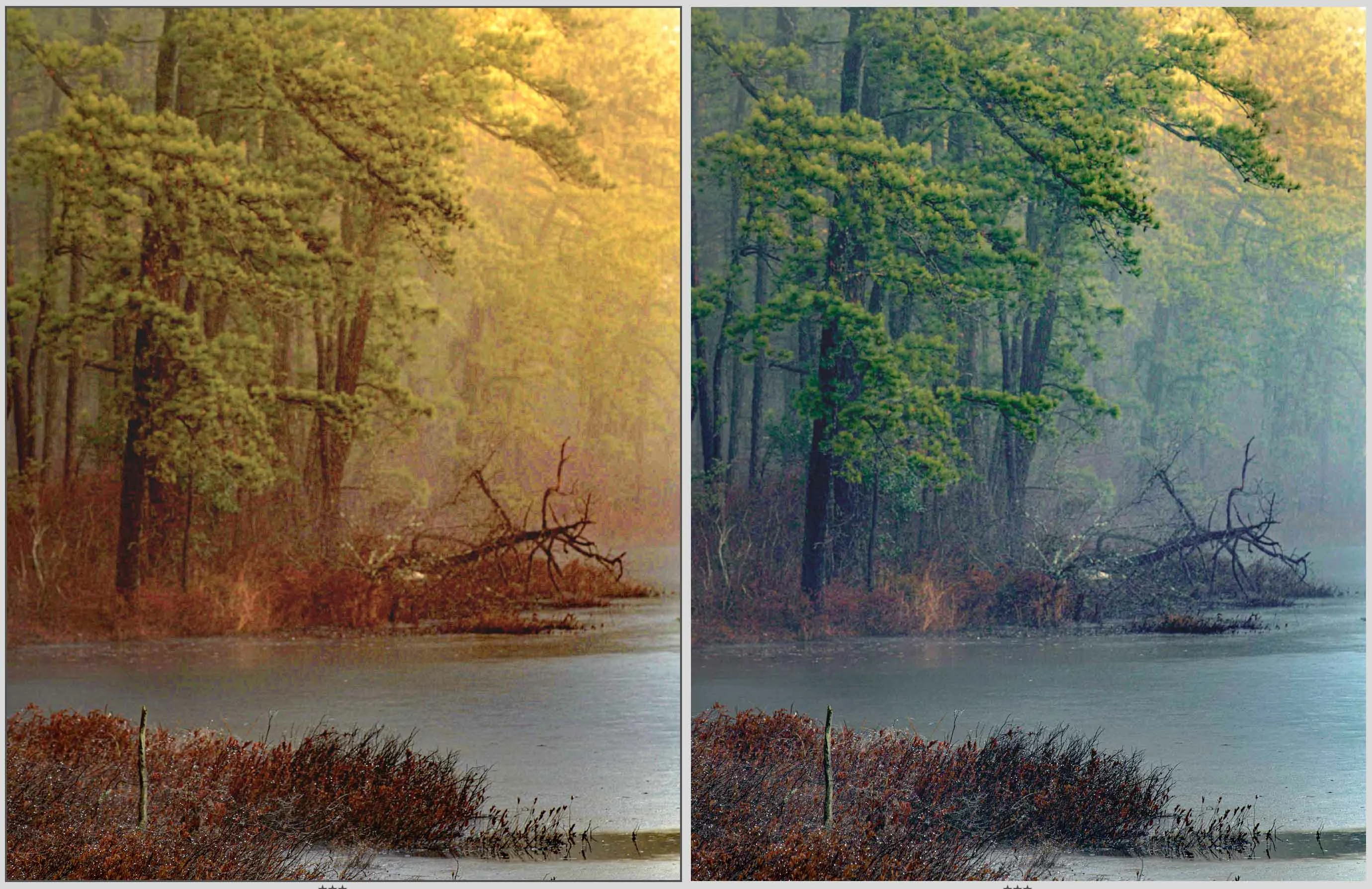
 AdChoices