susanl7866380
Inspiring
April 10, 2021
Answered

Unknown exclamation point on all photos

  • April 10, 2021
  • 3 replies
  • 2104 views

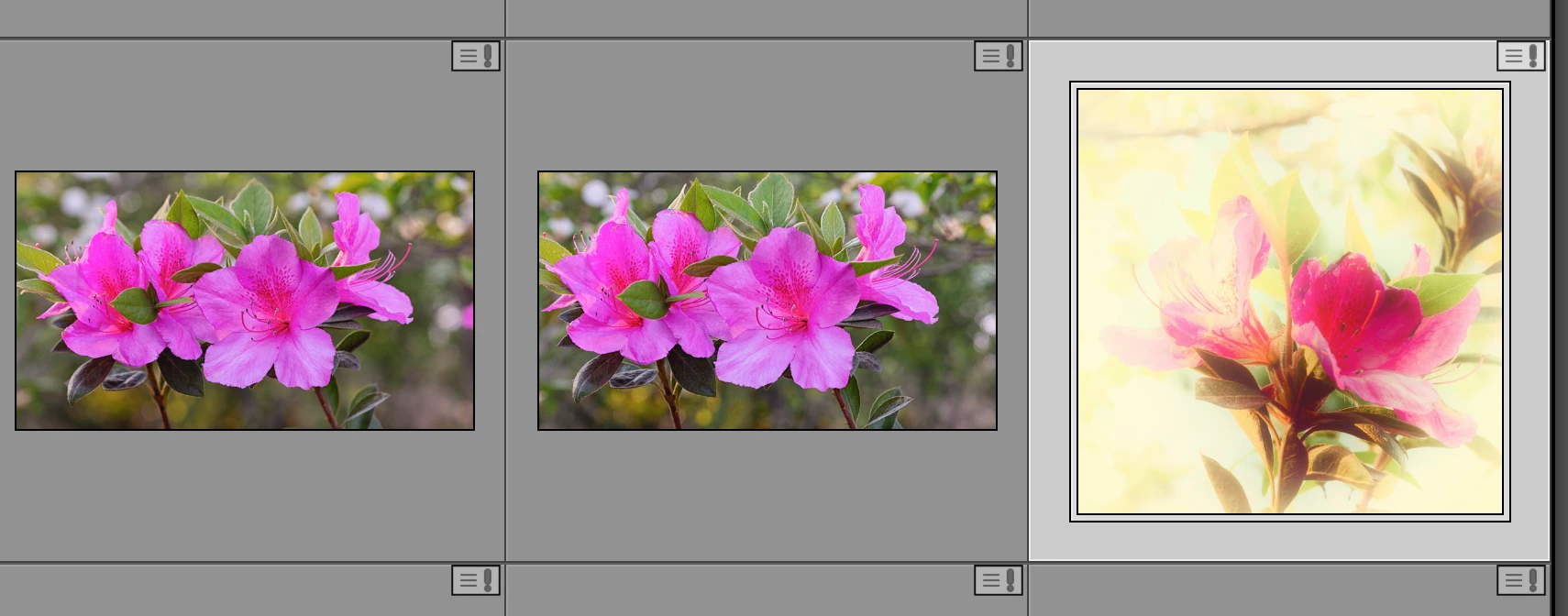
After opening my photos in Bridge, this symbol turned up on all of them.  I know it usually means that the photo has been changed by another program and do you want to import the changes.  However, when I click on the box nothing happens - no options are given.  This has happened on occassion in the past when I have done edits in PS but this is the first time all the photos have this symbol.

I am using the lastest version of bridge, ps, and lr on a macbook pro 16" big sur 11.2.3. It is annoying to say the least.  Anyone else having this problem and is there a fix?
 

This topic has been closed for replies.
Correct answer susanl7866380

If nothing happens when you click the icon, try to restart Lightroom, and if that doesn't help, restart your computer.

The next step is to try resetting the preferences.

See https://www.lightroomqueen.com/how-do-i-reset-lightrooms-preferences/


I did all that and nothing changes.  Thanks for trying to help.  I found the solution after spending a few hours I will never get back.


Right click on the photo in the filmstrip, not in the preview panel as the options are different.  Click on view options, check or uncheck show badges and do the same to ignore clicks on badges.  This got rid of the pesky little symbol and also allowed me to revert changes to the original image.


 I appreciate everyones help and hope this helps someone else.  Now I'm off to figure out what Bridge is doing on import that I don't want it to do.  Sigh, it never ends.

3 replies

GoldingD
Legend
April 11, 2021

That icon:

"Error Saving Metadata    Indicates an error saving metadata in Lightroom Classic. This icon appears when the same metadata for a photo has been changed both in Lightroom Classic and externally.'


see: https://helpx.adobe.com/lightroom-classic/help/advanced-metadata-actions.html


susanl7866380
Inspiring
April 11, 2021

Yes I know what it meant.  That wasn't the problem but I fixed it now.  Thanks for your help.

dj_paige
Legend
April 10, 2021

If you hover your mouse over this exclamation point icon, does a message appear? What does it say?

susanl7866380
Inspiring
April 10, 2021

As noted above, clicking on the icon does nothing.  I did solve the problem though (see response to Per above).  Thanks for trying to help.  I appreciate it.


Susan

dj_paige
Legend
April 10, 2021

Great — but I didn't say click on the icon. I said hover the mouse on the icon.

JP Hess
Inspiring
April 10, 2021

That symbol is an indication that the images are missing. Perhaps you have moved them, or the drive identification has changed, or something similar. At any rate, LrC considers that the images are missing.

susanl7866380
Inspiring
April 10, 2021

Sorry Jim but it actually refers to a photo that has had changes made in another program.  The photos are not missing; I can see them, sort them, develope them etc.  Normally you click on the symbol and it allows you to either accept the changes or revert to the original located in the lightroom catalogue.  For some reason, it is not allowing me to do that because clicking on the icon yields no results.

JP Hess
Inspiring
April 10, 2021

Okay, my mistake. Carry on. 😞