
2wander-yonder
Participating Frequently
April 23, 2018
Question

Unrepairable Catalog

  • April 23, 2018
  • 3 replies
  • 1044 views

Hi,

For some reason LR Classic CC has today come up with my catalog being corrupt and repairable. On starting the catalog almost totally loads and then this screen comes up.
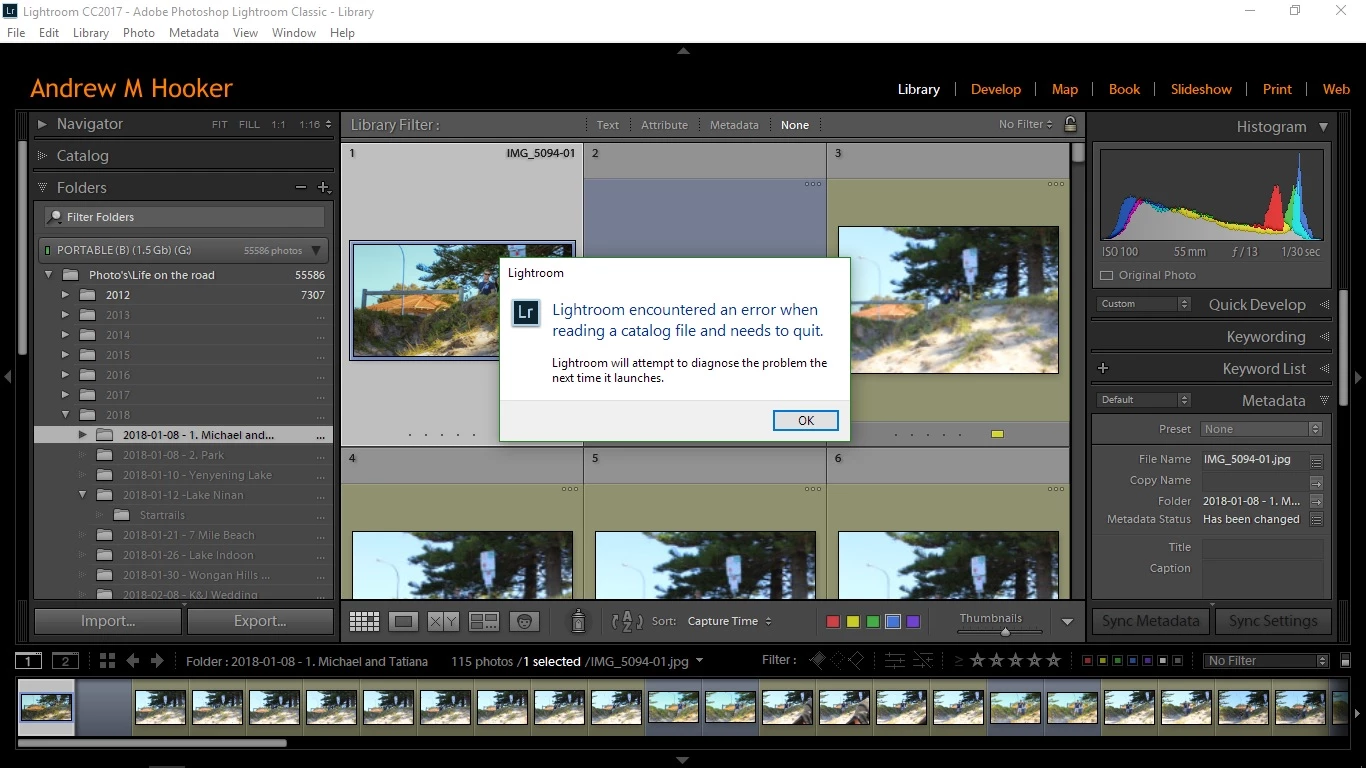
Then, after LR has shut itself down and I restart, this comes up.
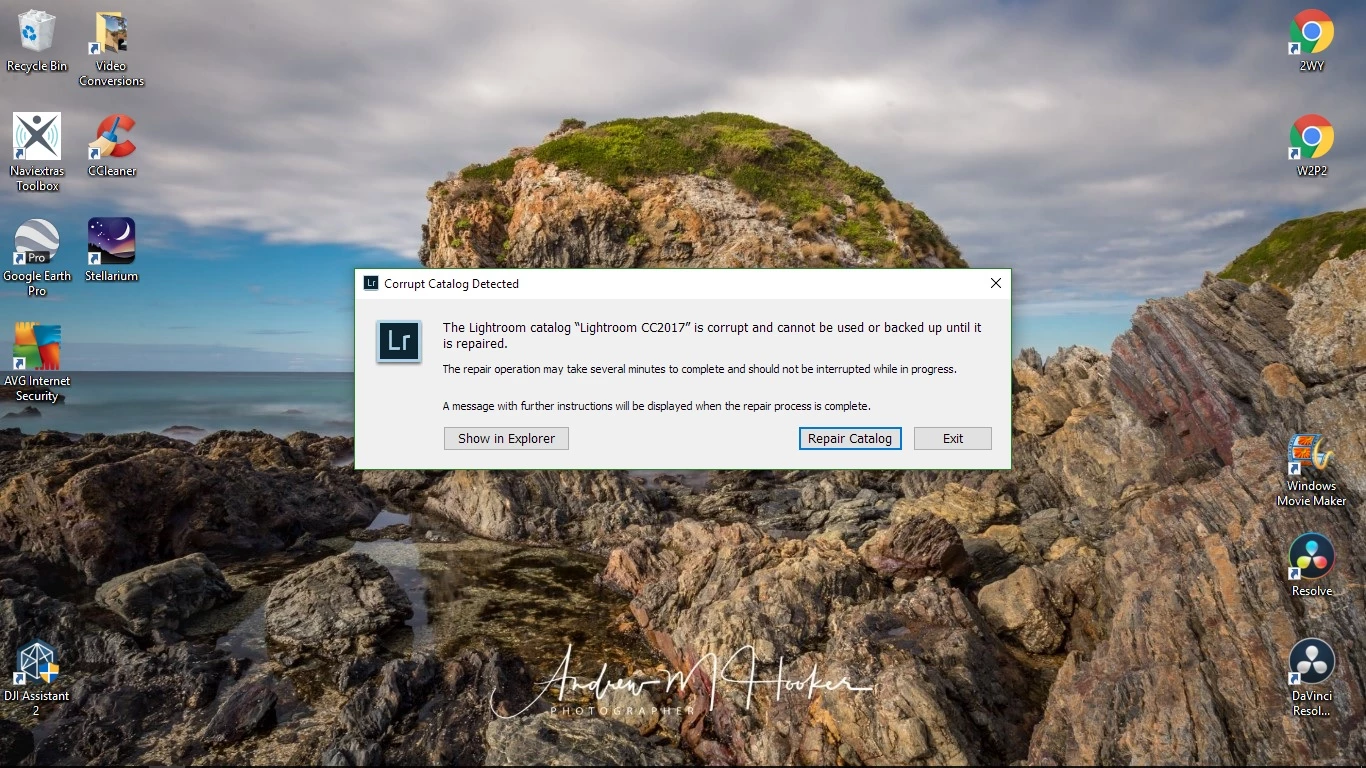
So, after telling it to repair the catalog I get the following.
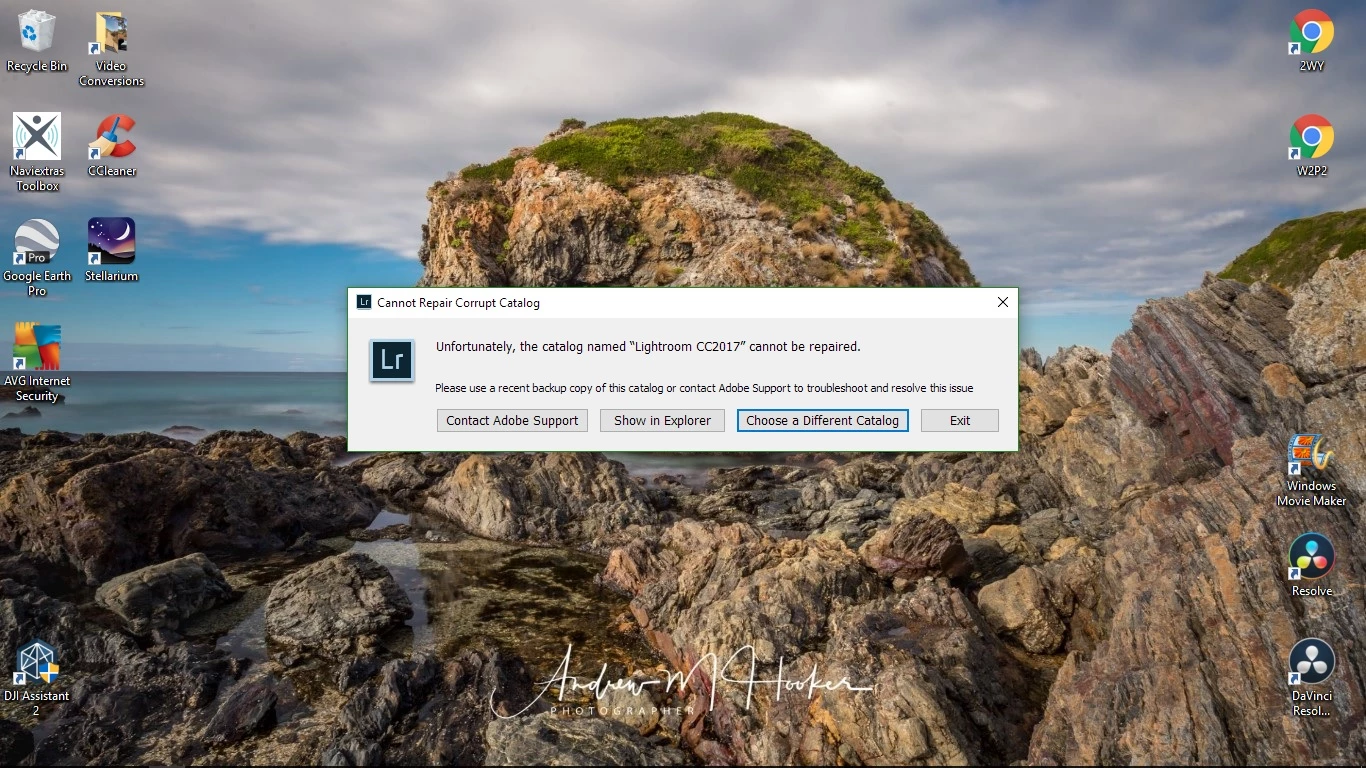
And the kicker is, no matter what back up I try to use, it does exactly the same.

I have uninstalled and reinstalled LR and still get the same thing.

Anybody got ANY idea of what the hell is going on?

Thanks in advance.

Andrew

This topic has been closed for replies.

3 replies

Inspiring
April 24, 2018

Interesting that backups of your catalogue are also corrupted. It would be unusual for Lightroom to work on your primary catalogue (at least up until now) and yet create corrupted backups.

If you're sure you have reliable hardware, then yes, creating a new catalogue and importing your photos all over again looks like the only course of action.  Downside, all your edits have gone so in essence, you're starting again.  Upside, at least you didn't lose your photos, they're the most valuable.

2wander-yonder
Participating Frequently
April 24, 2018

Ok, will do. Thanks for your help.

...years from now you will be more disappointed by the things you didn't do than the one's you did. So throw off the bowlines. Sail away from the safe harbour. Catch the trade winds in your sails. Explore. Dream. Discover. - Mark Twain.

Catch us on the web at - 2wander-yonder.com

Sean McCormack
Community Expert
Community Expert
April 24, 2018

One of todays update fixes is for Lightroom creating corrupted backups.

Sean McCormack. Author of 'Essential Development 3'. Magazine Writer. Former Official Fuji X-Photographer.
dj_paige
Legend
April 23, 2018

One possibility is that your hard disk is malfunctioning.

2wander-yonder
Participating Frequently
April 23, 2018

Hi,

Yes, considered the drive may be the problem so copied a backup from my

external drive to the Lightroom folder (C drive) and got the same result.

Sent from my phone.

dj_paige
Legend
April 23, 2018

2wander-yonder  wrote

Hi,

Yes, considered the drive may be the problem so copied a backup from my

external drive to the Lightroom folder (C drive) and got the same result.

Sent from my phone.

If the C: drive is the problem, then this doesn't help. Can you open a backup from a different drive?

Inspiring
April 23, 2018

What happens if you create a new catalogue, add some photos, save, close down Lightroom and restart?  Does the new catalogue open correctly?

Can you copy the corrupted catalogue file copy ok? e.g. copy it from its present location somewhere else, preferably a different drive using File Explorer?

2wander-yonder
Participating Frequently
April 23, 2018

Hi,

Will try the first part of your answer later today to see what happens and

will report back.

Have tried the second part of your answer but got the same result.

Sent from my phone.