Heirloom Bob
Inspiring
October 11, 2023
Question

Upgrade to Lightroom 13

  • October 11, 2023
  • 3 replies
  • 1104 views

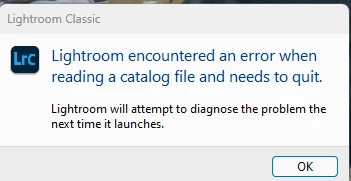
Did the upgrade, rersolved my issue with the catalog not updating but that's now complete. Now, everytime I atempt to use Lightroom on my Windows 11 PC, I get this:
Now when Lightroom relaunches:
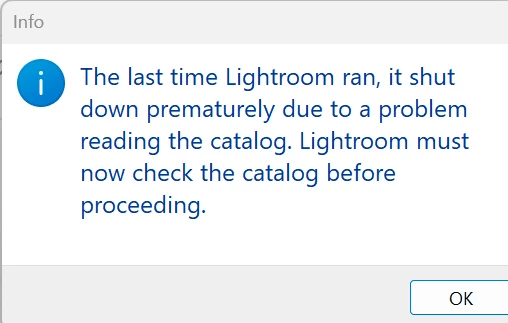
 

And I see this:
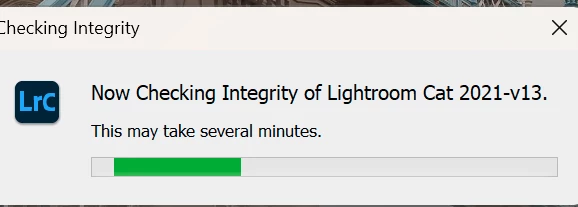
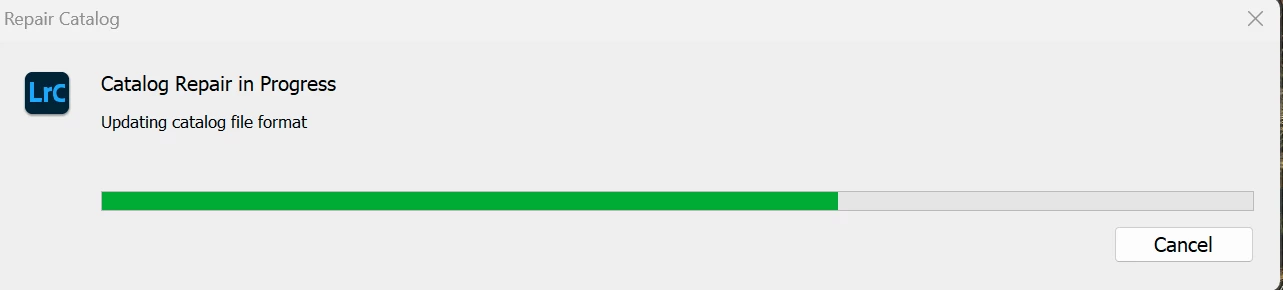
And then I see this and the process takes a long time to repair catalog.
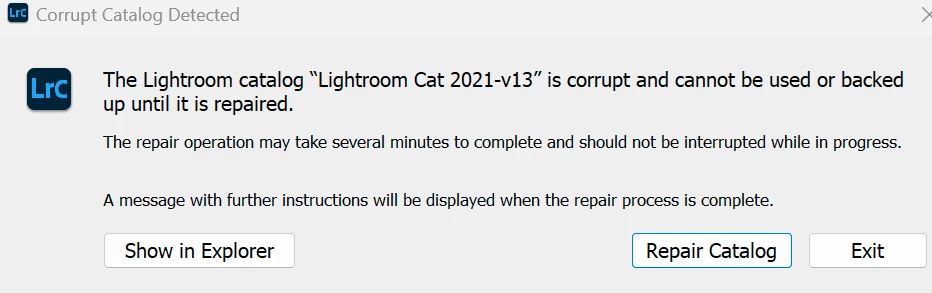


Any suggestions on how I can get a working copy of lightroom back on my PC? I can't go back to the earlier version because during the catalog upgrade, I was warned it would not work with ealier versions of Lightroom.


This topic has been closed for replies.

3 replies

Pidgeoncoop
Participant
November 6, 2023

I have encountered this issue when opening my catalogue between Mac and Windows machines. This is irrespective of v13. The soultion that worked for me is

How do I fix Lightroom Catalog error?
Windows
  1. Open the location of the catalog. The default location of the catalog would be File Explorer > Pictures > Lightroom.
  2. Open the catalog-name. lrcat-data folder.
  3. Locate and delete the "CURRENT" file.
  4. Open Lightroom Classic and ignore the same error message that may pop-up.
  5. Re-open Lightroom Classic again.
Smit K
Community Manager
Community Manager
October 12, 2023

Hi @Heirloom Bob ,

Could you please share your catalog with us? This will help us understand if it is catalog specific issue.

I have dropped an email to you with a shared folder where you can upload it.

Smit | Lightroom Team
Heirloom Bob
Inspiring
October 12, 2023

Uploaded.


In the meantime, I uninstalled LR version 13, reinstalled 12.5 and launched my previous catalog (which I previously moved to another drive, based on an earlier suggestion). I have an operational LR now, albeit 12.5. I will await word from Smit @ Adobe before another attempt. 🙂

Keith Reeder
Participating Frequently
October 12, 2023

Open your latest backed-up catalogue.

Heirloom Bob
Inspiring
October 12, 2023

Same issue

dj_paige
Legend
October 12, 2023

When catalogs fail repeatedly, this indicates your hard disk is malfunctioning.


Try unzipping a fresh copy of the backup, and putting it on a different disk and then opening it from that disk.