
Upgrading hardware advice, freezing and frame rate drop when scrolling in LR Classic
Hi all,
I'm looking for solutions to fix the freezing issues with Lightroom Classic. I included a brief screen recording that describes the issue that I am facing.
The issue gets worse when I am running Skype and using screen-sharing. I show my colleagues what I am working on, so it is kind of important that I could run screen-sharing and Lightroom at the same time.
I would like to seek some suggestions. Should I try to patch the issue with an external SATA SSD plugged into the Mac via USB 3.0 port or Lightning? Or, should I build a new system altogether? I am currently outside of my studio, and would prefer the SSD solution so that I do not need to carry buy another CPU.
Below is a rundown of my system and the set-up:
Computer:
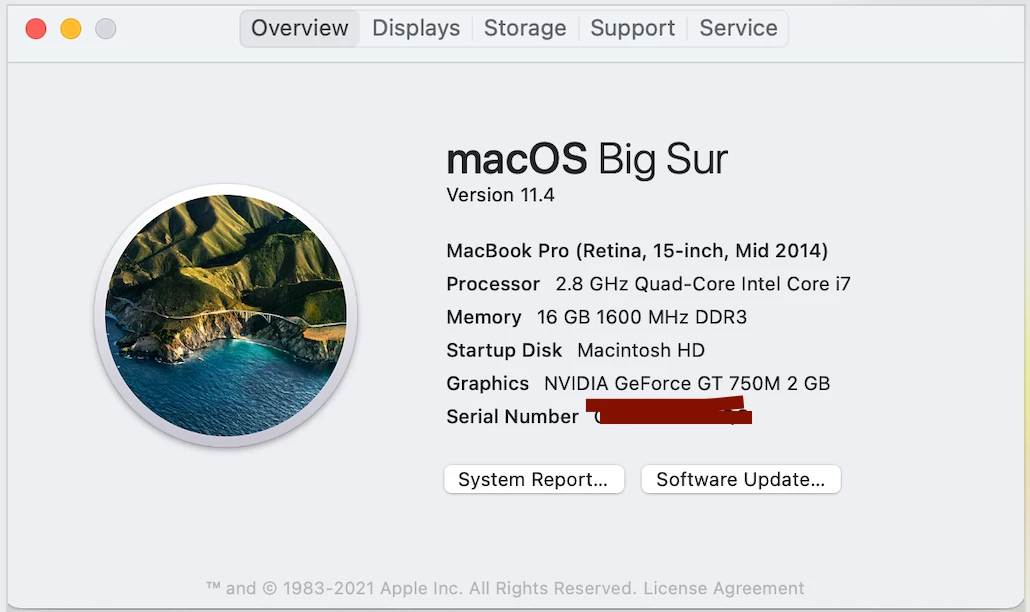
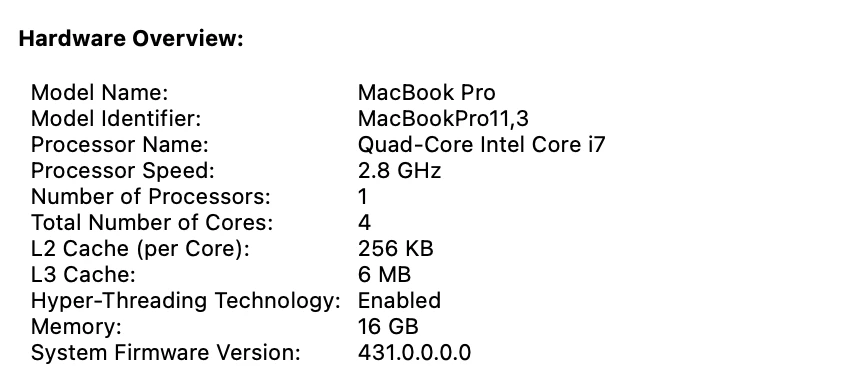
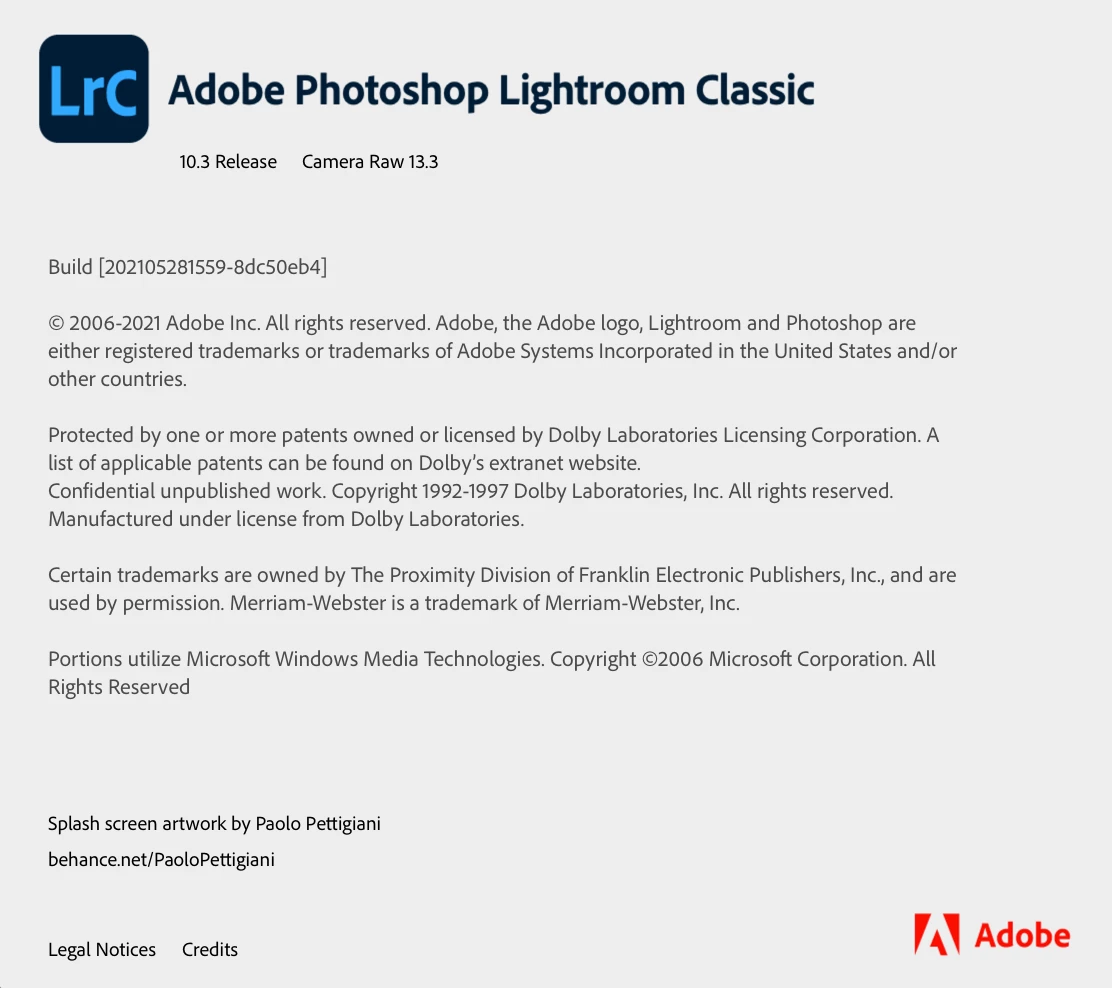
Lightroom Classic is installed on the computer
External Hard Disk:
A WD 2TB My Passport Ultra Portable Hard Drive USB 3.0 from years ago. Its external appearance is similar to this one:
https://www.newegg.com/model-wdbmwv0020bbk-nesn-2tb/p/N82E16822236568
The catalogue and photographs are stored on this hard disk
Thanks all!
 AdChoices