
Use Graphics Processor changes colours in Develop
Turning on "Use Graphics Processor" causes colours show in the Develop module to be significantly more saturated and vibrant than with the setting off. I expect that the colours should be the same, just with a performance difference.
Turning the setting off makes the colours match the Library module, exported JPGs, and the colours seen when you go "Edit in Photoshop" from Lightroom directly. The last one in particular makes me confident that the accelerated colours are incorrect. For exported images the colour space doesn't greatly affect this, this are allo close to the non accelerated version.
For now I can work around this by just disabling GPU acceleration, though obviously this affects editing performance.
Here is a comparison with the two settings:
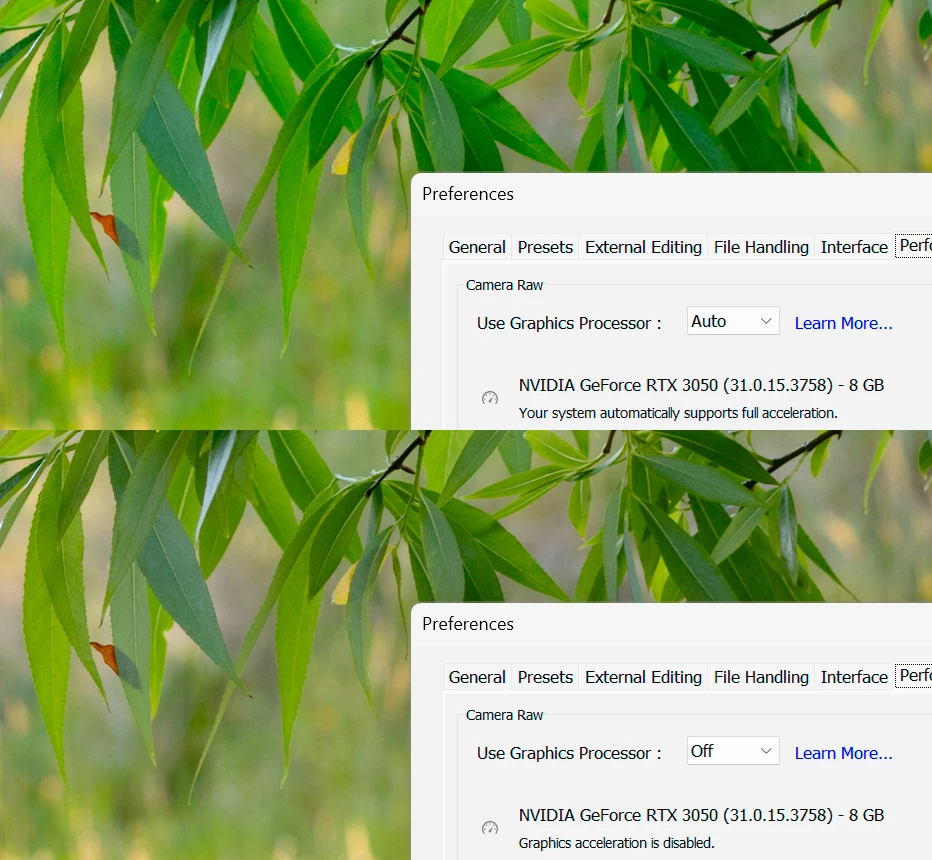
Here is a close up of one of the leafs, with the GPU off on the left, and on on the right.

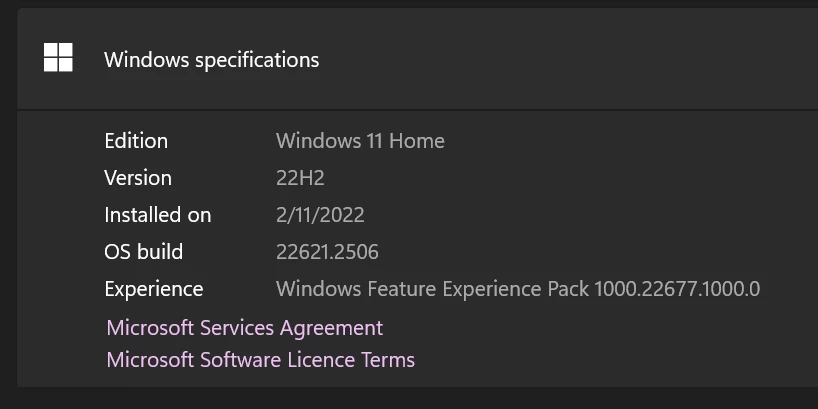
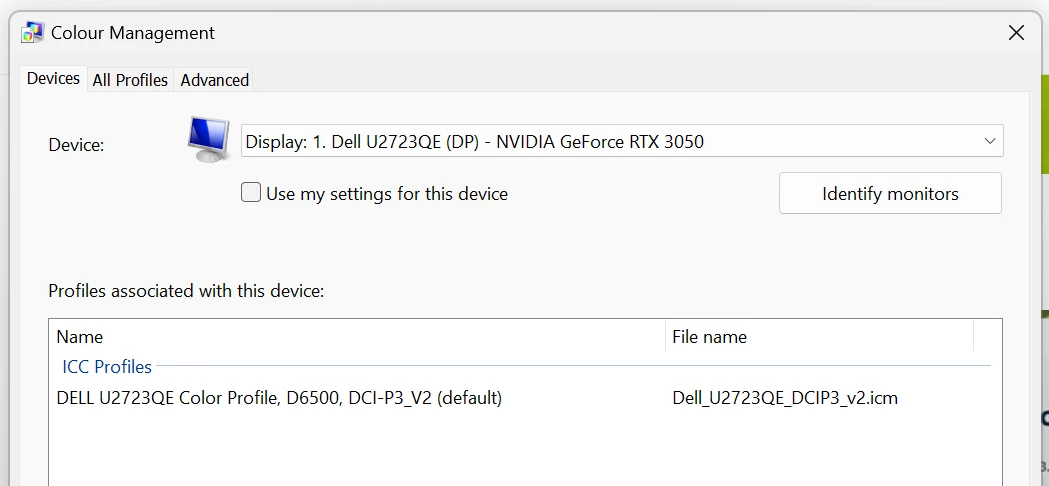
Here are the various versions on things I'm using, hardware, and colour profiles:


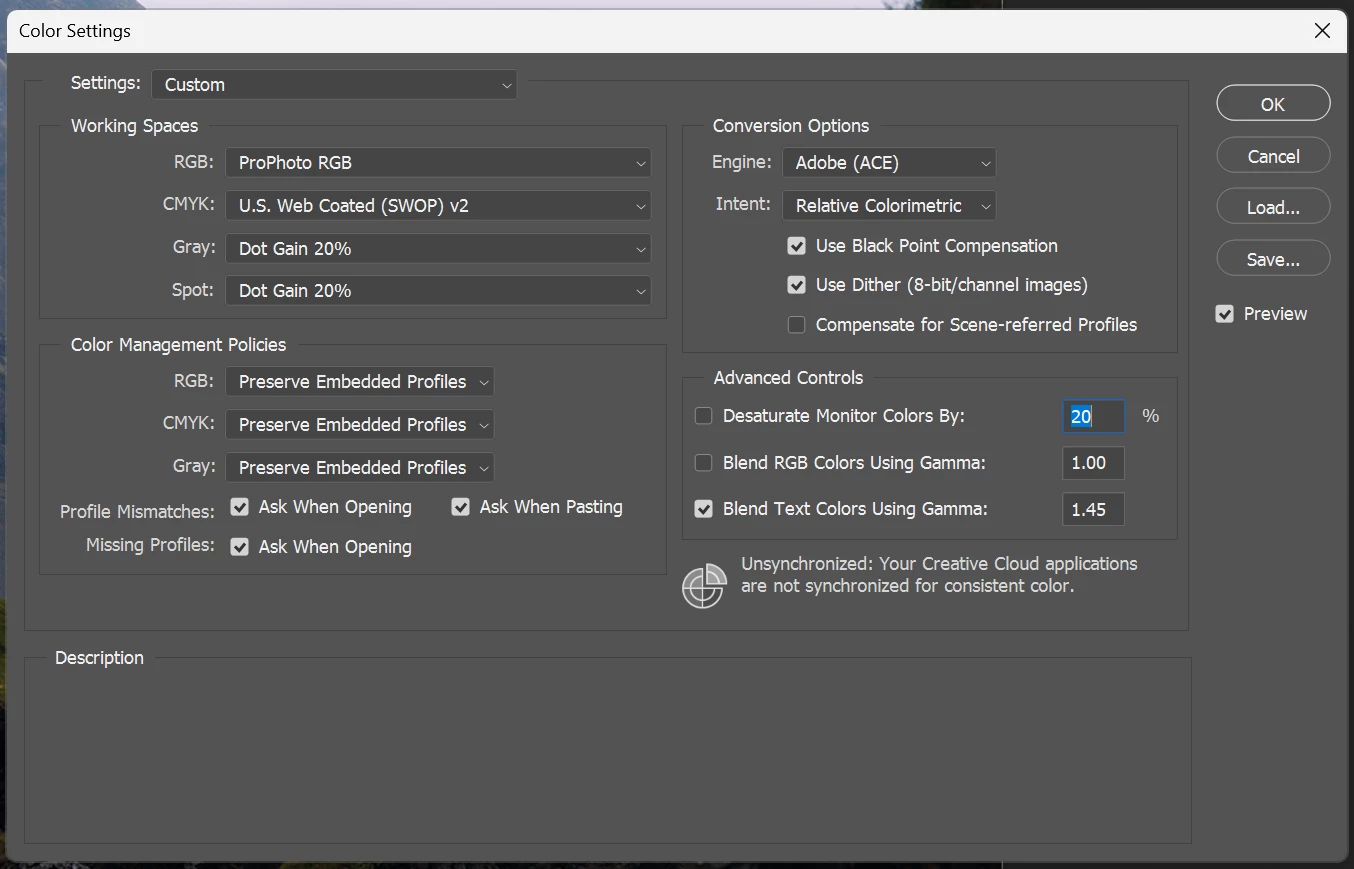
Photoshop colour settings just in case the "Edit in Photoshop" is in question:
Are there any known fixes for this? Are there combinations of hardware that will work better? The 3050 is not my favourite graphics card but I'd like to know that what I move to will work correctly.
Thanks
Aly


 AdChoices