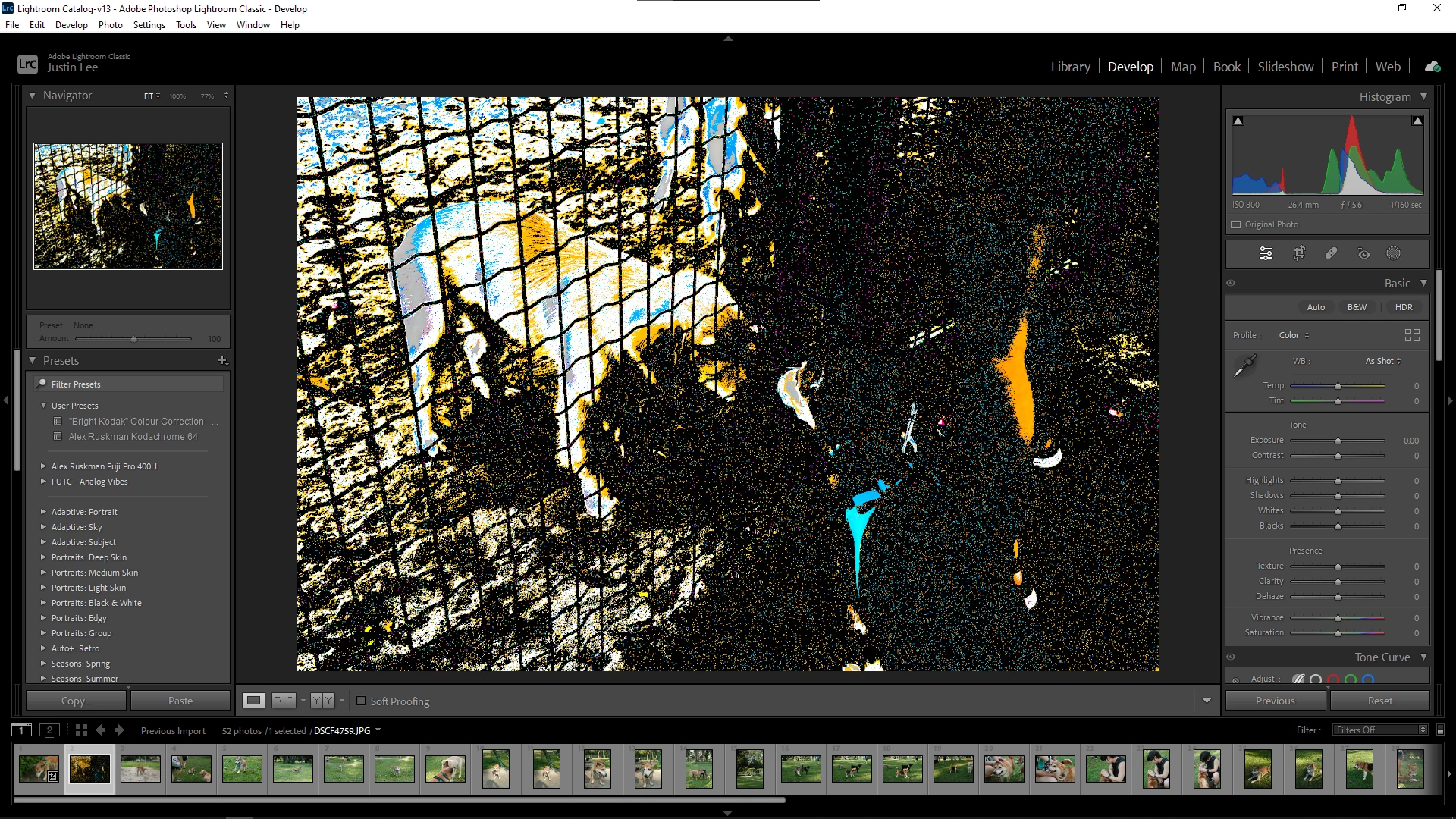
The first thing that you should try is to switch off the GPU support from the Lightroom preferences and check if that helps to fix the issue.
Go to Lightroom > Preferences > Performance tab > Uncheck "Use Graphics Processor" > Restart Lightroom.
https://helpx.adobe.com/lightroom-classic/kb/troubleshoot-gpu.html
If Lightroom doesn't start correctly the please see "Solution 2" in the document behind the link below.
Troubleshoot GPU issues | Lightroom Classic (adobe.com)
Another step is to try to reset the Lightroom preferences.
https://www.lightroomqueen.com/how-do-i-reset-lightrooms-preferences/
It's recommended to backup your preferences before you reset the preferences to the default settings:
https://helpx.adobe.com/lightroom-classic/kb/preference-file-and-other-file-locations.html
If this doesn't help we need more informations about your environment.
Please provide also a copy of your 'System Info'. This can be get from the LrC Help > System Info menu item. There's a copy button in the System Info dialog. Press this button and paste the info into your next forum post.
Is your system up-to-date? Do you have installed all recent updates and patches for the operating system and the device drivers, especially the graphic driver. If you have a NVidia graphic card installed, make sure that you are using the recent Studio version of the driver, not the Game Ready version.



 AdChoices