Inspiring
December 31, 2017
Answered

What are Temporary folders in Finder and can I delete them?

  • December 31, 2017
  • 1 reply
  • 3688 views

Hi,

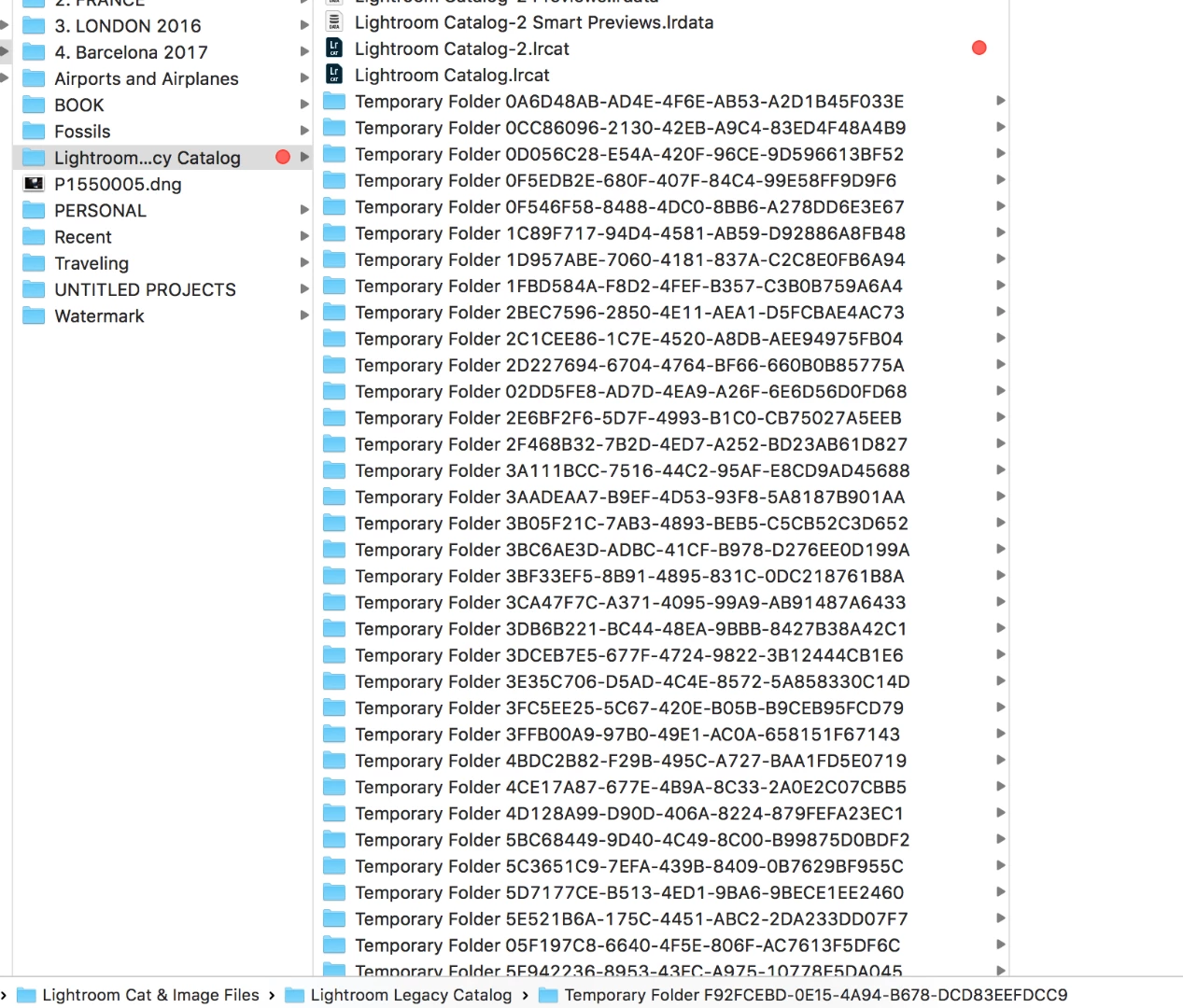
I found all these temporary folders in Finder. What to do with them? Some have images some don't.

Please see screen shot below.

I deleted 2 images from my library and I tried to export them from my cloned library to the desktop to re-import to my regular library, but then didn't. Could the folders be a result of mt actions? Fail to see how ...

Thanks a lot.
This topic has been closed for replies.
Correct answer Just Shoot Me

Let me correct myself.

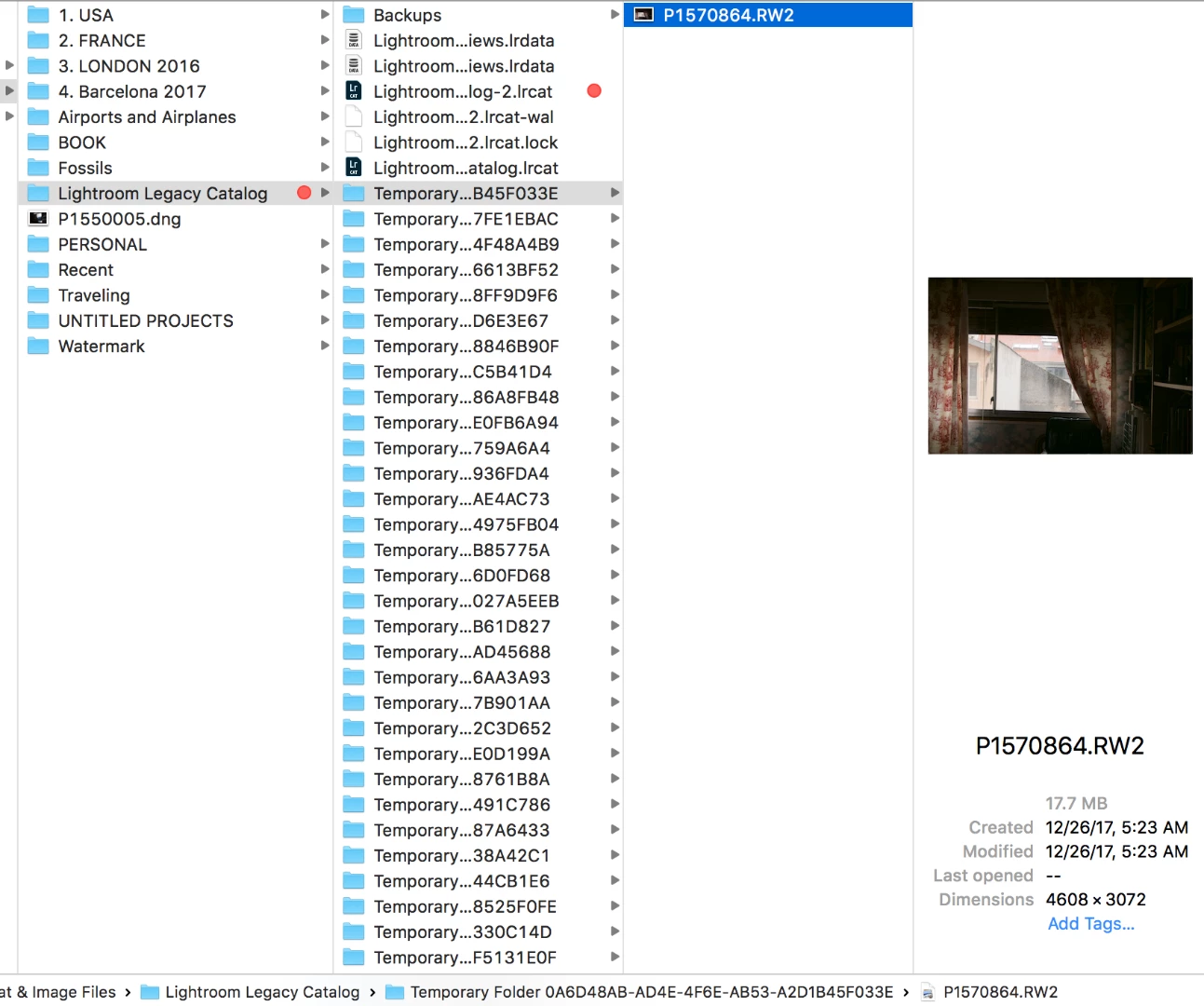
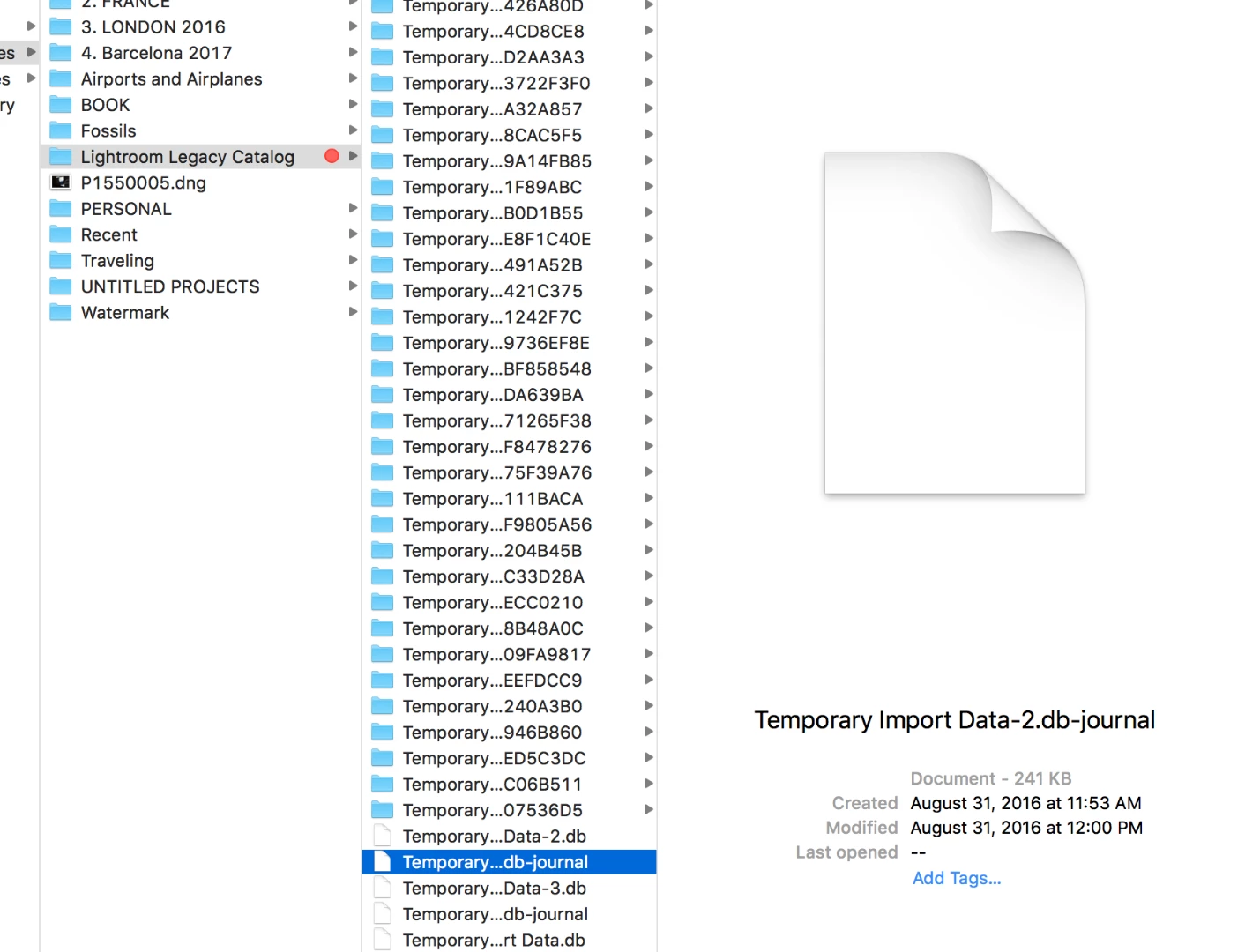
The majority of the folders have one image in each the are from Trash - from when I was going through Trash to locate the 2 files I had deleted by mistake, and the last 4 folders have documents in them. See 2 screenshots below.

Screenshot #1

Screenshot #2


I say just delete them. They will, or should, end up in the Trash so if you need to replace them you can.

But Temp folders and files are just that, Temporary.

Why whatever program created them didn't delete them once the program was shut down I have no idea. I delete temp files and folders all the time. Actually I just did. My system is still running.

1 reply

Just Shoot Me
Legend
December 31, 2017

No to your question about deleting and reimporting. They aren't from that.

Sure delete them.

What is inside them, anything?

Inspiring
December 31, 2017

Some have images some don't.

What are they from/about?

Just Shoot Me
Legend
December 31, 2017

What do you mean some have images and some don't?

Can you show a larger screen shot showing one of the Temp folders contents? It should be to the right in the next section of the Finder window.