
Question
What files can I delete to allow more room on my MacBook Pro - LR Classic
I've run into storage issues on my MacBook Pro..
I have a zillion Lightroom Catalogues on my system, and wonder which are safe to delete..
I have .lrcat and .zip ..
Can I remove all the old .lrcat folders except the one for my current catalogue? and 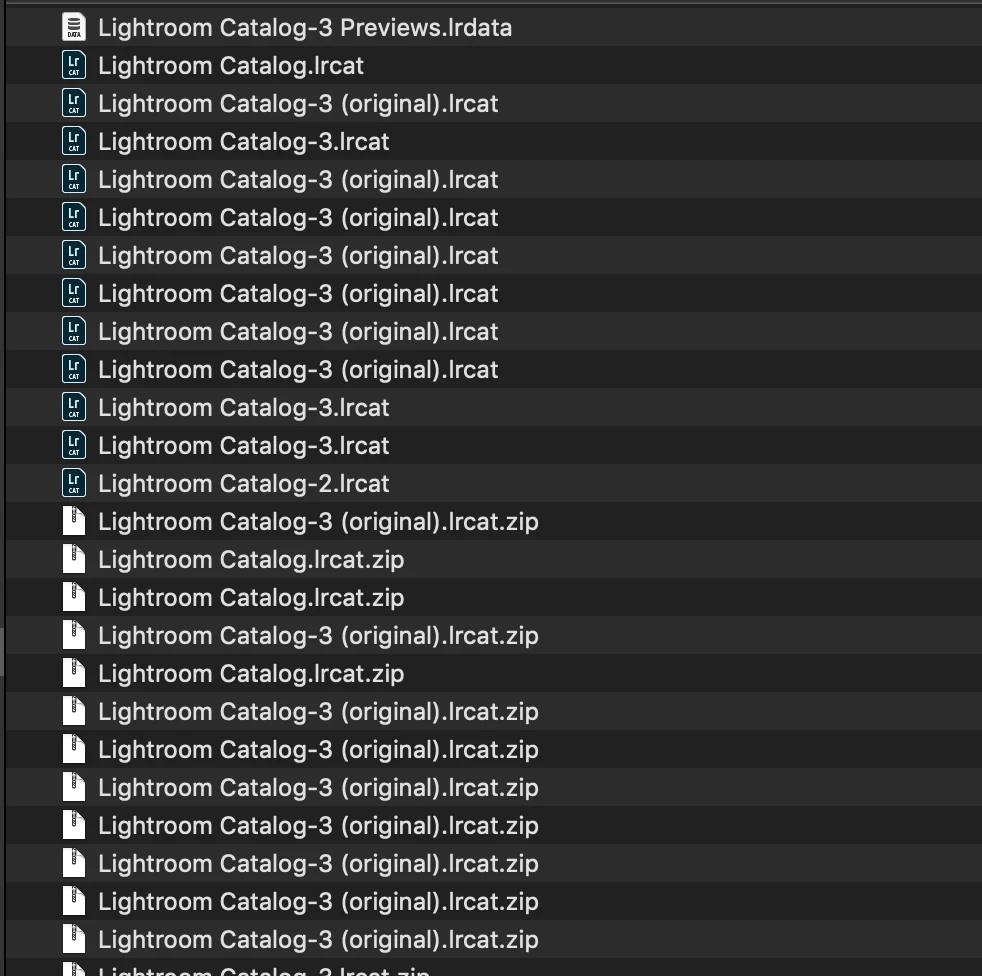 presumably the zips are the backups I perform on closing .. can I delete all the .zips bar the most recent??
I've gone into LR and deleted Smart Previews but can I also remove the Smart Preview files in Finder as well??
Heading to Alaska and want lots of room for pics!!
Thanks in advance!


 AdChoices