



NateCastner
Participant
Oct 31, 2019 7:33 PM UTC
Answered

What is going on with my Spot Removal tool? Turns to a black and white sketch!

Every time I turn on the Spot Removal tool, the photo turns to a black and white sketch looking thing...
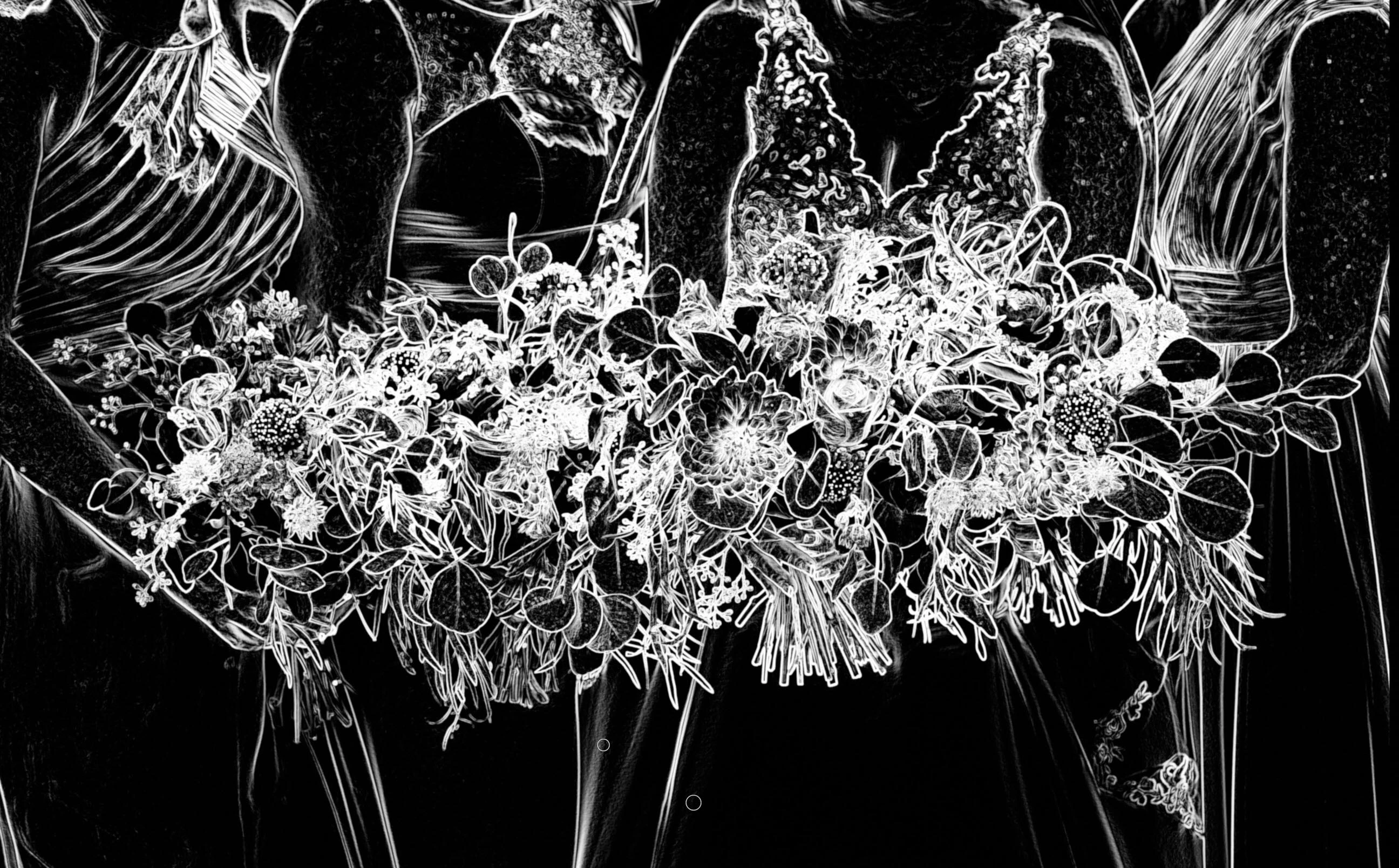
 

What's going on?! I've restarted LR as well as my computer. MacOS Mojave 10.14.6. LR Classic 8.4.


This topic is closed to new replies. Start a new post to keep the conversation going.
99jon
99jonCorrect answer
Legend
Oct 31, 2019 7:39 PM UTC

Un-check visualize spots on the toolbar – see image below.

Press the "T" key if you can't see the toolbar.


5 replies

99jon
99jonCorrect answer
Legend
Oct 31, 2019 7:39 PM UTC

Un-check visualize spots on the toolbar – see image below.

Press the "T" key if you can't see the toolbar.


Translate
NateCastner
Participant
Oct 31, 2019 7:43 PM UTC

Thanks!!! I had the toolbar collapsed, so I didn't even see that option! Must have hit a key to enable it...

Translate
Rob_Cullen
Community Expert
Community Expert
Nov 1, 2019 12:55 AM UTC

Keyboard shortcut to toggle "Visualize" is  [ A ]

Translate
Regards. My System: Windows-11, Lightroom-Classic 15.6, Photoshop 27.8, ACR 18.7, Lightroom 9.4, Lr-iOS 10.4.0, Bridge 16.0.3 .