
Ken Nielsen
Legend
Aug 14, 2024 1:38 AM UTC
Answered

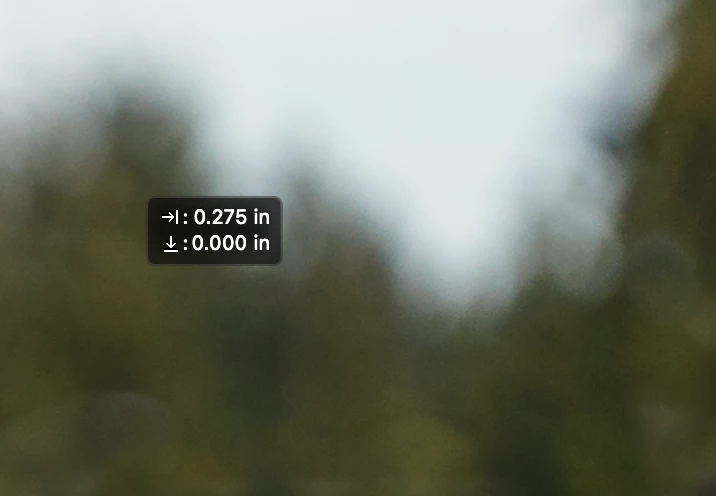
What is the little dimensions box that appears onscreen and can't be deleted?

Somehow, when accidentally touching the screen with the cursor while editing an image a little dimension box appears that cannot be gotten rid of unless I quit Lightroom and re-start Lightroom. It also stays on screen going to other apps, for instance signing on to these forums... there it is. What is it and how do I turn it off? The excape key and all other keys do nothing to get rid of it. I need help as it's a plain nuisance... TIA,  Ken

This topic is closed to new replies. Start a new post to keep the conversation going.
Ian Lyons
Ian LyonsCorrect answer
Community Expert
Aug 15, 2024 7:48 PM UTC

Yes, Photshop Beta is installed and running sude-by side with regular Photoshop and Lightroom Classic.


The link provided by @AxelMatt  explains where the issues lies (i.e. Photsohop Beta not Lightroom Classic).

8 replies

Ken Nielsen
Legend
Aug 15, 2024 6:36 AM UTC

There is apparently no resolve for this and appears on Windows of Mac. As long as it doesn't take over my computer system and only appears at most once a week... I can live with shutting the system down and rebooting to get rid of it. I won't mark anything as resolved yet as I hope there will be a fix. This has never happened before after decades of Lightroom use and only pops up in Lightroom Classic.

Translate
Ian Lyons
Community Expert
Community Expert
Aug 15, 2024 7:34 AM UTC

It would be helpful if you would confirm whether you have Photoshop Beta installed or not. 

Translate
Ken Nielsen
Legend
Aug 15, 2024 7:40 PM UTC

Yes, Photshop Beta is installed and running sude-by side with regular Photoshop and Lightroom Classic.


Translate
Community Expert
Aug 15, 2024 6:02 AM UTC
My System: Intel i7-8700K - 64GB RAM - NVidia Geforce RTX 3060 - Windows 11 Pro 26H2 -- LR-Classic 16 - Photoshop 28 - Nik Collection 9 - PureRAW 6 - Topaz Photo AI
JohanElzenga
Community Expert
Community Expert
Aug 14, 2024 8:54 AM UTC

It may be something in System Settings > Accessibility. Otherwise restart your computer.


Translate
-- Johan W. Elzenga
Ken Nielsen
Legend
Aug 14, 2024 6:46 PM UTC

I will explore. It appears without warning simply touching the screen with the cursor makes it appear. Thankfully it's only once in a while and not every day.

Translate