I am having the same problems, just updated, neither Lightroom is working, cannot open into photoshop. cCan;t import in Lightroom Classic. Sorry I sprung for the whole year.
You have responded to a 7 year old thread, and it is unlikely you have the same problem. Please start a new thread and describe your problem in detail. Include your hardware setup. People will be happy to help you in a new thread. Do not continue to discuss your problem in this thread.
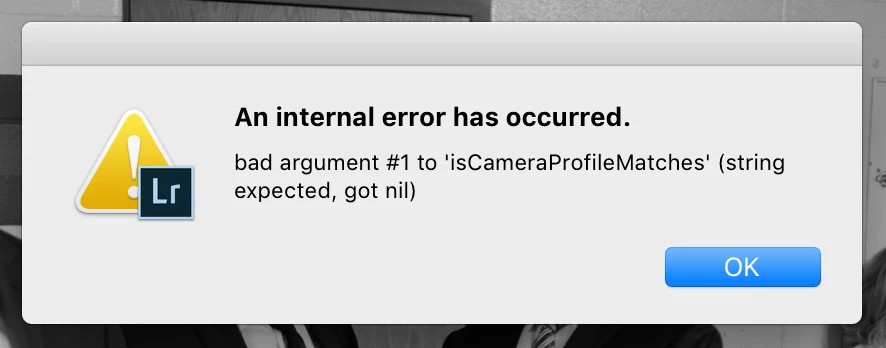
Restarted lightroom and the computer. It's just started. It happens when pushing "Previous" from image to image. It seems to only be happening with one particular camera. Firmware is updated.
Sounds like a bug with the profiles for your specific camera. You should go to feedback.photoshop.com and post the problem there. Make sure to note camera type, Lightroom version and operating system. That forum has actual Adobe engineers looking for bug reports. Here it is mostly just other users.



 AdChoices