



joanne_7144
Participant
June 8, 2026
Question

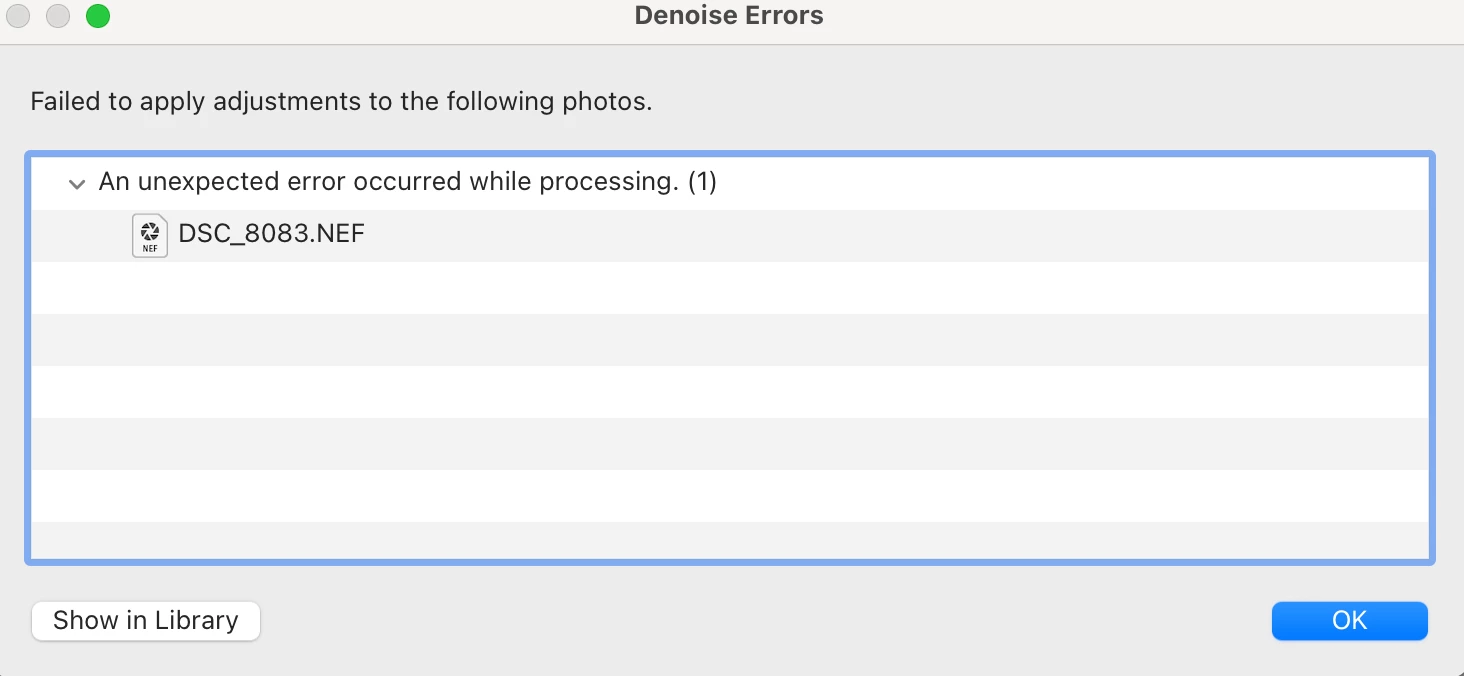
When I attempt to use the Denoise feature, it doesn't work and it is giving me an unexpected error on my photo without explanation.
  • June 8, 2026
  • 1 reply
  • 17 views

I haven’t had trouble before now using the denoise feature. Whenever I toggle it on, it starts to work and then it tells me this. How do I fix this? I have updated the app, closed it, and reopened it and it still does not work.

    1 reply

    Srishti Bali
    Community Manager
    Community Manager
    June 8, 2026

    Hi @joanne_7144 


    Thank you for reaching out. This error is commonly related to GPU compatibility or configuration issues, although in some cases it may be specific to certain files. To help us investigate further, could you please provide the following information?

    • Your system information report: Go to Help > System Info, then click Copy and paste the complete report in your reply.

    • Let us know whether the issue occurs with other files as well.

    • Confirm that your images and catalog are stored locally on your computer.


    If the issue occurs with all files, including those stored locally, please try resetting your preferences after creating a backup. You can find the steps here: https://adobe.ly/4uPEAI6


    We hope this helps. If the issue persists, please feel free to reach out with the requested details, and we'll be happy to assist further.

    Thanks, Srishti Bali | Community & Engagement Strategist, Digital Imaging | Adobe