


Question
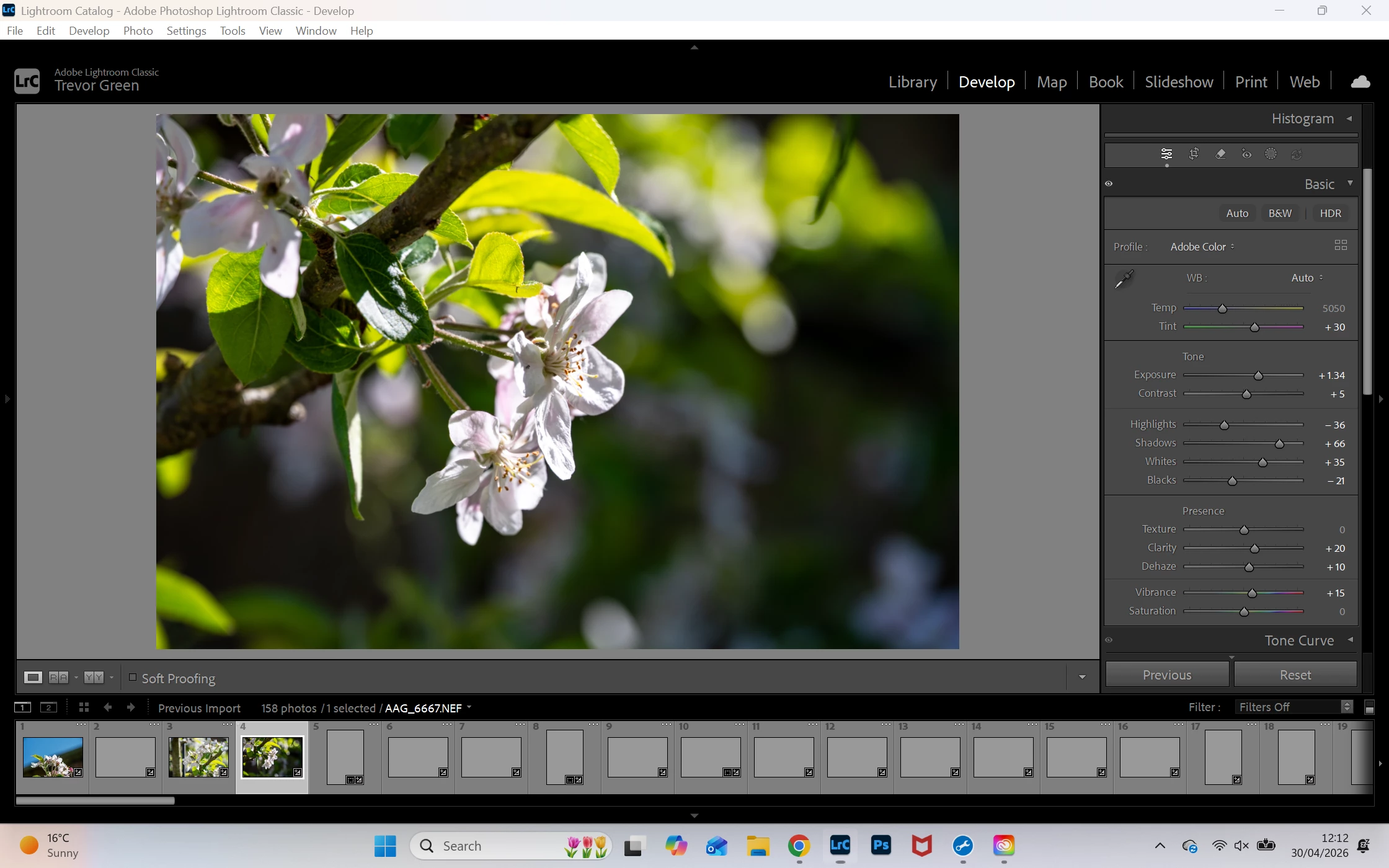
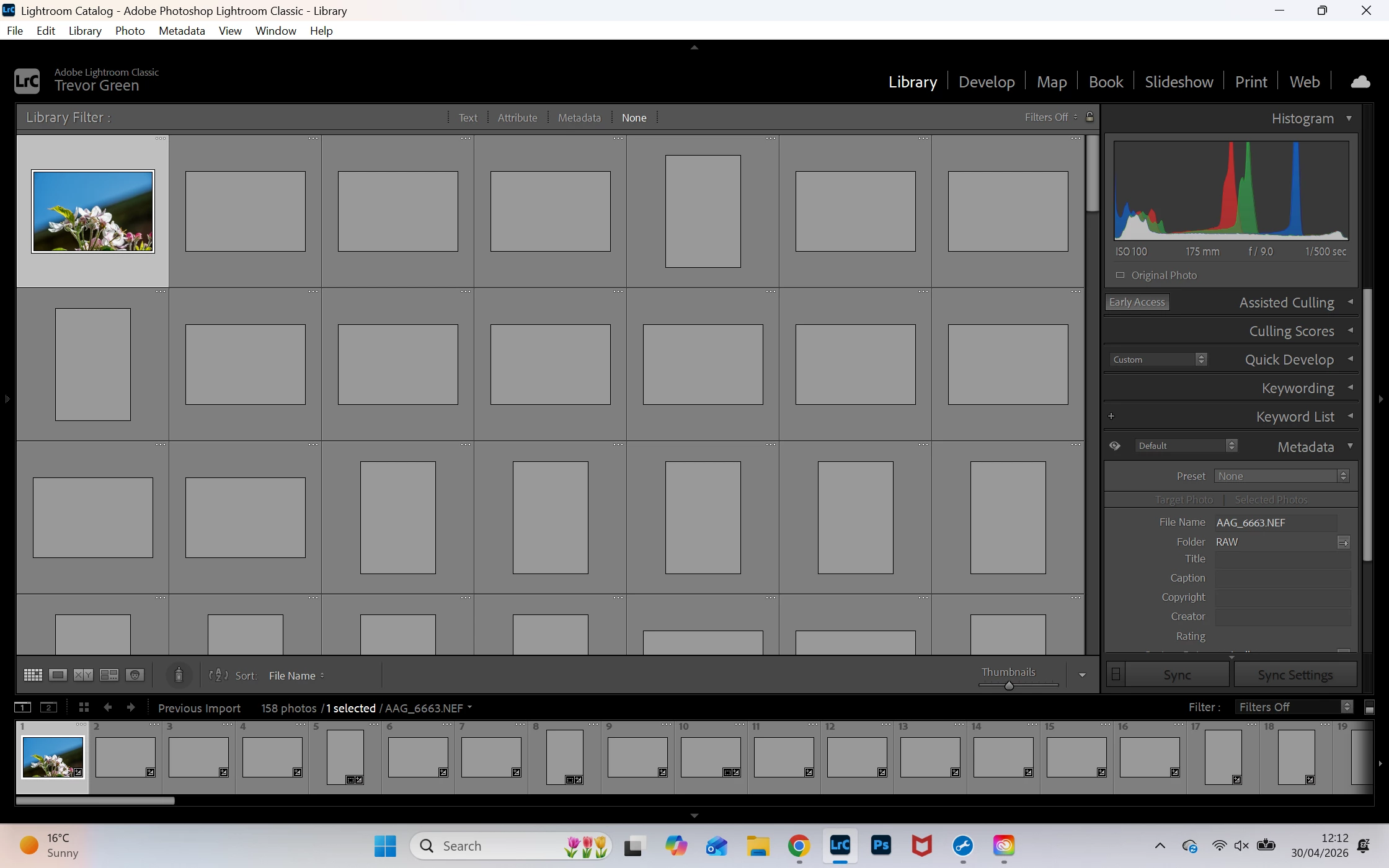
When l import my NEF images they appear as grey pictures in both library & developer view, it has not done this previously
Recently (current install) when l import my NEF images they appear as grey pictures in both library & developer view, it has not done this previously, when l select an image the picture will appear and stay displayed until l select roughly the next 4th or 5th image then the previous one will go back to being greyed out. I have tried refresh of Windows 11 and reinstalled Lightroom classic but no change.
 AdChoices