Participant
November 2, 2016
Answered

where are my photo's?

  • November 2, 2016
  • 1 reply
  • 341 views

Hi there,

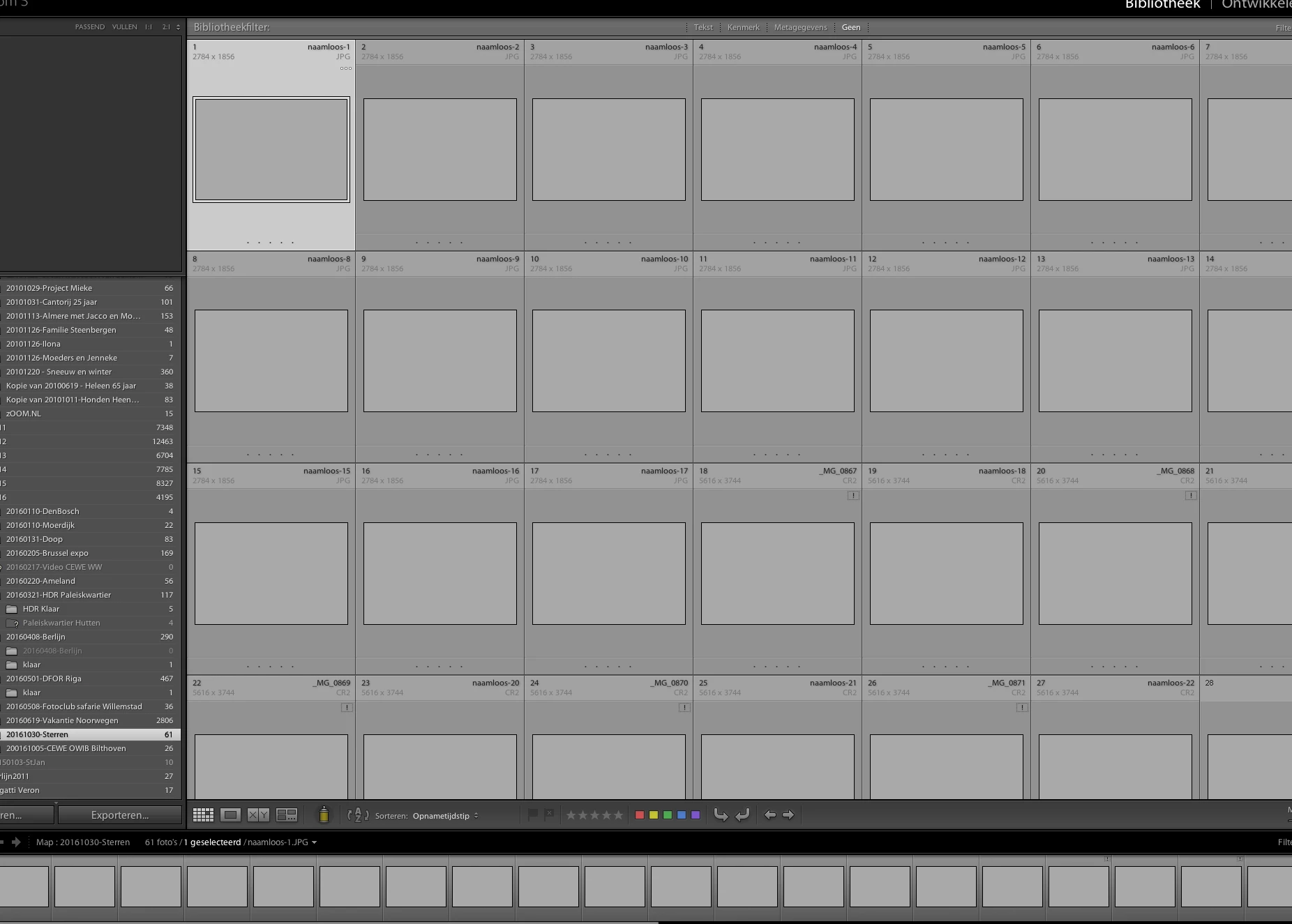
Since yesterday I've got a strange problem with LR. The screen is compleet like it normally is only the preview of my photo's is missing!
Does anyone know how that is possible and what I need to do to?

Version Lightroom 5.7. I work on an Imac with Sierra.
Already thanks for your help!
    This topic has been closed for replies.
    Correct answer Per Berntsen

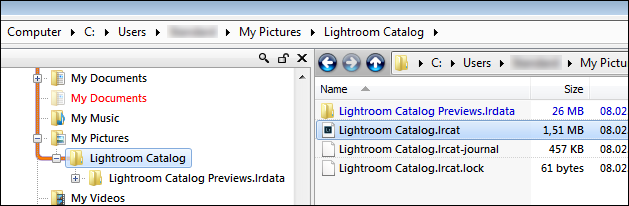
    Try deleting the preview cache, it could be corrupted.

    Close Lightroom, then use the Finder and go to the folder that contains your Lightroom catalog - usually inside the Pictures folder.

    Delete the folder whose name ends with Previews.lrdata (it is possible that this folder appears a file on a Mac, but it's the same thing)

    Do not delete anything else.

    Now launch Lightroom, and the previews will be rebuilt as you browse the Library.

    You can also tell LR to rebuild all previews (Library > Previews).

    1 reply

    dj_paige
    Legend
    November 2, 2016
    MariusvPAuthor
    Participant
    November 3, 2016

    Thanks. But it didn't work.

    Is there anyone with an other solution?

    Per Berntsen
    Community Expert
    Per BerntsenCommunity ExpertCorrect answer
    Community Expert
    November 3, 2016

    Try deleting the preview cache, it could be corrupted.

    Close Lightroom, then use the Finder and go to the folder that contains your Lightroom catalog - usually inside the Pictures folder.

    Delete the folder whose name ends with Previews.lrdata (it is possible that this folder appears a file on a Mac, but it's the same thing)

    Do not delete anything else.

    Now launch Lightroom, and the previews will be rebuilt as you browse the Library.

    You can also tell LR to rebuild all previews (Library > Previews).