
Known Participant
January 25, 2023
Question

Which collection mode allows drag-reordering?

  • January 25, 2023
  • 2 replies
  • 602 views

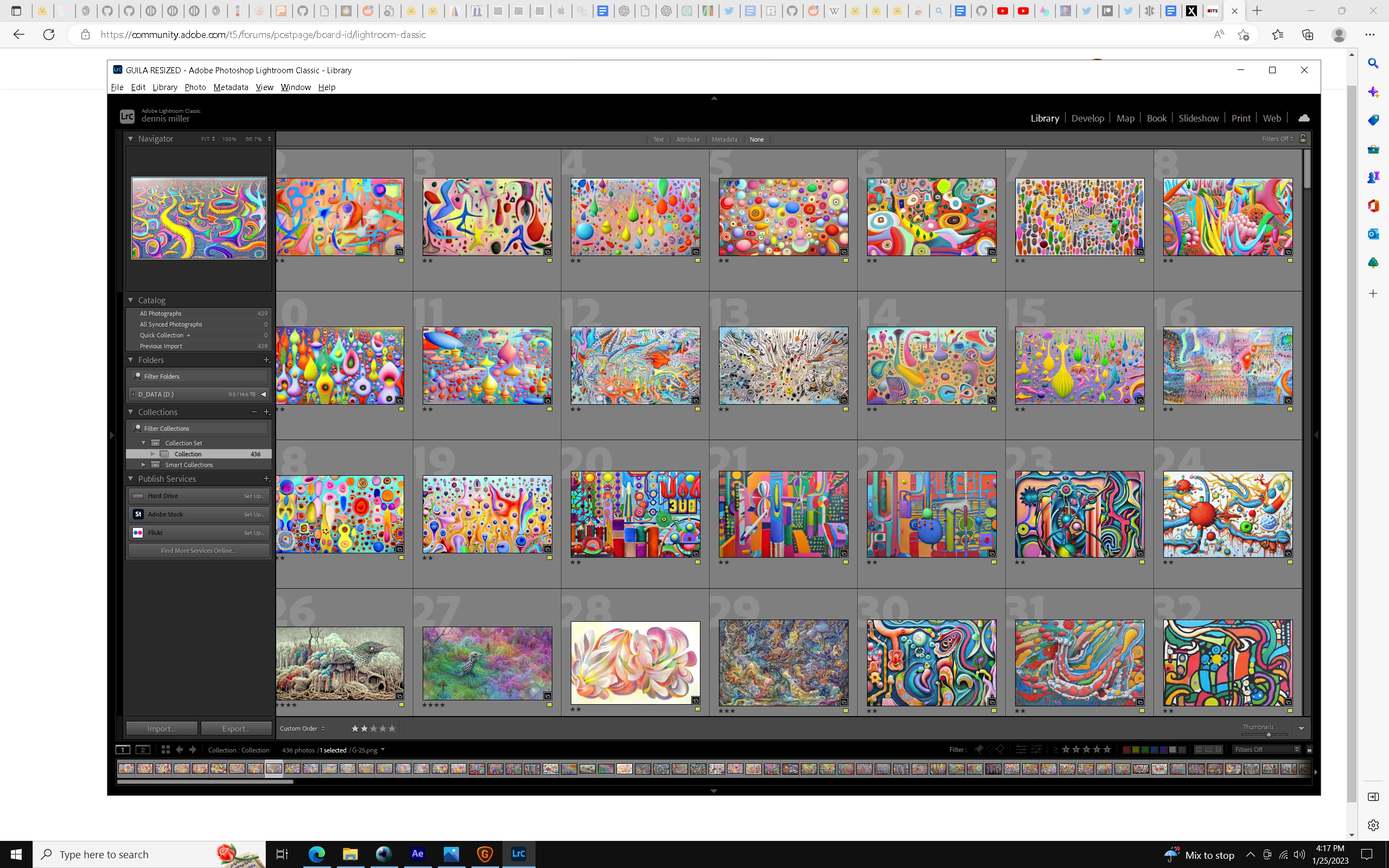
I have 400 images in a Collection under a Collection Set heading and I was happily dragging them into the order I wanted - all originals are in the same folder. But then a message brielfy popped up on the screen that I could not read - something about how to reorder files, after which, I can no longer drag and reordered the files I had just been doing so with. Not sure if I hit some key errantly and switched modes of some sort - still looking at the Collection in the left column - but now I can't reordered the files. Which mode should allow this? Thanks for any info. 
 

This topic has been closed for replies.

2 replies

Rob_Cullen
Community Expert
Community Expert
January 26, 2023

Maybe the 'bug' from v10.1 has returned, that limits moves to 52! (Likely in a Collection of 400 photos)

https://community.adobe.com/t5/lightroom-classic-bugs/p-limit-of-52-reorderings-in-custom-ordered-collections-and-folders/idi-p/12250073


Regards. My System: Windows-11, Lightroom-Classic 15.1.1, Photoshop 27.3.1, ACR 18.1.1, Lightroom 9.0, Lr-iOS 10.4.0, Bridge 16.0.2 .
Known Participant
January 25, 2023

Restarted and working again??

Sean McCormack
Community Expert
Community Expert
January 25, 2023

Once you're in the Collection reordering should always be possible. If it were the Collection set you'd have an issue. 


A restart is always the best first option when something is doing what you'd expect. 

Sean McCormack. Author of 'Essential Development 3'. Magazine Writer. Former Official Fuji X-Photographer.
Known Participant
January 25, 2023

Thanks much. So here's a bug - if you are reoredering photos and you stop dragging while you are in the process of dragging... just stop randomly anywhere.. you get the error about what the proper way to drag is and you can no longer drag... And yes, then if you quit and restart, things work fine again.