
Inspiring
April 19, 2024
Question

Which LR backups to remove?

  • April 19, 2024
  • 1 reply
  • 369 views

Which LR Classic backups to remove?
I have seveal LR Classic B/U/s on my computer, can someone tell me which ones I can safely remove?
I removed an older back up last year and had to reconstuck the images.
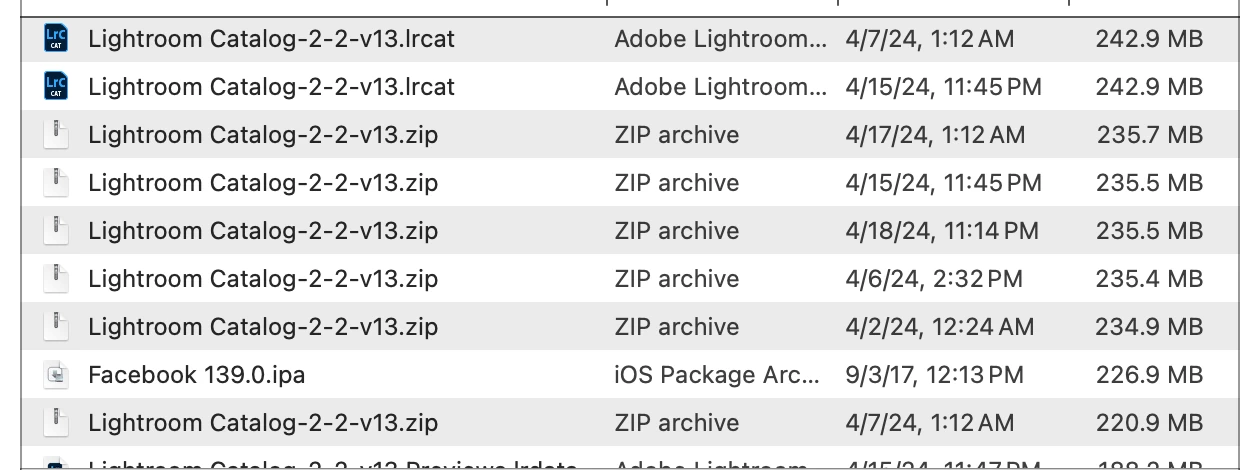
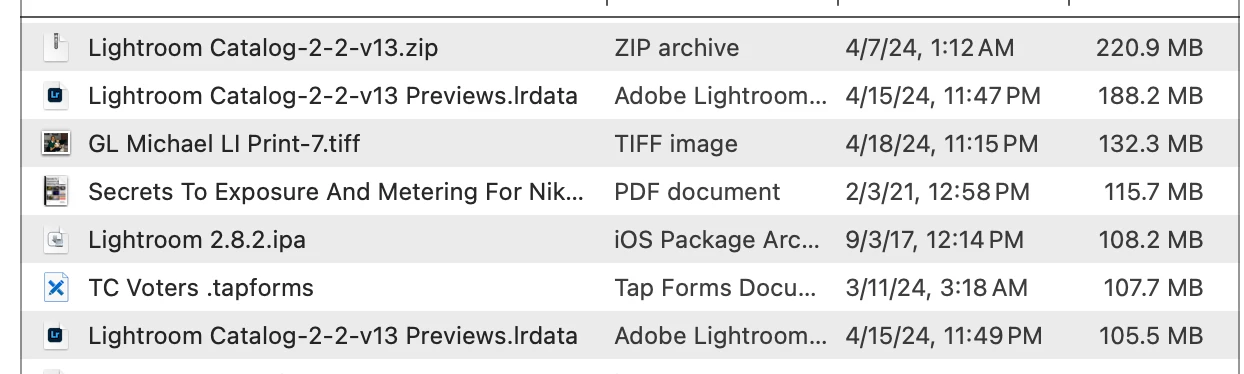
I attached the current ones that I have from the Apple storge (documents) folder.
I will make note going forward which ones with the extention that I can savely remove.
These are currently tking up 23+ gigabits.
Thanks,
Greg
 

This topic has been closed for replies.

1 reply

greg14Author
Inspiring
April 19, 2024

Here is the first image, it did not list in the post.

JohanElzenga
Community Expert
Community Expert
April 19, 2024

A real backup can always be removed without consequences. If you had to restore something after removing a backup, then that wasn't a backup. Backups are zipped, and there aren't that many of them in your screenshots. There are lots of (not zipped) catalog files in this list however, which makes one wonder if you are using different copies all the time and why. It looks like you are not using Lightroom Classic the way you should, with one single catalog.


-- Johan W. Elzenga
greg14Author
Inspiring
May 2, 2024

By apologies, I did not receive a notice that you responded or I missed it.
Please bear with me, I am 81 years old and extremely happy when the computer turns on.
I only have one catalog, I do use portrait pro on occasion.
Unless I hit a wrong entry by mistake.
I attached my side bar of the catalog  showing the folders (Collections) , there are folders within most of the Collections Folders.
The last 3 backups were Zip Files only.