
terol32598001
Participating Frequently
March 4, 2017
Question

White balance off in some preview pics?

  • March 4, 2017
  • 1 reply
  • 754 views

Hi!

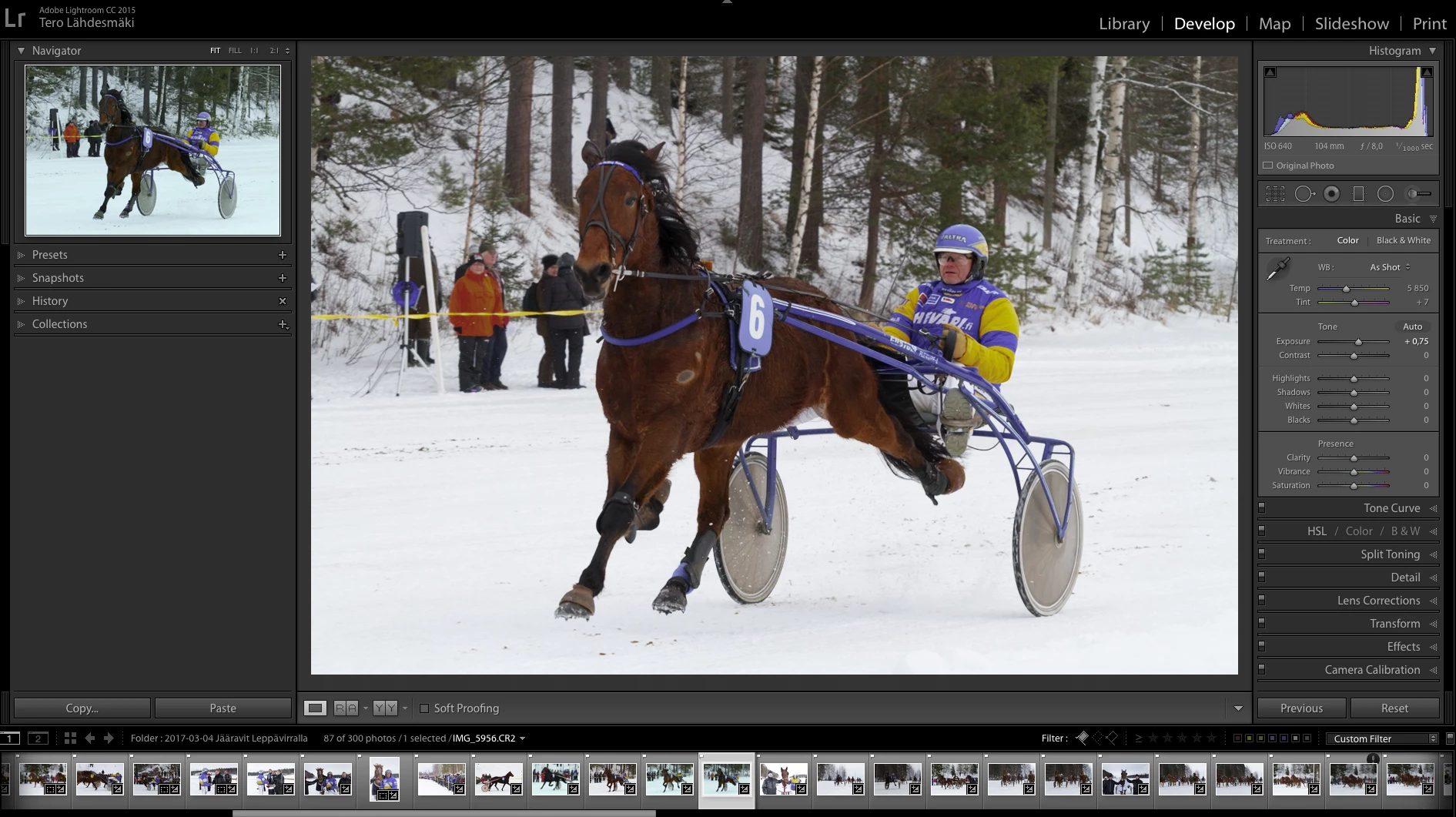
I have recently noticed, that in LR some of the preview pics turn blueish, like their white balance was somehow off. When I select a photo, it sometimes changes the image in preview, sometimes not. Sometimes the preview pic turns to normal when I select the next photo.

Any idea why this could be?
This topic has been closed for replies.

1 reply

DdeGannes
Community Expert
Community Expert
March 4, 2017

I suspect that this is a Color Management issue, if your monitor has not been profiled & calibrated, using a hardware device, then it is possible it can display the preview differently than the rendered raw file.

The preview file is in AdobeRGB color space and the rendered raw file is a variant of ProPhotoRGB so its possible for the monitor to have a difference.

Regards, Denis: iMac 27” mid-2015, macOS 11.7.10 Big Sur; 2TB SSD, 24 GB Ram, GPU 2 GB; LrC 12.5,; Lr 6.5, PS 24.7,; ACR 15.5,; (also Laptop Win 11, ver 24H2, LrC 15.0.1, PS 27.0; ) Camera Oly OM-D E-M1.
terol32598001
Participating Frequently
March 4, 2017

Hi! Thanks for your comment.

I have calibrated my monitor using my Spyder 4 -calibrating device. And this has only occurred after the latest update of the LR CC, never had this issue before. But yes, I feel it could be something to do with the colour management...

I took a closer look at the issue and it seems this only happens when I am in Develop -module, not for instance in Library -module. I don't know if this helps anyone figure out what's going on...

Per Berntsen
Community Expert
Community Expert
March 4, 2017

Library and Develop do use different internal working spaces, but images should still display identically.

When they don't, it's usually caused by a defective or incompatible monitor profile.

Version 4 icc profiles are incompatible with Lightroom - if you used version 4 for calibration, recalibrate, and set the calibration program to use version 2.