I have installed/activated some Adobe fonts. They show up in Photoshop, but why won’t they appear in the Slideshow module in Lightroom Classic? Shouldn’t the fonts work in all Adobe applications?
Apologies for the delayed response. This is a common point of confusion.
When you activate a font in Creative Cloud, it becomes available to apps that support Creative Cloud Fonts. However, Lightroom Classic behaves a bit differently from Photoshop.
Here’s what to check:
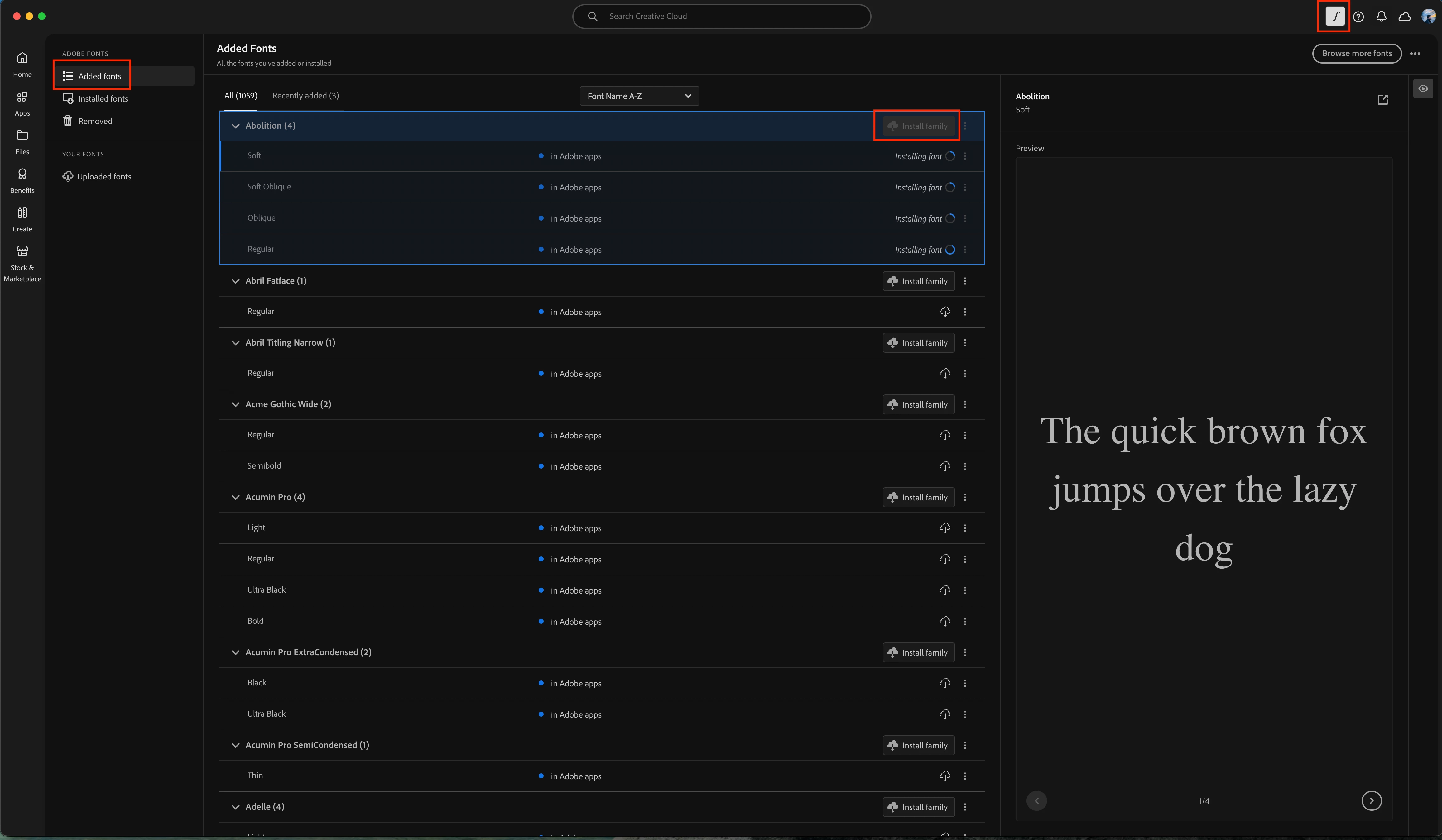
• Open the Creative Cloud Desktop app
• Go to Fonts
• Make sure the font family is fully activated
• If available, use the option to install family (not just activate)
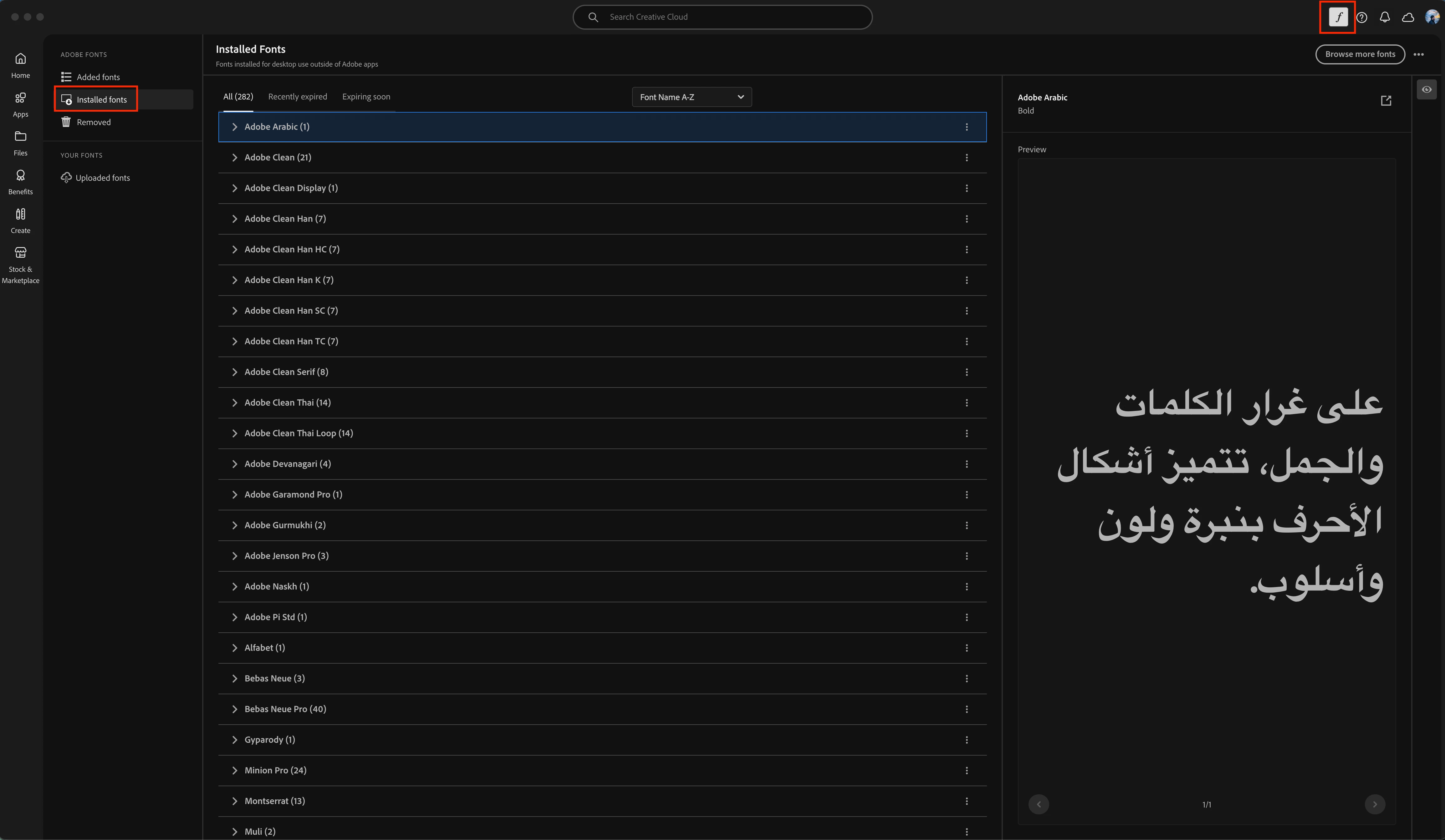
Photoshop uses Creative Cloud Fonts directly. Lightroom Classic’s Slideshow module relies on fonts that are fully installed and available to the system. Some Adobe fonts may not appear in LrC if they are not properly installed at the OS level.
Let us know if you are still having trouble seeing any fonts.
Apologies for the delayed response. This is a common point of confusion.
When you activate a font in Creative Cloud, it becomes available to apps that support Creative Cloud Fonts. However, Lightroom Classic behaves a bit differently from Photoshop.
Here’s what to check:
• Open the Creative Cloud Desktop app
• Go to Fonts
• Make sure the font family is fully activated
• If available, use the option to install family (not just activate)
Photoshop uses Creative Cloud Fonts directly. Lightroom Classic’s Slideshow module relies on fonts that are fully installed and available to the system. Some Adobe fonts may not appear in LrC if they are not properly installed at the OS level.
Let us know if you are still having trouble seeing any fonts.





 AdChoices