Answered
why can't a drag an image onto the devlope screen?
It just comes up with a blue screen and I can't view the image to develop it as below
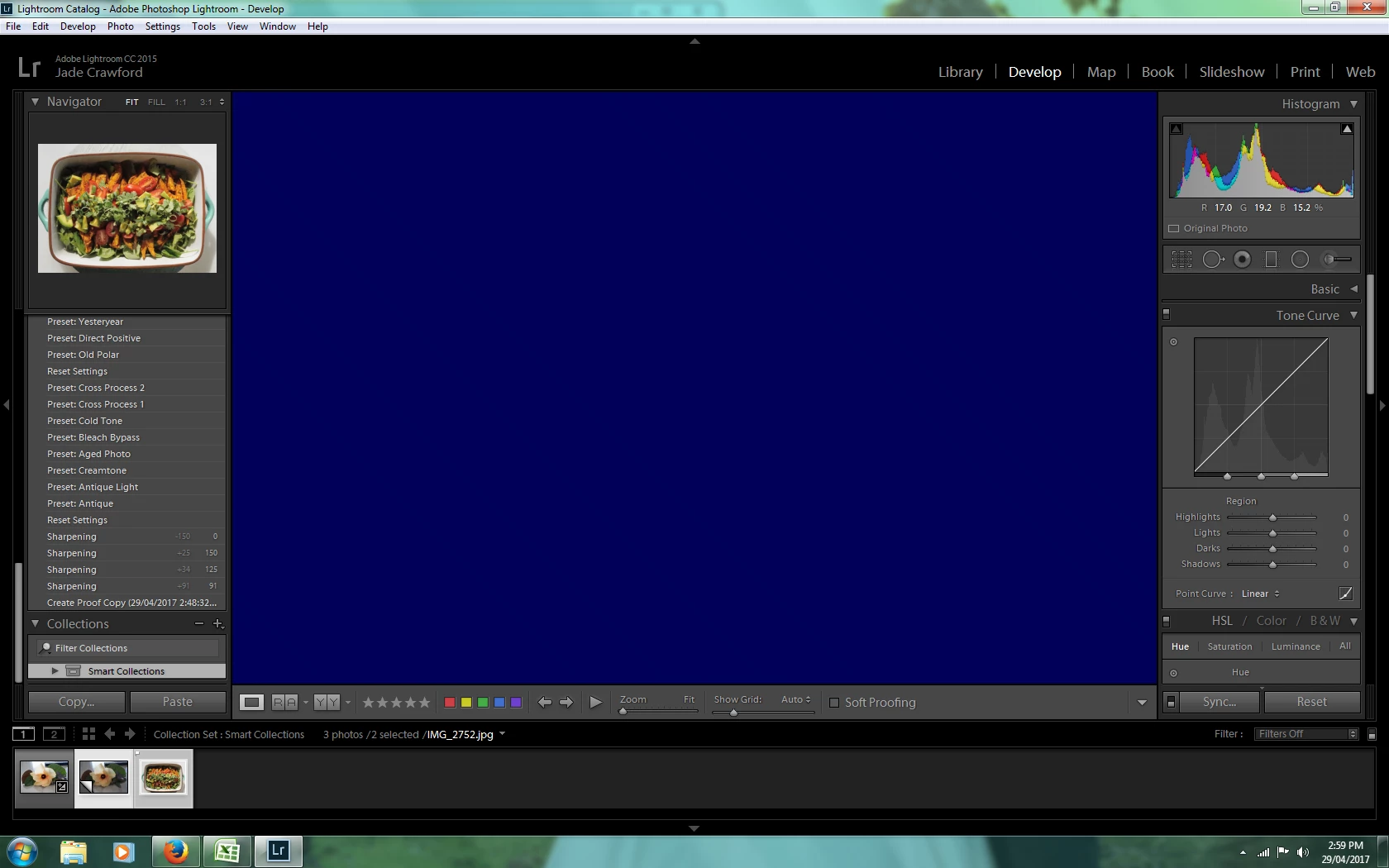
It just comes up with a blue screen and I can't view the image to develop it as below
Have you tried disabling GPU acceleration? Let us know if that makes a difference.
Go to:
Edit >> Preferences >> Performance (tab)
Lightroom >> Preferences >> Performance (tab) on Mac OS
Uncheck the box “Use Graphics Processor”
Then click OK
Otherwise if you are using the clipping warnings try clicking on the triangle icons – top right and left in the histogram.
Already have an account? Login
Enter your E-mail address. We'll send you an e-mail with instructions to reset your password.
 AdChoices