

Swiss2014
Participant
April 17, 2018
Question

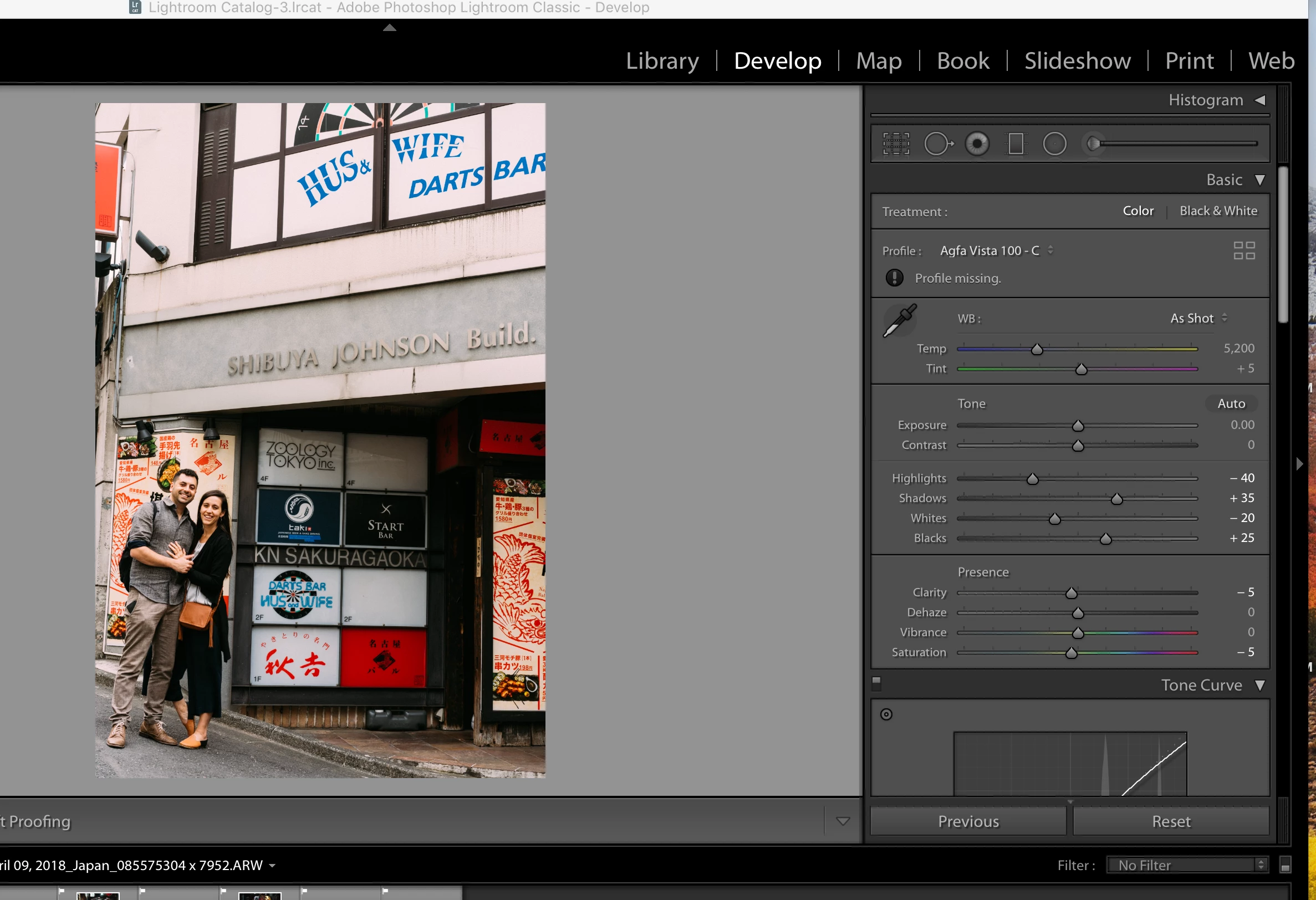
Why do I get 'Profile Missing' in Dev module after applying Adobe preset?
  • April 17, 2018
  • 1 reply
  • 753 views

See Profiile missing under Agfa Vista 100

    This topic has been closed for replies.

    1 reply

    JohanElzenga
    Community Expert
    Community Expert
    April 17, 2018

    Check in the profile browser whether that particular 'Agfa Vista 100' camera profile is available. If it's not available, but your preset applies it anyway, then 'missing profile' is the logical result.

    -- Johan W. Elzenga
    Swiss2014
    Swiss2014Author
    Participant
    April 18, 2018

    How do I get the presets that I see under the Preset menu on the left hand panel to appear in the right hand profile browser? Why would LR list Presets that are unavailable to me? These seem to have been applied to the images I selected in Develop module, and appear to be able to export, despite the Profile issuing error message. What is happening to the image when I click on the Preset on the left and it seems to be applied?

    JohanElzenga
    Community Expert
    Community Expert
    April 18, 2018

    Swiss2014  wrote

    How do I get the presets that I see under the Preset menu on the left hand panel to appear in the right hand profile browser? Why would LR list Presets that are unavailable to me? These seem to have been applied to the images I selected in Develop module, and appear to be able to export, despite the Profile issuing error message. What is happening to the image when I click on the Preset on the left and it seems to be applied?

    You can't move your presets to the profile browser. Presets are not the same a profiles, but they can apply a profile if you check that option in the 'save new preset' dialog.

    -- Johan W. Elzenga