


Participating Frequently
July 10, 2022
Question

Why does my photo change once its on lightroom (grain etc)

  • July 10, 2022
  • 5 replies
  • 653 views

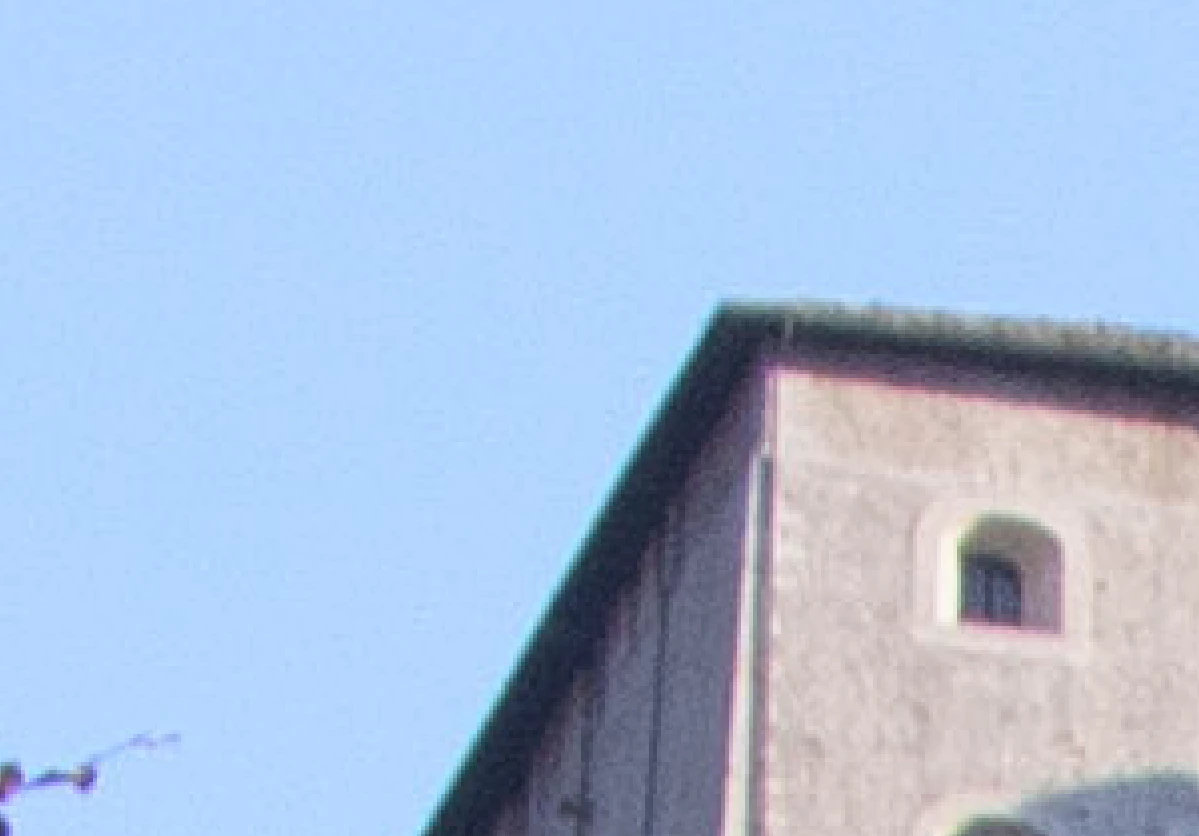
The first photo is on lightroom, look at the sky.
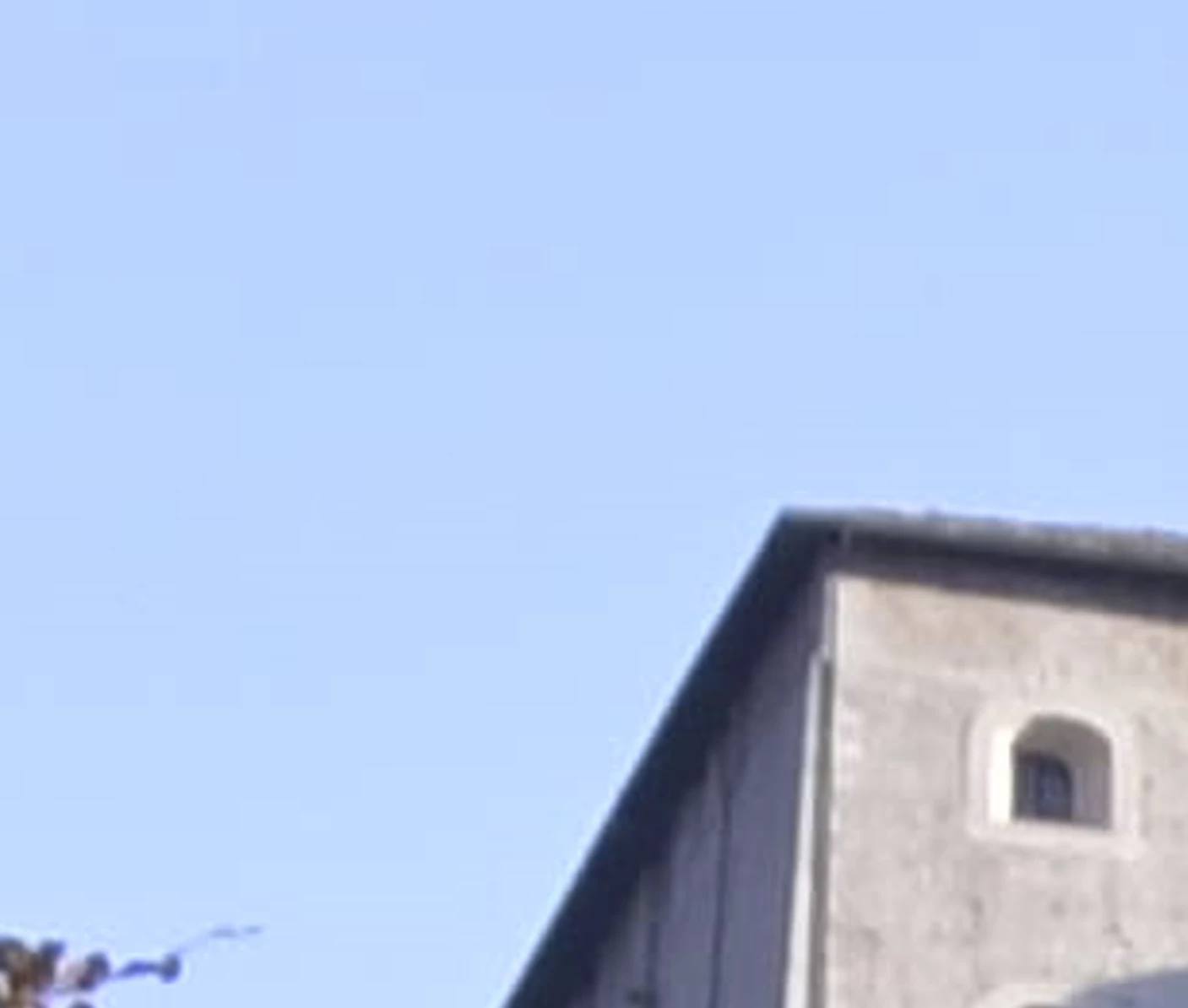
The second one is the basic without lightroom.
Once i put the photo on lightroom it transform this way and im not doing anything.
How can i fix this problem?
This topic has been closed for replies.

5 replies

dj_paige
Legend
July 11, 2022

Another point. You can have an image that is the best photograph ever taken wehn viewed at 100%, but when expanded to 400% the image doesn't look as clean, there appears to be grain and artifacts. Why? First, each pixel from that 100% view is now represented by 16 pixels in the 400% view; of course there is going to be grain and artifacts, how much depends on the scaling/smoothing algorithm used. It seems as if you are implying because there is this grain/artifacts at 400% that the photo isn't usable, which simply is not true — because this happens to all photos at 400%, it can't be avoided except by extreme smoothing, which in itself is a problematic thing to do and may be why the building in your bottom photo has less sharpness as pointed out by @elie_dinur .


Judging image quality at 400% is not a good way to judge image quality. This type of grain/artifacts at 400% should not even be a concern; what you see at 100% zoom is what you should be looking at.

elie_dinur
Participating Frequently
July 11, 2022

"The first photo is on lightroom, look at the sky.
The second one is the basic without lightroom."

Digital images don't just display themselves, they are read and displayed by a specific program. If the first shot is of Lightroom, what is the "basic" program in the second shot?

Moreover, as well as asking why you see grain in the sky in the first (LR) shot, you might also ask why there is such a marked loss of detail in the wall of the building in the second shot. The answer to both questions is most likely that the "basic" image is a jpg created by your camera and embedded in the NEF for display purposes. While processing that jpg the camera did some noise reduction (too much in my opinion). Add to that the fact that the process of creating a jpg destroys a lot of image data.

dj_paige
Legend
July 10, 2022

Certainly provide the information provided by @DdeGannes 


This looks like the Library Module (is it?) where you haven't built 1:1 previews. What happens if you press Z to zoom in and then wait a few seconds? Does the image appear better?

SunOmegaAuthor
Participating Frequently
July 11, 2022

Nothing change the photos just is worse in lightroom

dj_paige
Legend
July 11, 2022

You did not provide the information suggested by @DdeGannes 

DdeGannes
Community Expert
Community Expert
July 10, 2022
Regards, Denis: Laptop Win 11, ver 24H2, LrC 15.4 PS 27.8;
DdeGannes
Community Expert
Community Expert
July 10, 2022

Please provide details about, the Lightroom Application actual version number. Also additional info about what we are viewing, file type, crop etc viewing at fit or 100% etc.

Regards, Denis: Laptop Win 11, ver 24H2, LrC 15.4 PS 27.8;
SunOmegaAuthor
Participating Frequently
July 11, 2022

Version is 11.4
File type is .NEF and i zoomed in the photo at like 400%.