To build on Jim's reply, do the LR menu command Help > System Info and copy/paste the entire contents here so we can see exactly which versions of hardware and software LR thinks you're running and important LR options that are set.
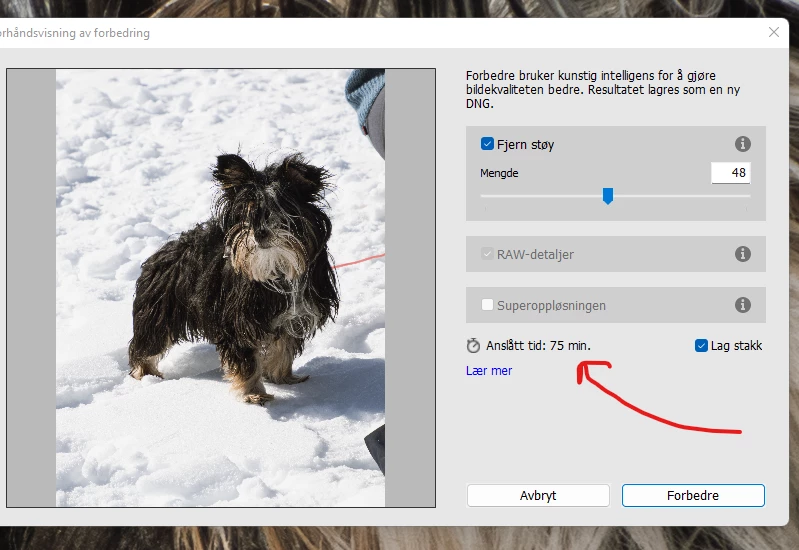
Without knowing the specifications of your computer (especially the GPU and the amount of VRAM that it has), we can only hazard a guess. That guess would be that your GPU is comparatively old with an inadequate amount of memory....Denoise works best with modern GPUs with at least 8GB of memory, and which support ML acceleration. See the "Need for Speed" section in this article: https://blog.adobe.com/en/publish/2023/04/18/denoise-demystified
The difference can be astounding....on my old Windows system, with a 2GB GPU, the estimate for my Canon R5 files was 89 minutes. On my current MacBookPro, with fully supported GPU features, I can run Denoise on the same files in less than 20 seconds.



 AdChoices