


2Charlie
Inspiring
November 26, 2024
Question

Why is LR-C not importing my images?

  • November 26, 2024
  • 1 reply
  • 247 views

In the MacOS Finder it showed 4 files but in the LR-C cataglog it showed only 2 items.
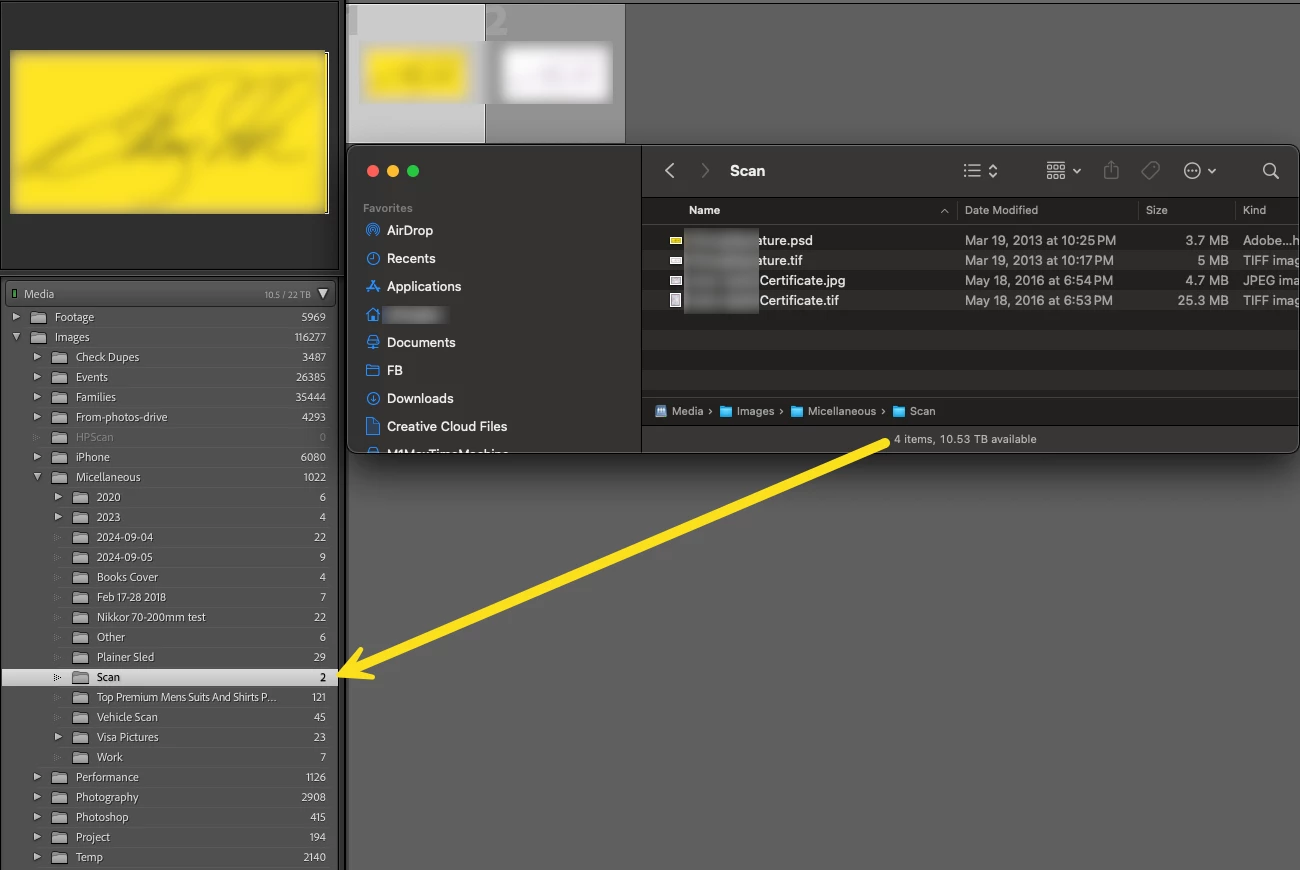
So, I tried to Syncrhonize Folder... and this is what the popup window.

What am I missing or doing wrong here?


MacOS version 15.1.1

LR-C version 14.0.1

Camera Raw version 17.0


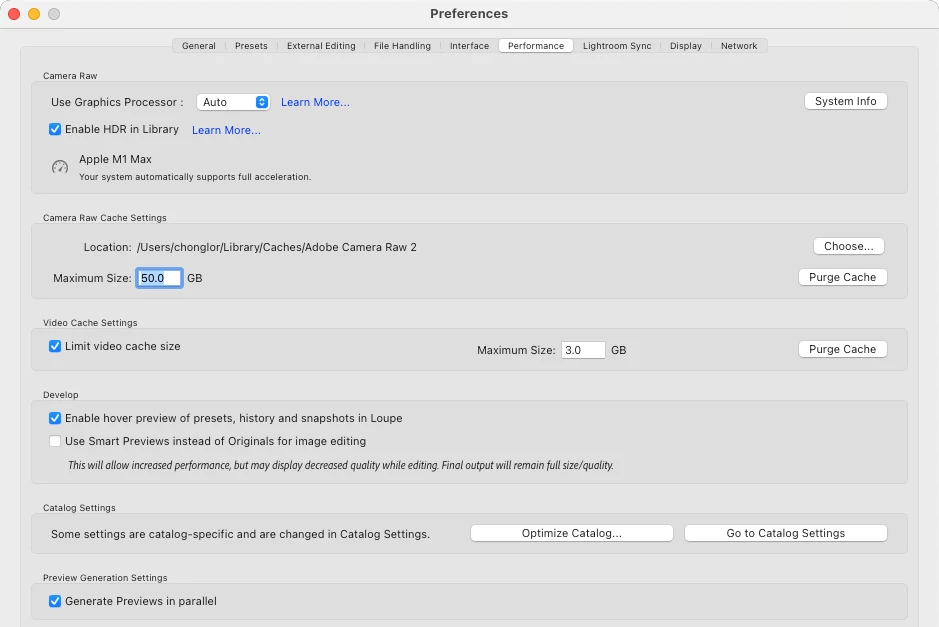
Here's my LR-C Performance tab.


This topic has been closed for replies.

1 reply

dj_paige
Legend
November 26, 2024

One possible cause is that the photos are already imported and exist in the catalog. In that case, the default behavior is to not import the photos again; and in fact this is a bad idea to import the photos a second time.

2Charlie
2CharlieAuthor
Inspiring
November 26, 2024

That is true. The photos are aleady in the catalog. The issue, it's not showing up in LRC. Why?

dj_paige
Legend
November 26, 2024

You have to look for the photos in the Library Module. Please follow ALL four steps below and see if you find them:


  1. Click on All Photographs
  2. Turn off Filters (Ctrl-L once or twice)
  3. Expand all stacks (Photo->Stacking->Expand All Stacks)
  4. Search for one of these "missing" photos in the LrC Filter bar, by File Name