Participating Frequently
May 23, 2024
Question

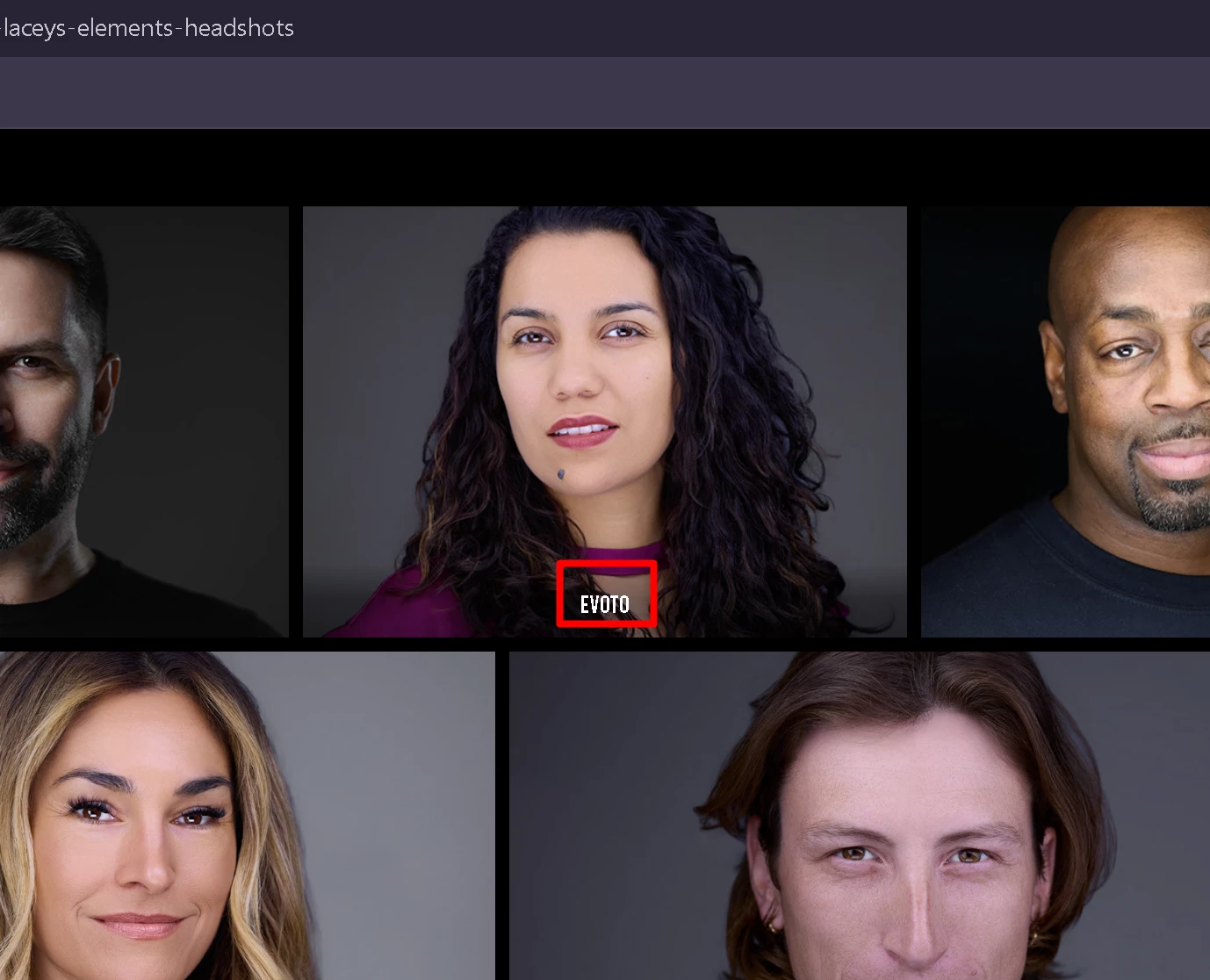
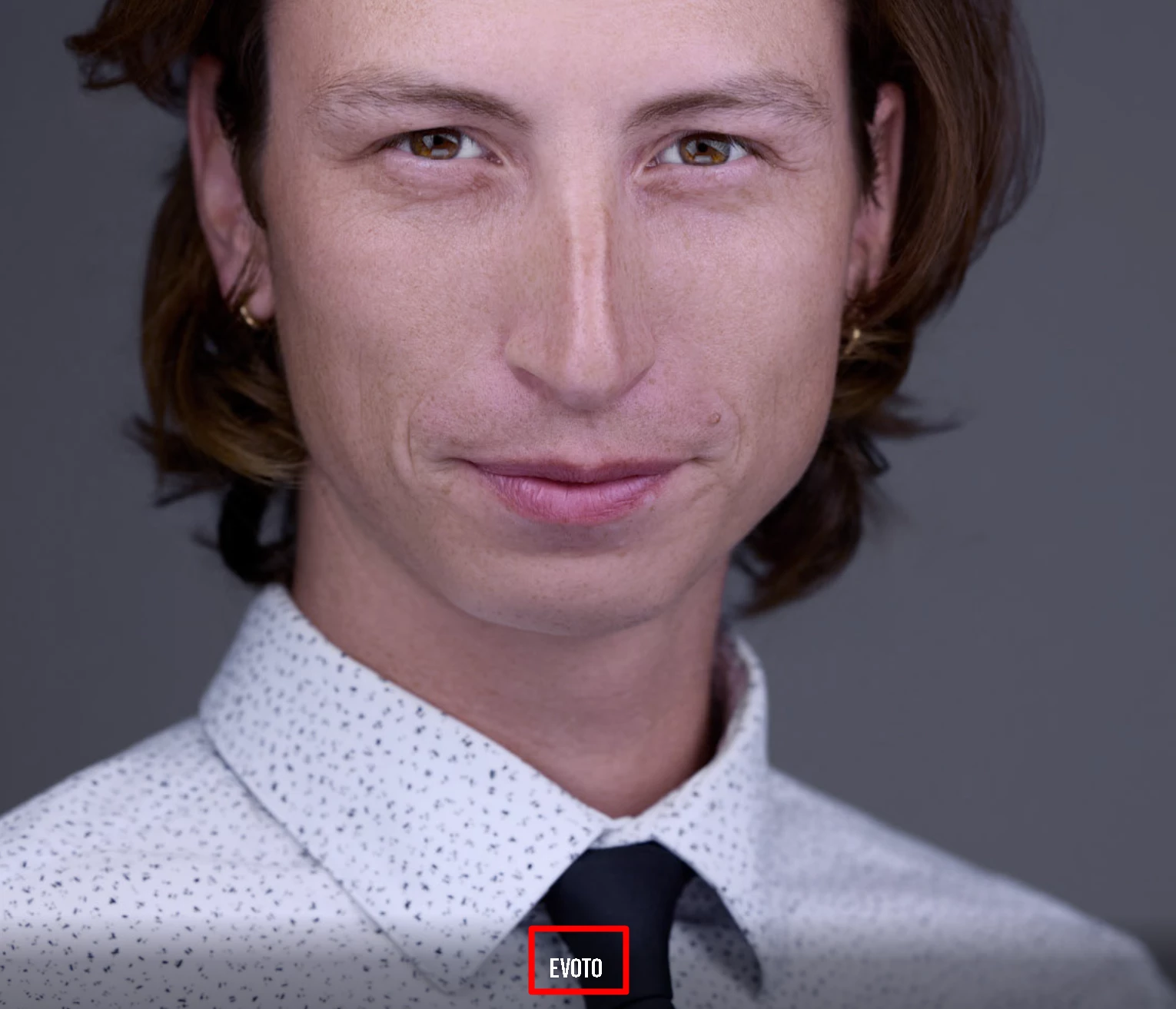
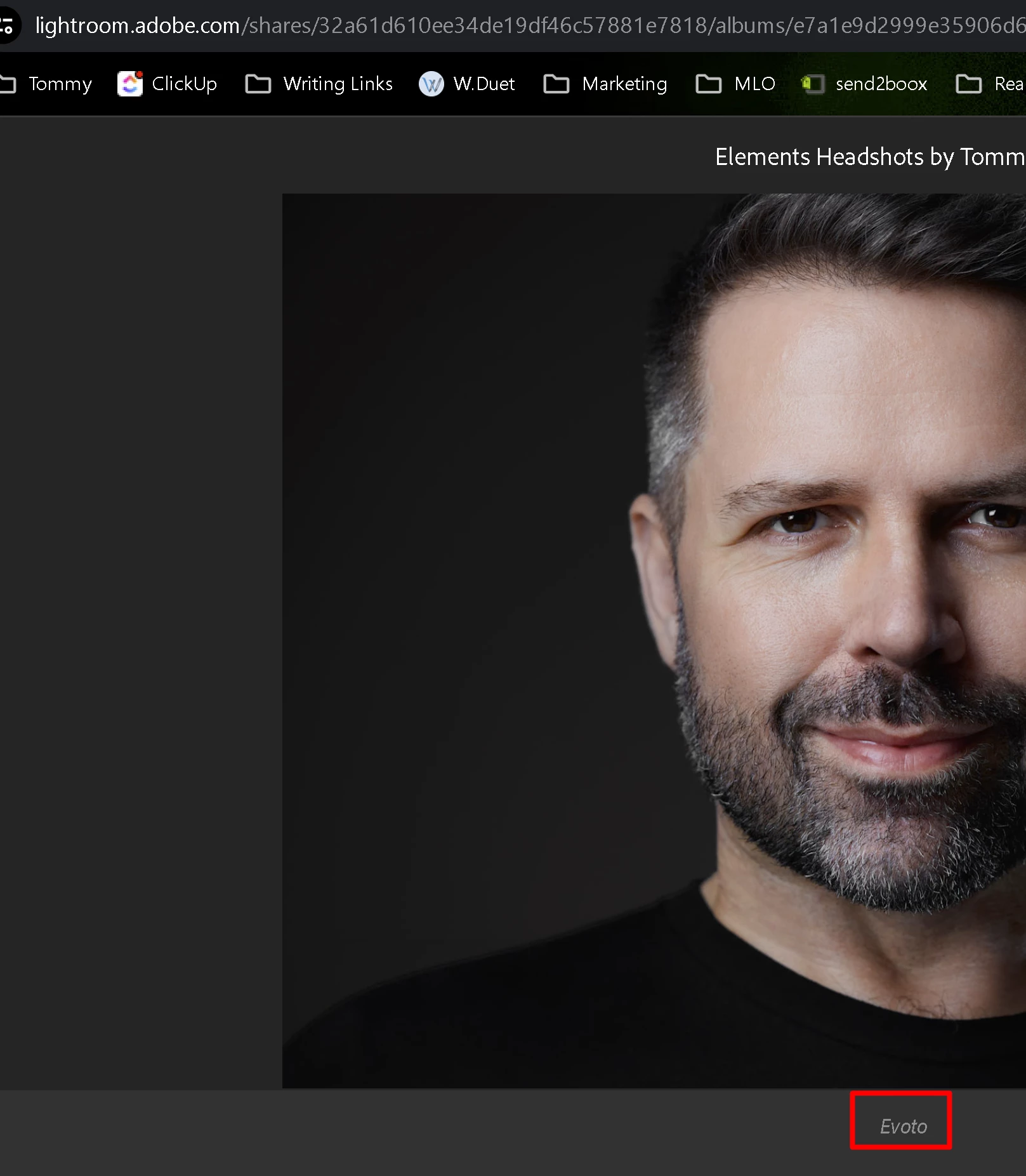
Word below image in gallery or in LRC. Evoto here.

  • May 23, 2024
  • 2 replies
  • 638 views

Hi. Please help me understand how to prevent the photos from showing Evoto when displaying in the collection that I shared online, or anywhere really. I'm not sure where it's pulling this data from. All the photos in the collection were, at one time, edited in evoto, but not all of them are stamped in such a way.


What other data do you need from me so I can better ask the question and find resolution (if any)?


This topic has been closed for replies.

2 replies

Legend
May 24, 2024

You can use EXIFTool to see ALL metadata in your images, more than what Adobe let's you work with. I'd go that direction.

Victoria Bampton LR Queen
Community Expert
Community Expert
May 24, 2024

The one in the second screenshot looks like it might be in the Caption metadata field. The other two don't look like a font Adobe uses, so that's more of a mystery. Do they only show up on the web? 

Victoria - The Lightroom Queen
Participating Frequently
May 24, 2024

Thanks so much for letting me know it's in captions. It does only seem to display like that online in the public collection and when on adobe portfolio, but i could see it in the caption section of LR before i deleted all I could find.

I have removed captions from the images in the collection as well as going to the LR folder where it originated and making sure that caption is deleted there. 
I then put it back online in a new collection, but you can still see the evoto caption on it. 😞


I tried clearing my chrome browsing data... evoto still there.


Participating Frequently
May 24, 2024

and they're all displaying through adobe resources, either public collections or adobe publisher.