[This post contains formatting and embedded images that don't appear in email. View the post in your Web browser.]
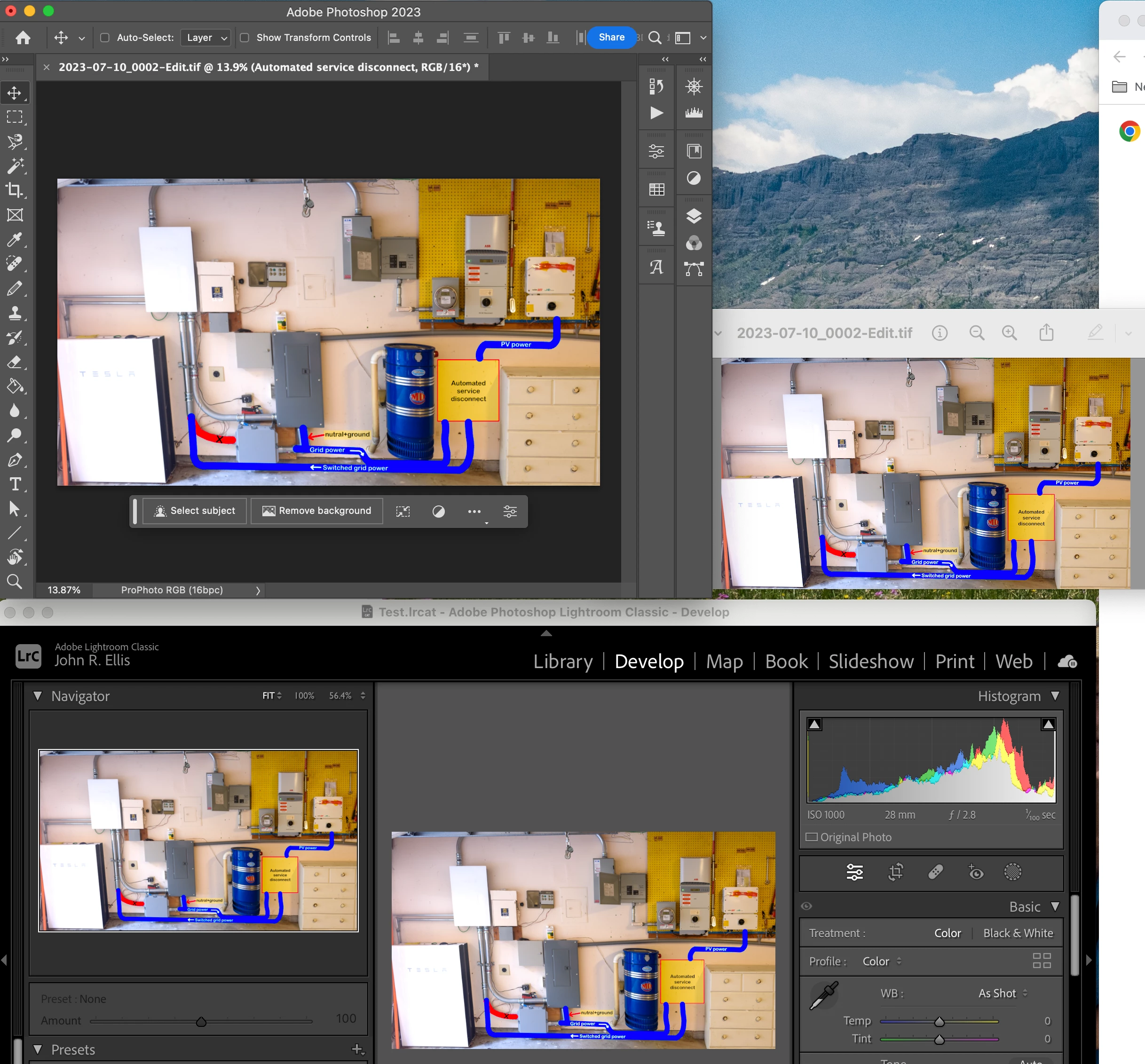
The colors are identical in my LR 12.4, PS 24.6.0, and the Preview app on Mac OS 13.4 / Apple M2 Max (see screenshot below).
As described by Axel above, the two most common causes for blatant color mismatch between Develop and Library and other apps are a buggy graphics driver and a defective or incompatible display profile.
As recommended by Axel Matt above, quickly test for problems with the display profile by temporarily assigning the sRGB profile to your display. The link Axel provided has way-out-of-date instructions for Mac (Lightroom Queen is fixing it soon). See here for almost-up-to-date instructions for Mac OS 13:
https://helpx.adobe.com/lightroom-classic/kb/photos-appear-black-gray-rectangles.html#Solution2AssociatesRGBIEC6196621Colorprofileonyoursystem
You can partially test for a buggy graphics driver by setting Preferences > Performance > Use Graphics Processor to Off. The Radeon Pro 580 is 6 years old, and AMD may not be prioritizing bug fixes for it.




 AdChoices