
XMP metadata syncing doesn't work
Hello there
I'm experiencing a new problem on Lightroom Classic and idn't find solution on Adobe operative instruction and forum.
When I modify picture in the app in the development enviroment, the arrow on the preview that stand for " XMP has been modified by external app have been modified " is shown .The strange things is that happen not on all modified pictures but randomly.

I verified that in catalog setting is settled the sync button suggested in the troubleshooting of Adobe.
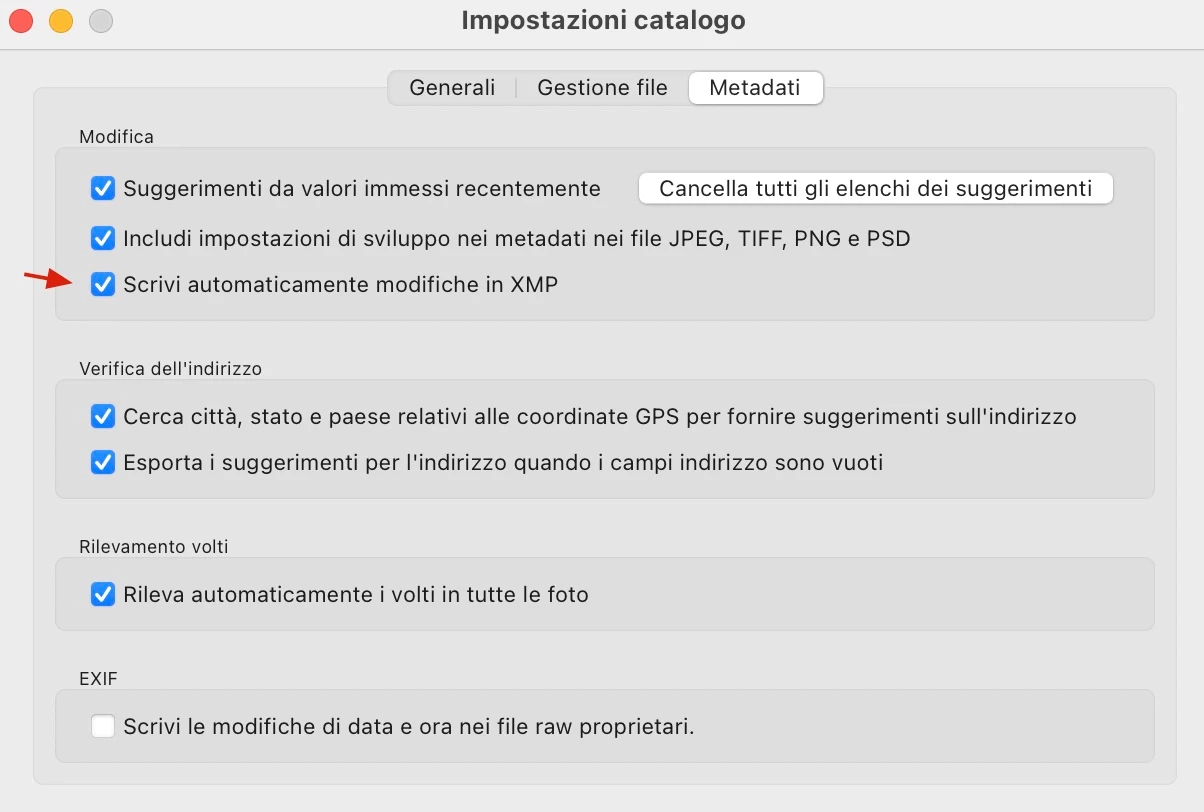
This issue started during the period where :
- I migrated all raw filed from external drive to NAS
- Updated of lightroom version (automatic)
My typical workflow is to download raw file from bridge then import into catalog , rating with start and then initiate modification . No change of Catalog locations has been made since catalog is save locally on Mac
Currently in use :
- Mac OS 13.4.1 (c)
- Lightroom CLassic 12.4
Any suggestion to solve this issue ?
 AdChoices