
Zoom limited after developing picture
Hello !
First, sorry for my bad english, I hope my question will be clear.
Recently, I tried to work my picture remotely from my NAS, and move my LrC Catalog to SSD external drive. From my desktop computer, linked to the NAS, I generate "Smart Preview" and "1:1" previews for all picture in my catalog.
Today, I work on this catalog, on my laptop, without access to my NAS. I figured out that picture not edited may be more zoomed than newly edited.
For example :
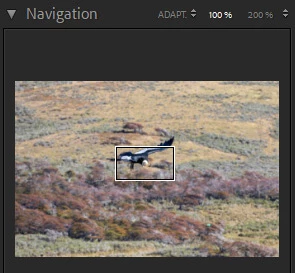
This picture is not edited yet from my laptop. 100% zoom can be deep
The picture below is developed from my laptop, and 100% zoom is reduced
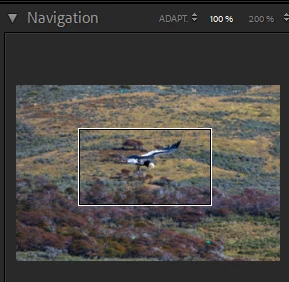
Picture has been taken in same condition with the same camera.
Do you have an idea why this behavior occurs ? This is a configuration mistake or picture generation from my side ?
Thank in advance for you help 🙂
Best regards,
Benjamin.


 AdChoices