Participant
Jan 8, 2025 7:33 AM UTC
Question

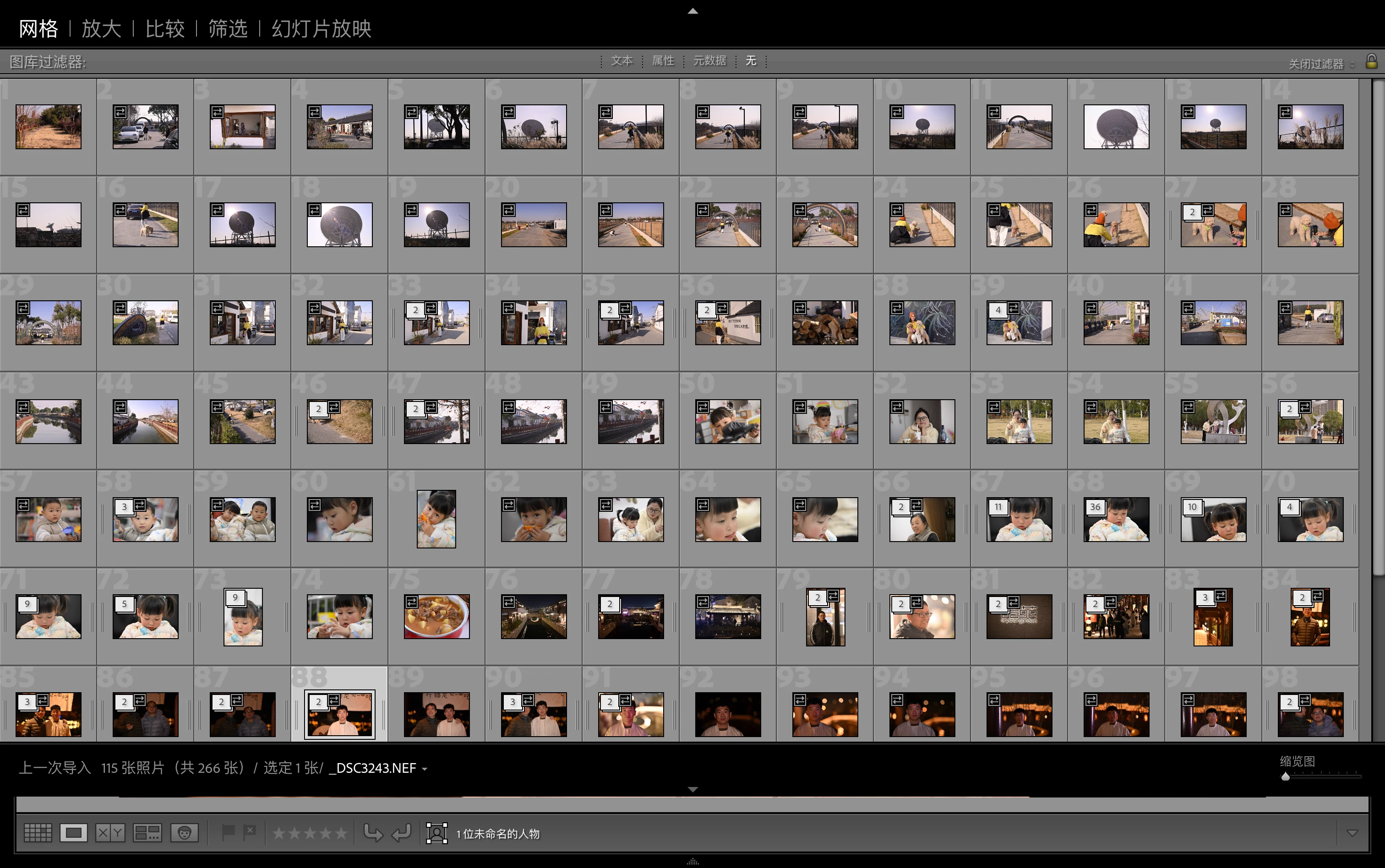
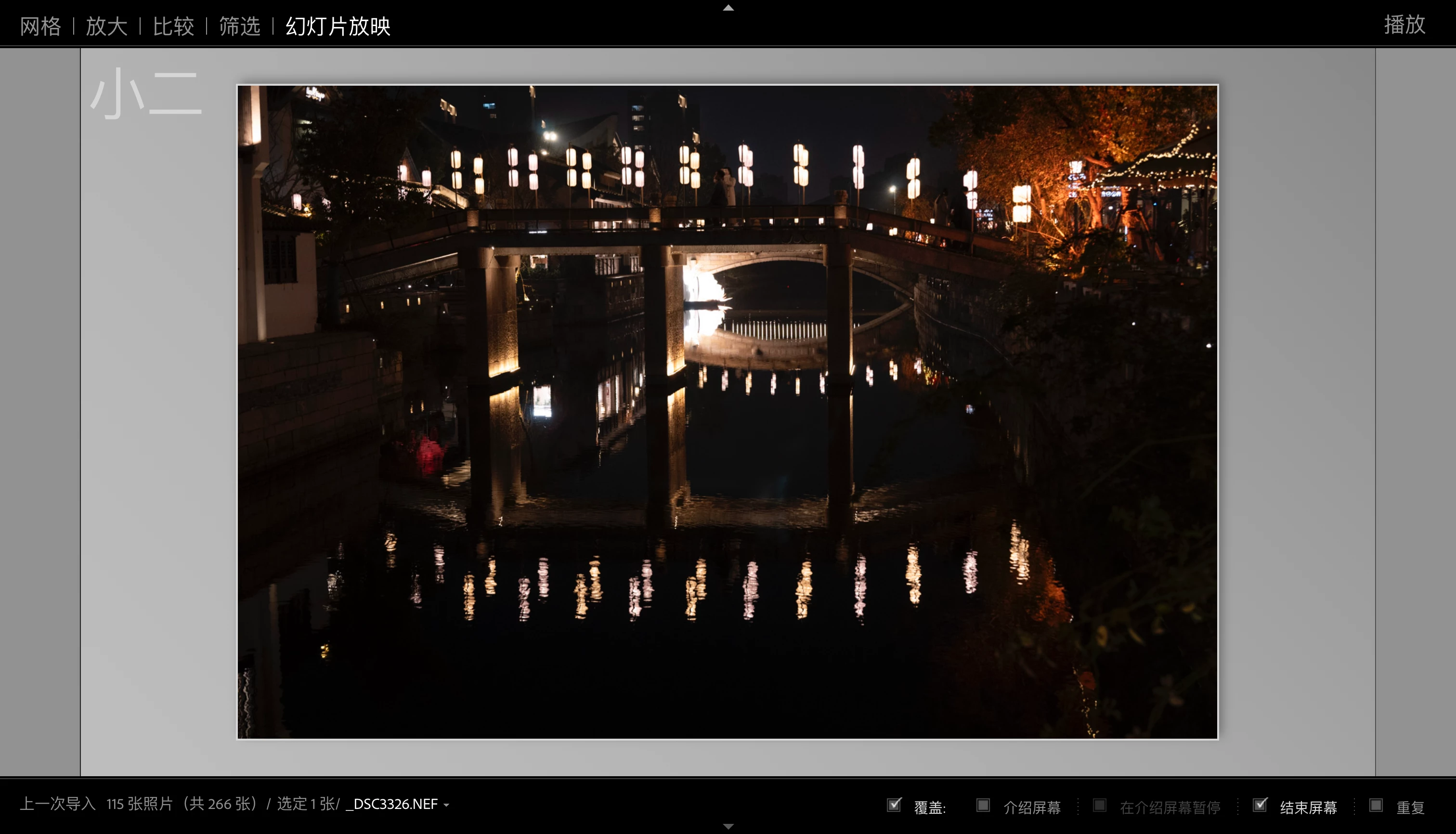
这个页面怎么退出,我想回到最初的页面

 目前我无法从页面中得到任何信息来去帮助我回到最初的页面方法,这个应用也无法在第二次打开的时候恢复到最初页面,整软件色剂的像是一道迷宫,我已经被它搞得晕头转向了,我无法用它来完成我的工作
3 replies

JohanElzenga
Community Expert
Community Expert
Jan 8, 2025 11:42 AM UTC

Difficult to see with these Chinese characters, but I think your secondary display window covers your main screen. Press Cmd-F11 to hide it.


Translate
-- Johan W. Elzenga
Community Expert
Jan 8, 2025 11:20 AM UTC

Please try to press the TAB or SHIFT - TAB.


Translate
My System: Intel i7-8700K - 64GB RAM - NVidia Geforce RTX 3060 - Windows 11 Pro 26H2 -- LR-Classic 15 - Photoshop 27 - Nik Collection 9 - PureRAW 6 - Topaz Photo AI
dj_paige
Legend
Jan 8, 2025 11:03 AM UTC

Maybe the translation to English is poor, but I don't understand "to help me get back to the original page method". What do you mean by "original page method", please describe it in words.


My guess is you want to try pressing these letters and keys, in no particular order: F5 F6 F7 F8 and the letters E F and also the combination Shift-F. Each changes the appearance of the interface.

Translate