

Adobe Lightroom mobile corrupts photos when opening them in the program
Hello,
I started experiencing an issue yesterday and today when importing photos into Adobe Lightroom Mobile.
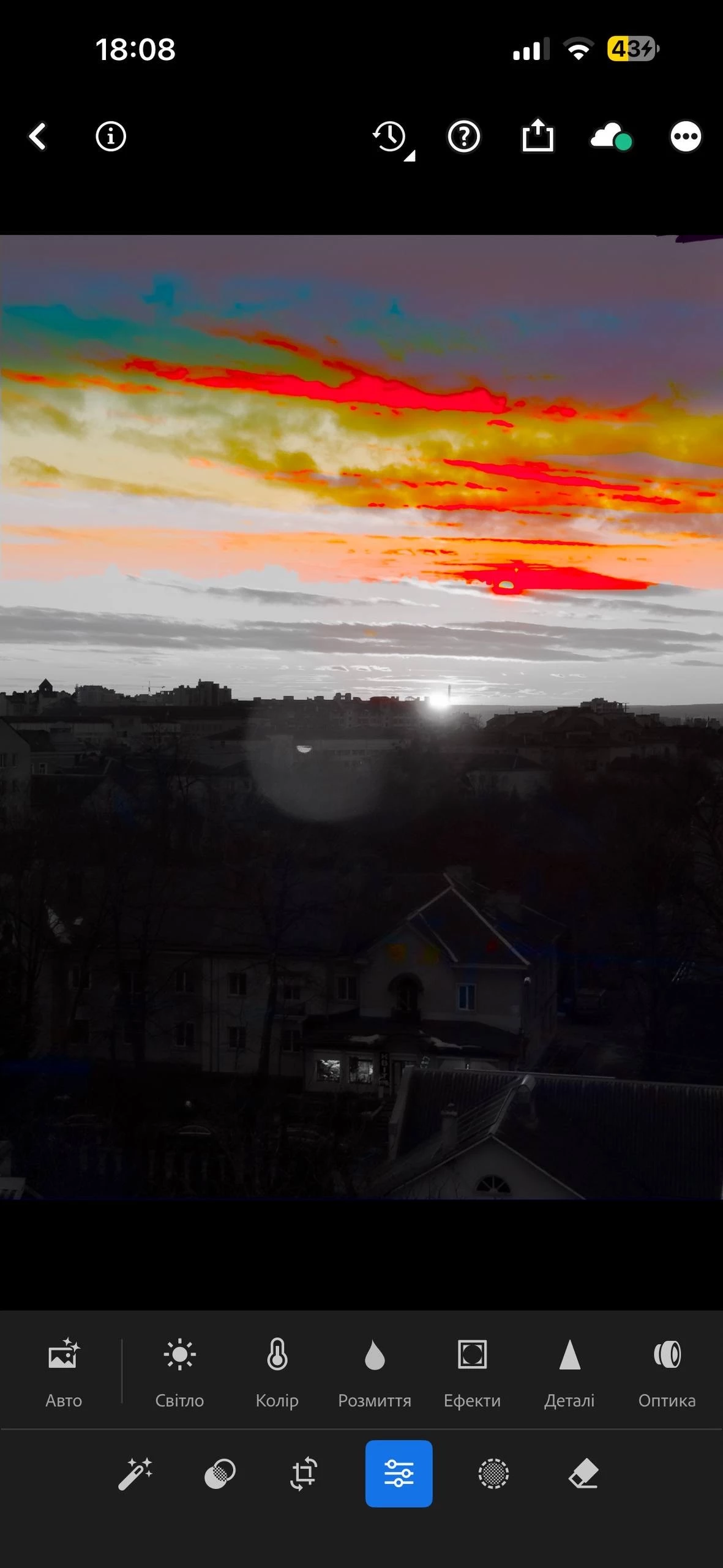
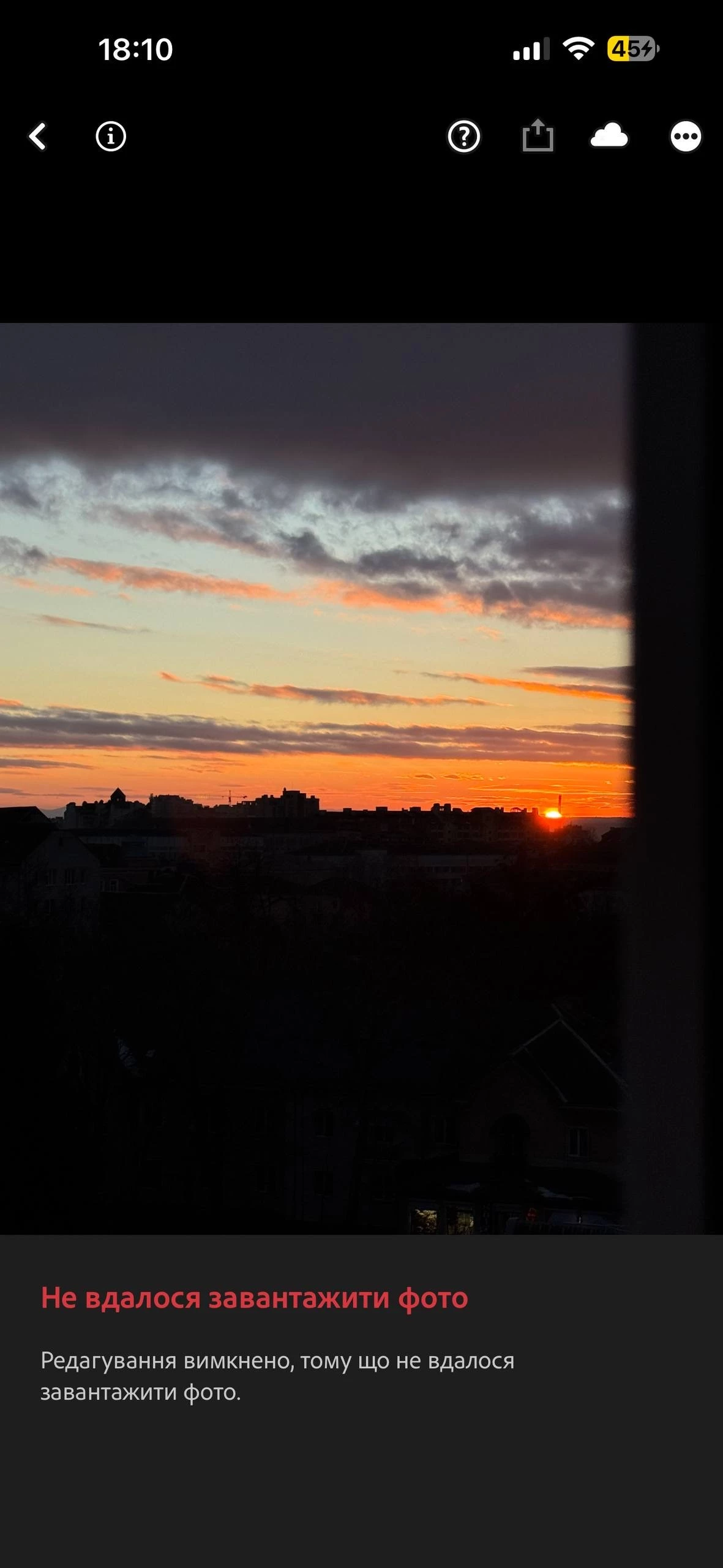
During the import process, the image quality appears to degrade, particularly when working with RAW files. In some cases, the photos also undergo significant color changes after being imported.
I will attach screenshots for reference, as some images show dramatic color shifts. Because of this, proper editing becomes impossible, since Lightroom applies adjustments based on the already altered colors rather than the original image data.
It is important to note that the photos were not taken directly within Lightroom. They were captured using the native camera on an iPhone 15 Pro Max and then imported into Lightroom.
This issue has never occurred before, and the workflow previously worked without any problems.
Could you please help identify the cause of this issue?
Thank you.
I have an iPhone 15 pro max.
IOS 26.3
Lightroom Mobile version: 11.2.1


 AdChoices