Participant
January 19, 2022
Question

Adobe Lightroom version

  • January 19, 2022
  • 2 replies
  • 155 views

Dear,


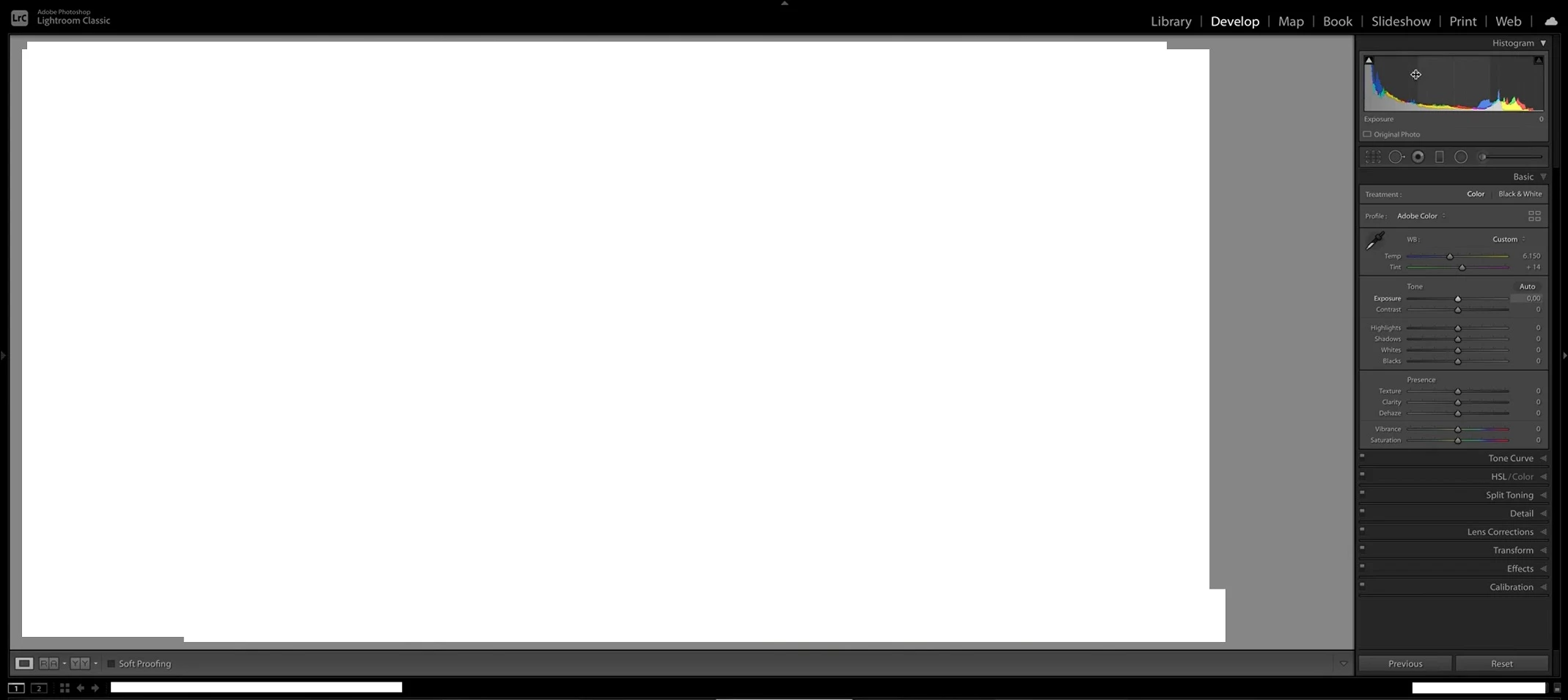
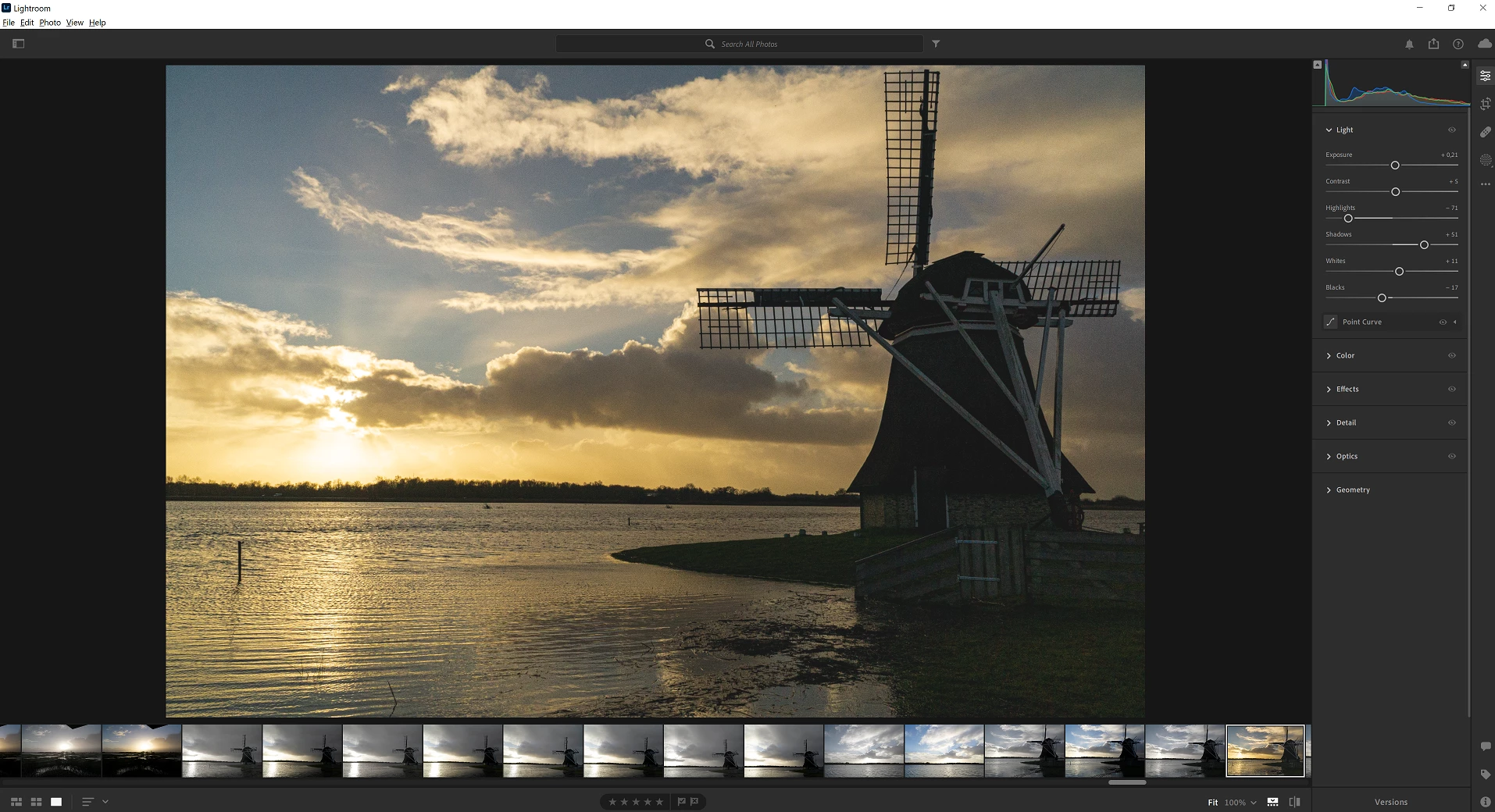
In the Lightroom version I use (first picture with windmill) the lay-out of the menu's are completely different compared to others. The last picture shows clearly the menu's: Library, Develop, Map, Book, Slideshow, Print, Web on the top right. Why is the Lightroom I use so different and can this be changed? Do I use a wrong version or what's happening?  
 

This topic has been closed for replies.

2 replies

John Waller
Community Expert
Community Expert
January 19, 2022

There are two versions of Lightroom.


They are completely different and, for reasons known only to themselves, Adobe chose to given them very similar - but not quite identical - names.


Countless people have been confused by the two similarly named apps, and often install the wrong one for what they want to do with it.


See the link below for a detailed explanation of the differences

https://www.lightroomqueen.com/lightroom-cc-vs-classic-features/


Unfortunately, it looks like you've inadvertently subscribed to the wrong one. Sounds like you need Lightroom Classic.


See the available plans and their inclusions here
https://www.adobe.com/products/photoshop-lightroom/compare-plans.html

Rick Spaulding -
Legend
January 19, 2022

Hi, sorry for the confusion. 

Your recent purchase was for Lightroom with 1TB. That is the cloud-centric version. I think what you want is Lightroom Classic. 

You should be able to cancel that subscription and choose another plan. See this page for instructions:

https://helpx.adobe.com/manage-account/using/cancel-subscription.html

I hope that helps.