Participating Frequently
November 14, 2023
Question

After another installation, there is a problem with synchronization.

  • November 14, 2023
  • 2 replies
  • 268 views

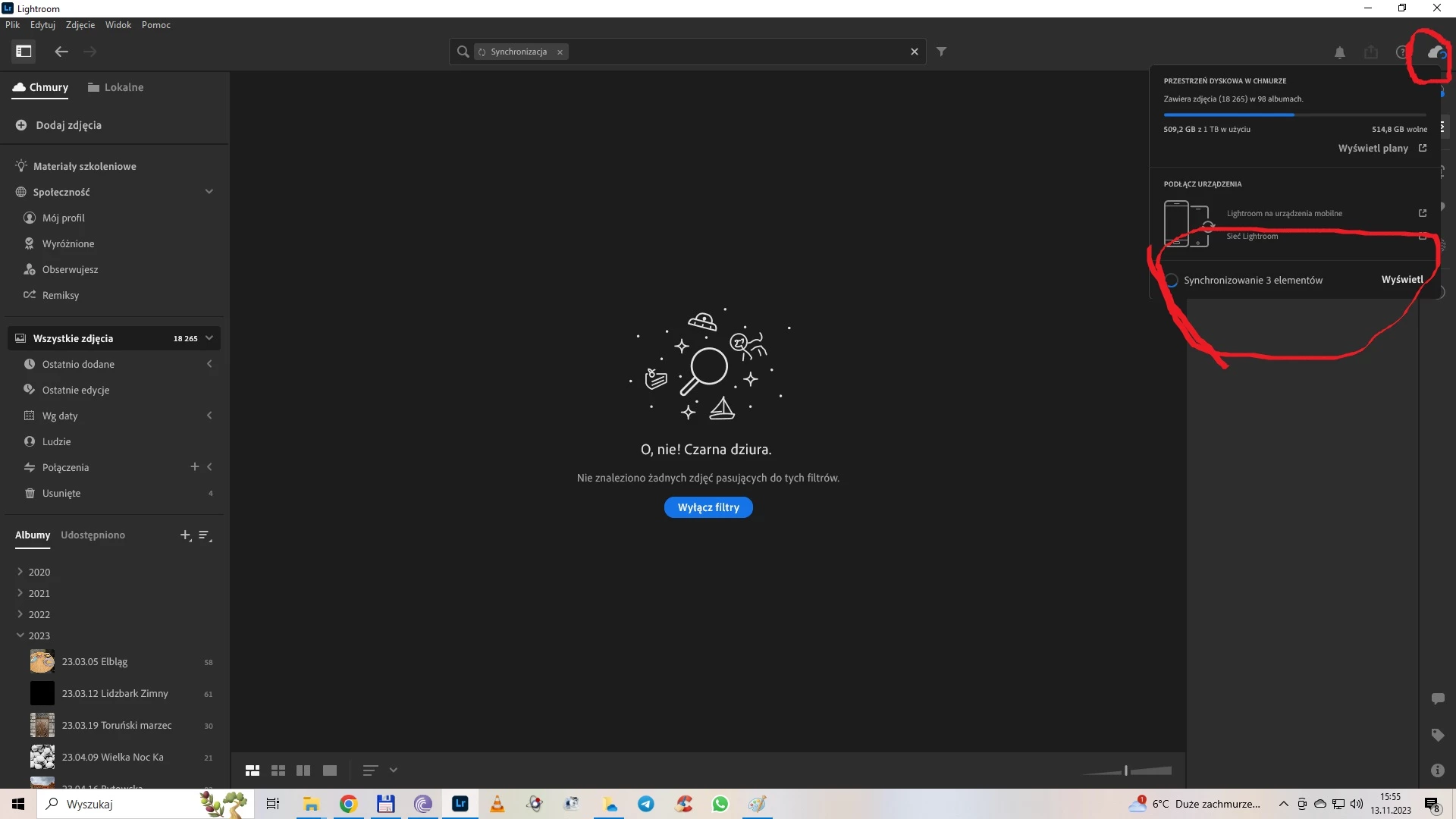
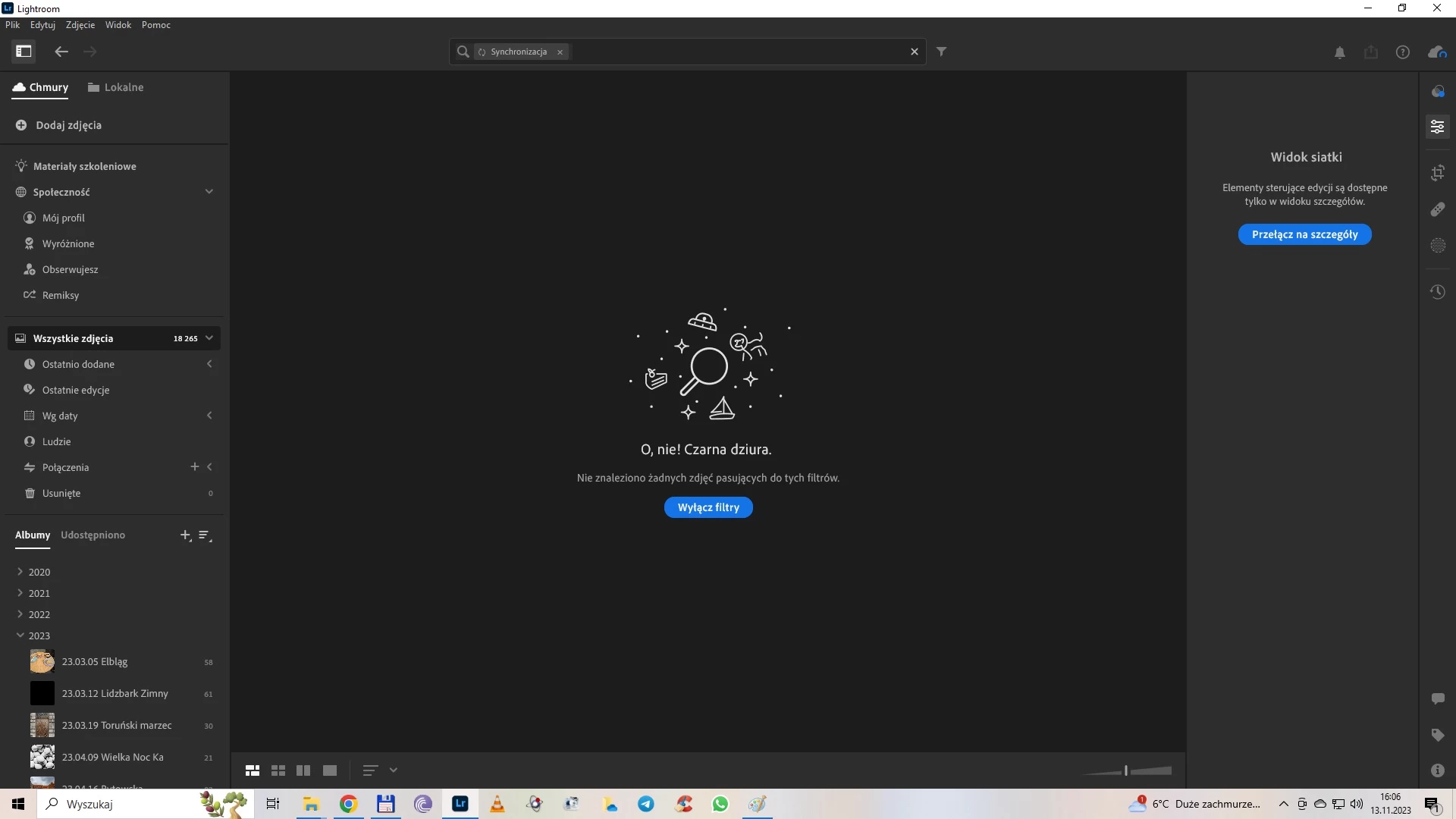
After installing Lightroom pchotoshop on a computer with Windows 10 and a laptop with Windows 11, after synchronization, a blue circle and the message "synchronizing 3 files" have been spinning for a few days. Online help did not help. The browser version does not see the problem and does not synchronize. I don't have any files in Creative Cloud (???). Logging out doesn't help. After displaying a preview of the attempted synchronization of 3 files, a window opens with an album containing over 100 photos. I have 500 GB of cloud space and about 18,000 photos.
This topic has been closed for replies.

2 replies

selondon
Community Expert
Community Expert
December 1, 2023

Have you tried logging into http://lightroom.adobe.com/ and checking the possible sync issues tab on the left?

P.F Weddings
Participant
December 3, 2023

im having the same issue, with just one syncing, its not there , and i have no sync issues showing on the web version

Jim Wilde
Community Expert
Community Expert
December 3, 2023

Have you looked in the Deleted album to see if there's one file in there which shows the blue spinning sync icon? If there is, permanently deleting it should clear that syncing status.

Participating Frequently
December 1, 2023

How can I even solve my problem? The support guy asked for access to my computer. I don't agree to this. It's been three weeks now and the 3 photos are still synchronizing.