Participant
September 20, 2023
Question

After ios 17 update import PRORAW & RAW file import in lightroom it turns into JPG file

  • September 20, 2023
  • 2 replies
  • 1395 views

When i take proraw image (48mp,12mp) (iphone 14 Pro)  import in lightroom mobile (ios)
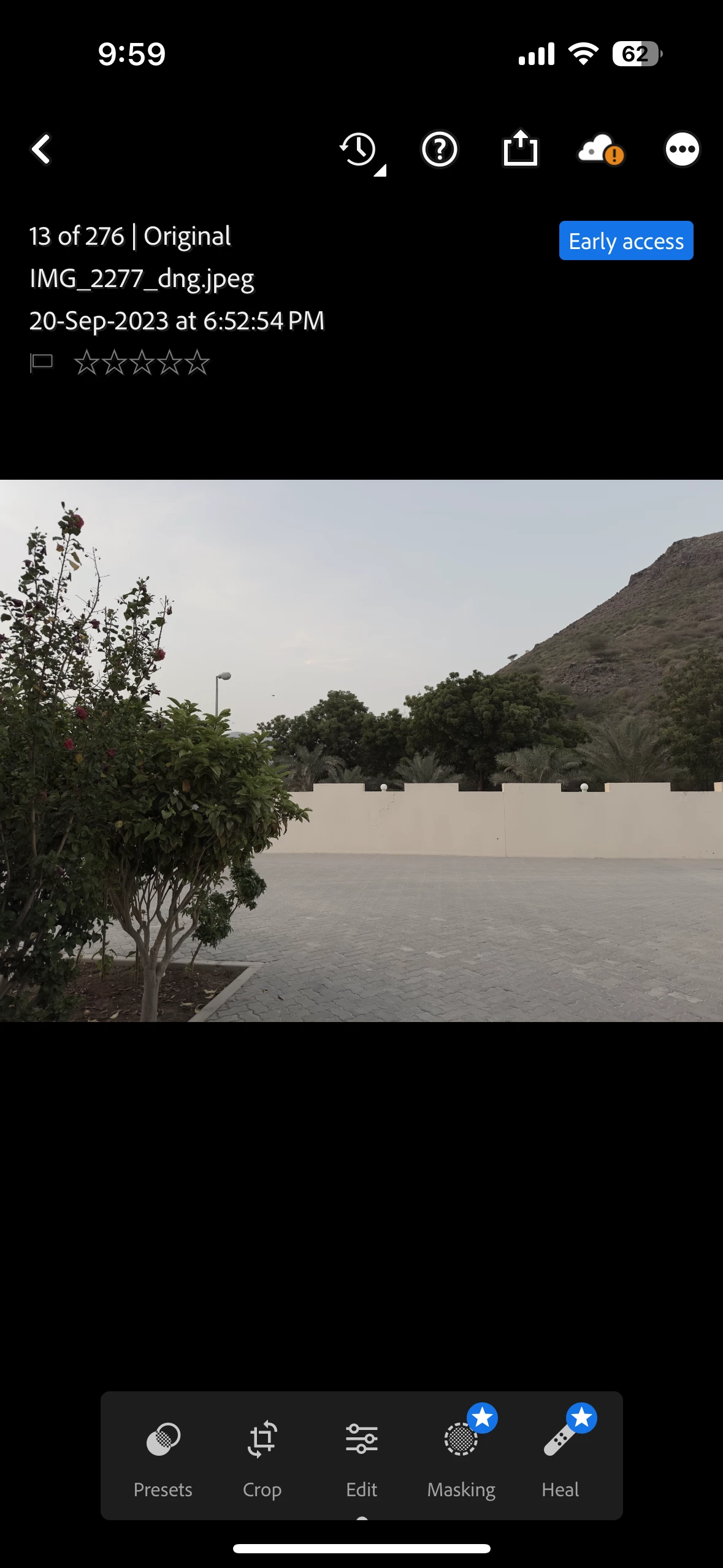
it turns into jpg file. This problem started after ios17 update..

2 replies

Inspiring
September 20, 2023

Hi @navaf32417164muqz 

I think Nancy has a point.  

Also, a team mate of mine pointed out that the import file name appears altered, which LR would not do.  Based on the formatting of the name on the imported file, it appears that this image was previously edited in another application and saved as a jpg from there before being imported into Lr.  Please try importing directly into Lightroom from your camera roll or attached memory/camera.

Participant
September 21, 2023

When I capture a photo, I import it directly into Lightroom..without any edit, When I send that image (ProRaw& Raw) to another my OnePlus phone and import it in Lightroom, I see the original Proraw file, but when I import that image in Lightrom on iPhone, it looks like a Dng.jpeg file. When I edit this file in lightroom mobile iphone (dng.jpeg) ,  it looks like a jpeg file. This problem is seen after iOS 17 update..I think its bug on ios 17

Participant
September 21, 2023

I found that problem, The problem is i share directly to Lightroom from the iPhone's Photos app,

Now i open Lightroom mobile and open that image from iPhone's Photos app via “add photos from”, i will see that image is proraw file.

Nancy OShea
Community Expert
Community Expert
September 20, 2023

[Moderator moved from Using the Community forums to Lightroom (Cloud-based).]


Are you sure you're importing Apple Pro Raw files and not JPG previews?


Nancy O'Shea— Product User & Community Expert