


Question
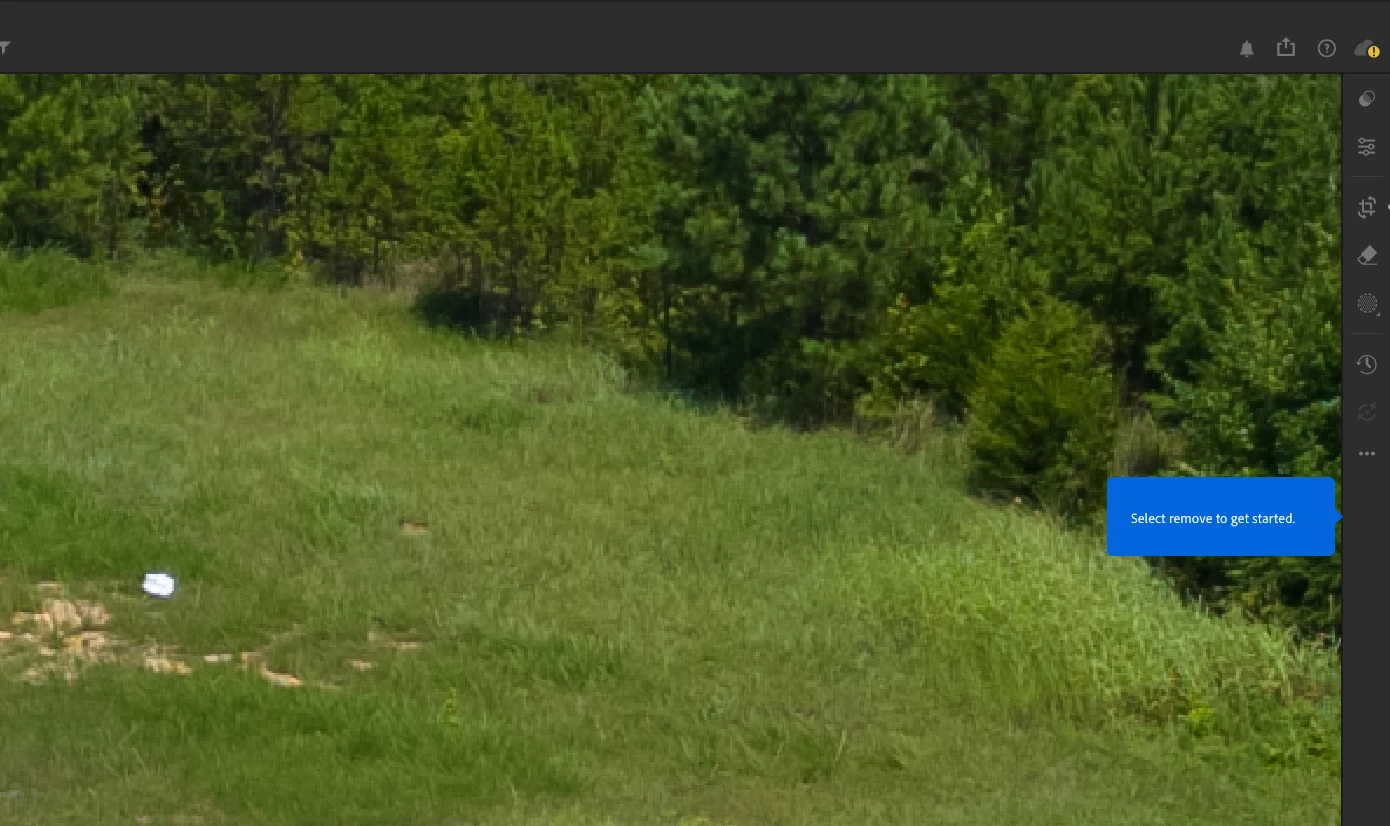
After using Remove tool for AI removal once or twice it freezes lightroom so I can't click anything and has a select remove to get started blue box. Nothing works. Have to restart again and again.
After using Remove tool for AI removal once or twice it freezes lightroom so I can't click anything and has a select remove to get started blue box. Nothing works. Have to restart again and again.
I open up lightroom, remove one item or maybe a few at times, then it freezes and I’m unable to click anything and unable to get back to the remove tool. It just shows the select remove to get started box. I have a project to get to a client tonight so this is very frustrating that I have to re-open lightroom again and again.
I updated to the latest version and it still gives me this issue. Also the yellow AI updating is not working at all.
 AdChoices