olivierlacan
Known Participant
April 25, 2023
Answered

AI Denoise doesn't work on macOS (MAS 6.3)

  • April 25, 2023
  • 2 replies
  • 363 views

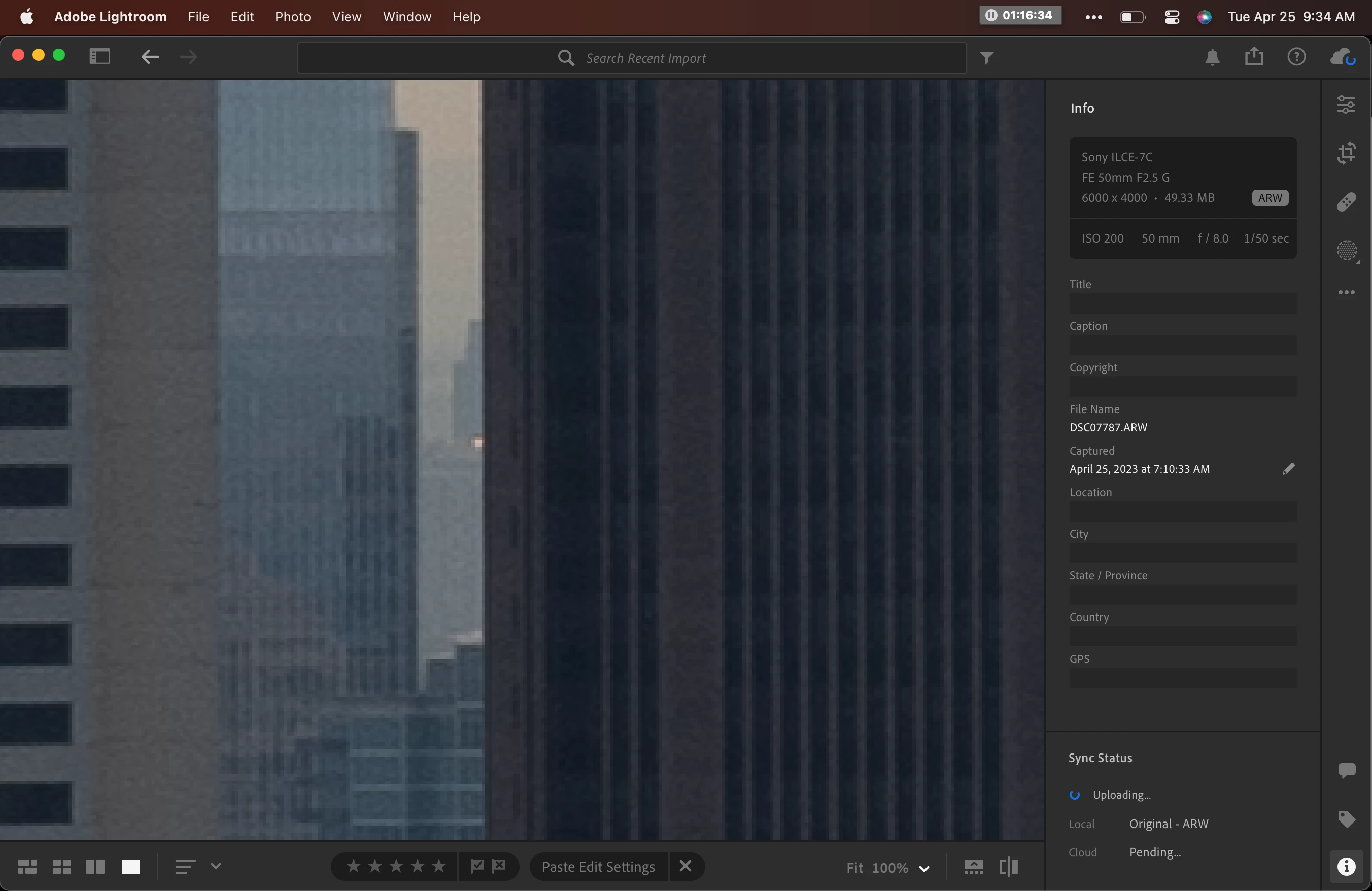
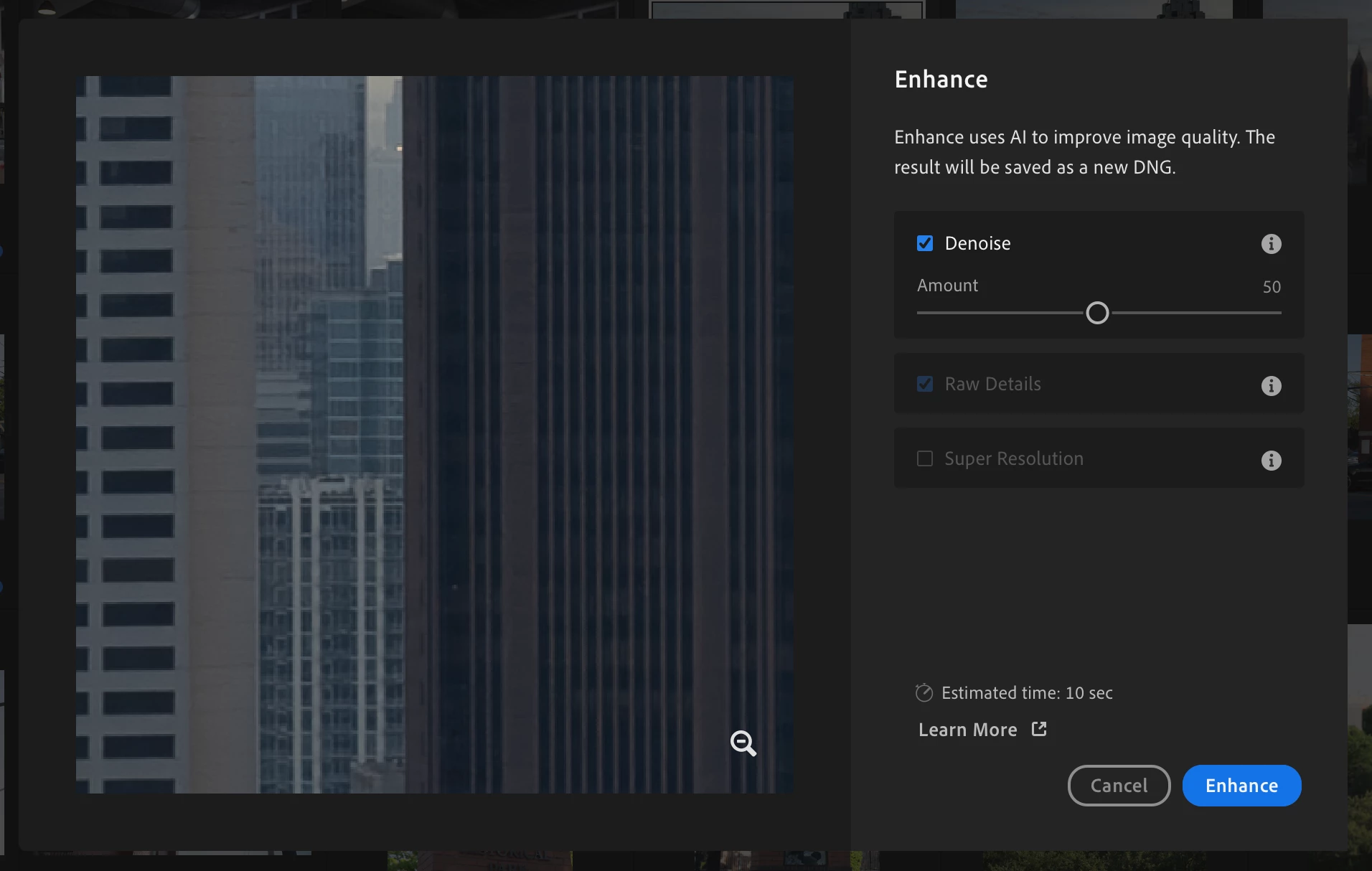
I was excited to try the new Denoise feature in 6.3 but despite prompt some choices and seemingly churning on a shot, it produces no visible DNG in the library and doesn't alter the picture it is executed on in any way (even when it's exported). 


Where should I expect Denoise to impact a shot? Or is this a known bug? 


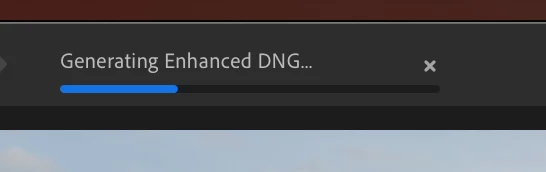
Below are screenshots showing the prompt, highlighting an area of low light noise; the "Genering Enhanced DNG..." task in progress, and the shot after the task is complete. No DNG is output on my machine, in the library (All Photos or Recent Edits) and there's clearly no noise reduction applied to the shot.


This topic has been closed for replies.
Correct answer Rikk Flohr_Photography

When the Denoise DNG is created it is stacked with the original by default. You need to click on the little "2" badge in the corner of your original DNG in Grid View to open up the stack tray and see both Original and Enhanced. 

2 replies

Rikk Flohr_Photography
Community Manager
April 25, 2023

When the Denoise DNG is created it is stacked with the original by default. You need to click on the little "2" badge in the corner of your original DNG in Grid View to open up the stack tray and see both Original and Enhanced. 

Rikk Flohr: Adobe Photography Org
olivierlacan
Known Participant
April 25, 2023

Never mind, the DNG did show up in Recently Added. 


It would help to have some sort of UI notification or redirect to the DNG however since logically the edit flow would switch to it (to export or to refine the editing). 


Result was subtle but honestly quite good.