


Participant
September 15, 2026
Question

Ai Denoise introducing artifacts (blank pixels/patches) in preview files of raw (.nef) files and they carry over to converted jpg files

  • September 15, 2026
  • 5 replies
  • 49 views

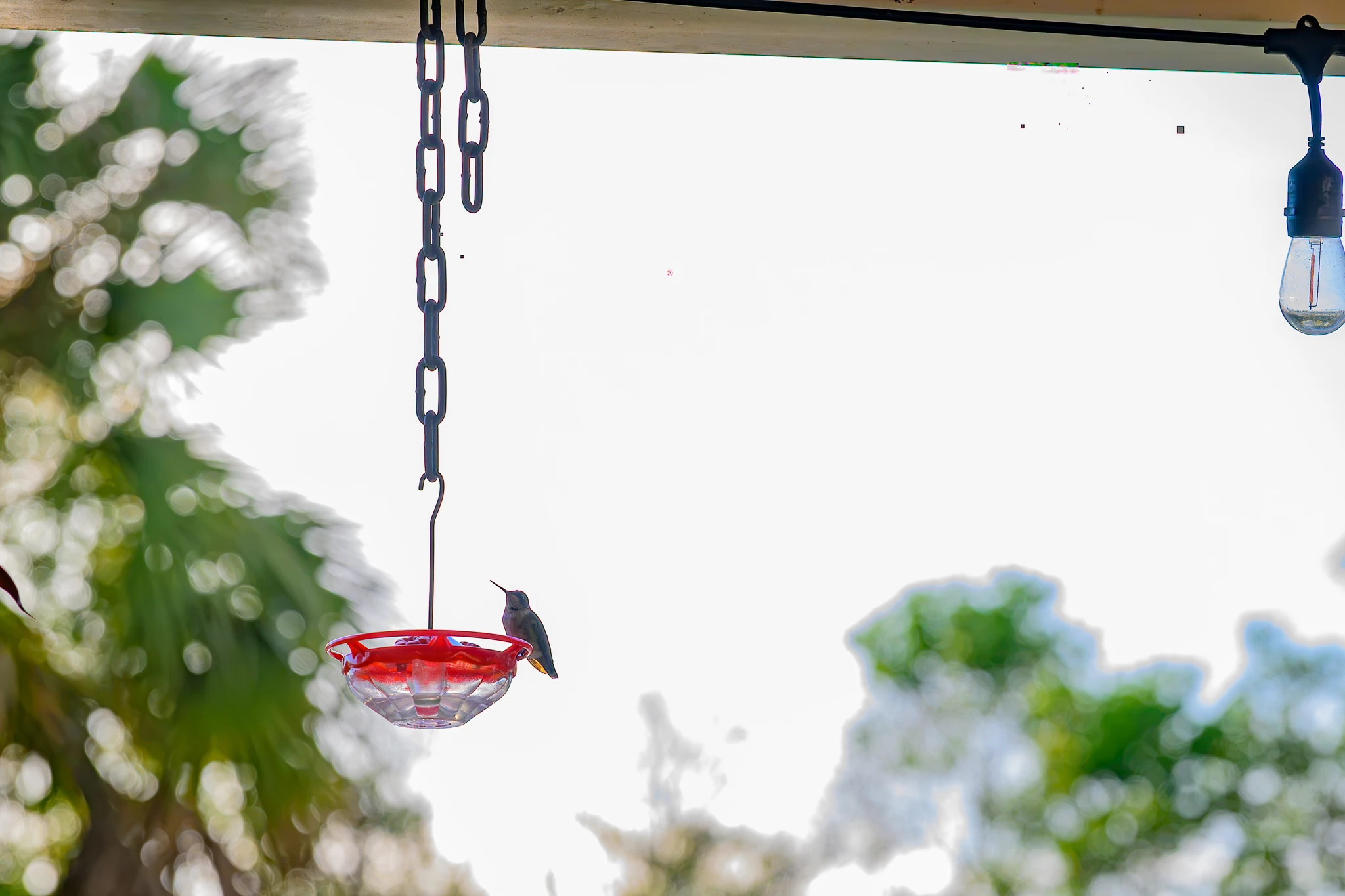
Simply running Ai Denoise introduces artifacts into the files periodically - doesn’t happen all the time and not in all files.  The artifacts go away when Ai Denoise unselected.  Sometimes if I shut down LRc and restart (and sometimes reboot laptop) the artifacts do not appear in the same file when Ai Denoise selected.  See artifacts in upper middle and right of frame.
 

    5 replies

    davidb58Author
    Participant
    September 21, 2026

    Updated video drivers for my Geforce 5080 notebook video card and set up notifications for new drivers in the Nvidia app so I will be notified when new drivers are available.  Am using the Studio drivers.  We’ll see if this fixes the intermittent issue I’ve been experiencing.  Thank you.

    Claire H.
    Community Manager
    Community Manager
    September 24, 2026

    Hi @davidb58, thanks for the update! Let us know if this fixes the Denoise issue you're experiencing. Otherwise, let's continue troubleshooting. I hope this helped! ^CH

    Victoria Bampton LR Queen
    Community Expert
    Community Expert
    September 19, 2026

    Is that Mac or Windows? 

    Victoria - The Lightroom Queen
    davidb58Author
    Participant
    September 19, 2026

    Windows 11

    Victoria Bampton LR Queen
    Community Expert
    Community Expert
    September 21, 2026

    That makes me think it’s probably a graphics driver issue. There are some troubleshooting steps you could try here, but I would particularly look at solution 4 to manually update the drivers. 

    https://helpx.adobe.com/in/lightroom-classic/desktop/technical-support/technical-issues/gpu-issues/troubleshoot-gpu.html 

    Victoria - The Lightroom Queen