Question
AI doesnt work
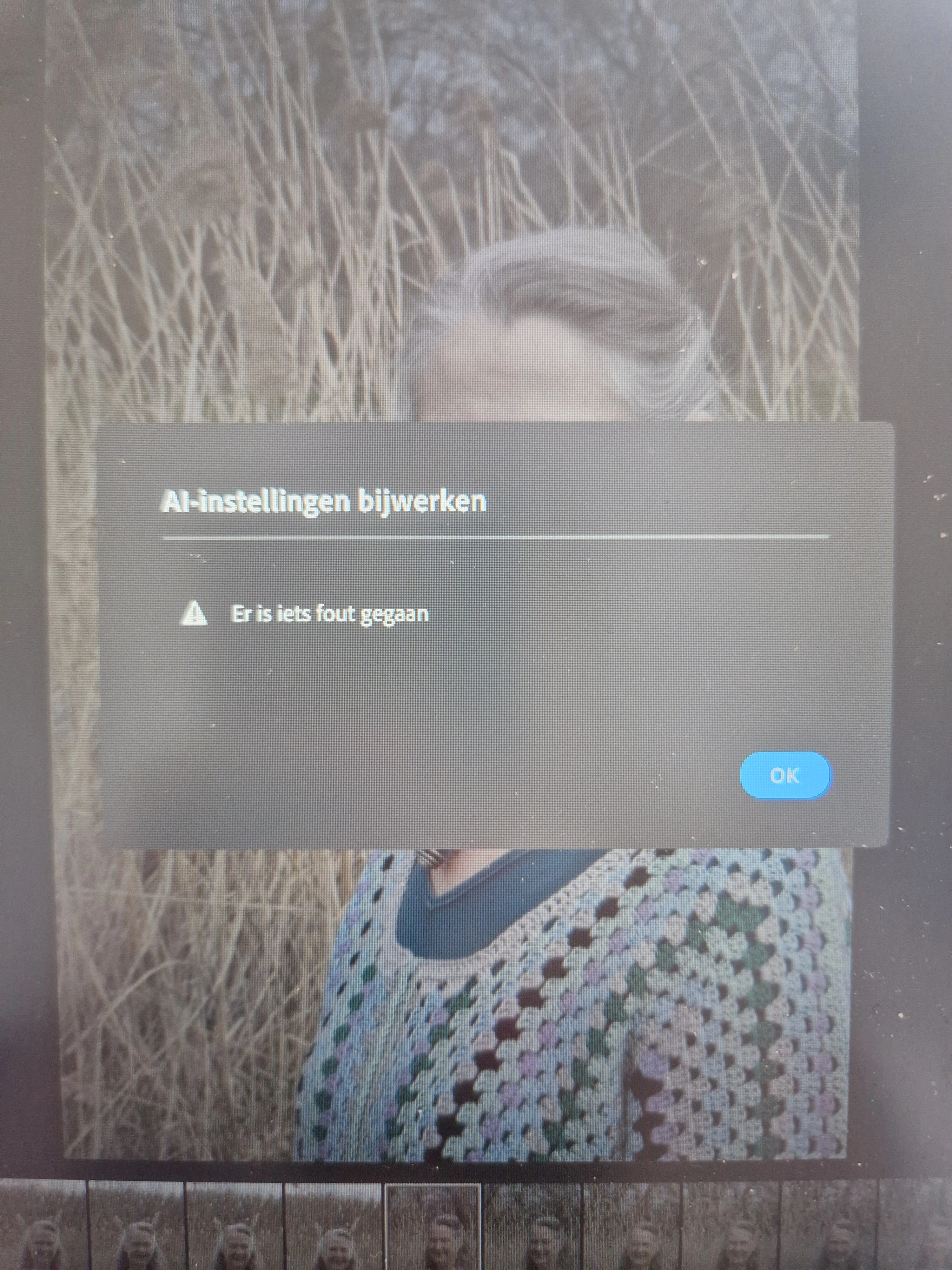
anytime I want to work with A1 for a blurry background, I always get this notification... the images are CR3, didnt have this issue before. The message is in dutch*

anytime I want to work with A1 for a blurry background, I always get this notification... the images are CR3, didnt have this issue before. The message is in dutch*
Already have an account? Login
Enter your E-mail address. We'll send you an e-mail with instructions to reset your password.


 AdChoices