
AI Features Won't Work Properly With Artboards
Hello everyone,
I use the Artboard feature quite frequently, and having it in Photoshop greatly simplifies my workflow. However, I've been experiencing serious bugs, lack of optimization, and performance bottlenecks for a long time. The recent updates haven't given enough attention to these issues, making me feel like the development team has neglected this fundamental feature.
The AI features added to the program don't work properly with artboards. Select Subject: Functions highly inconsistently and loses accuracy inside artboards. Same problem has occured with Object Selection Tool. Isolating the layer in a standard new without artboard artwork completely fixes this.
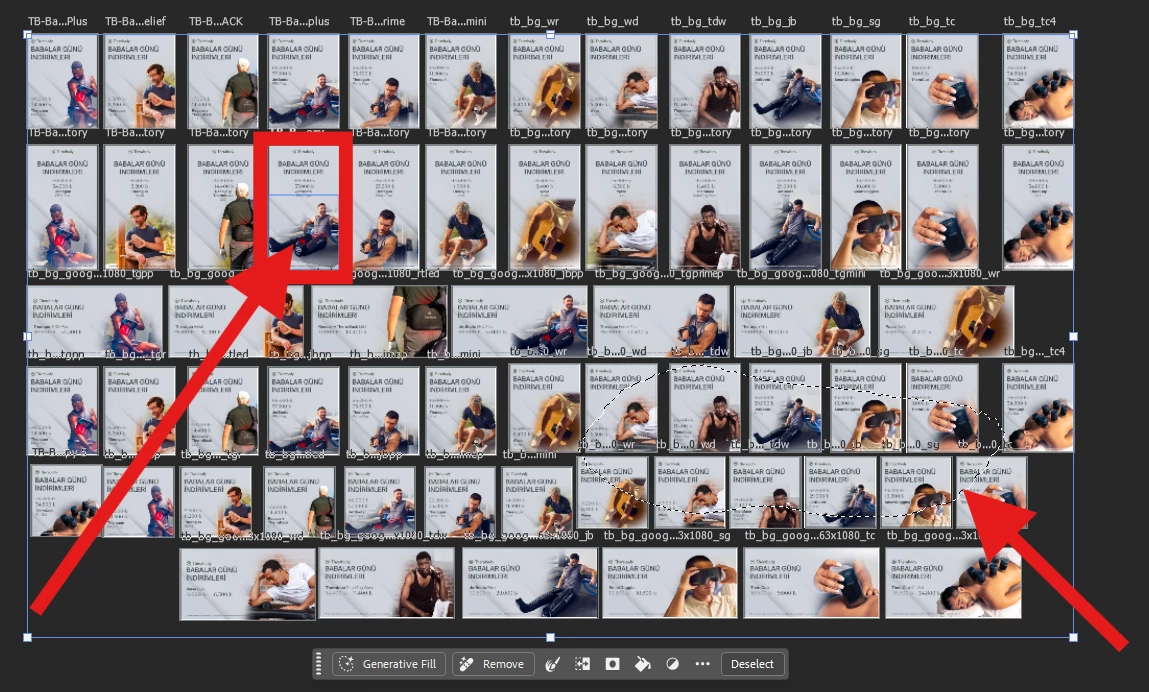
Right arrow pointing the result.
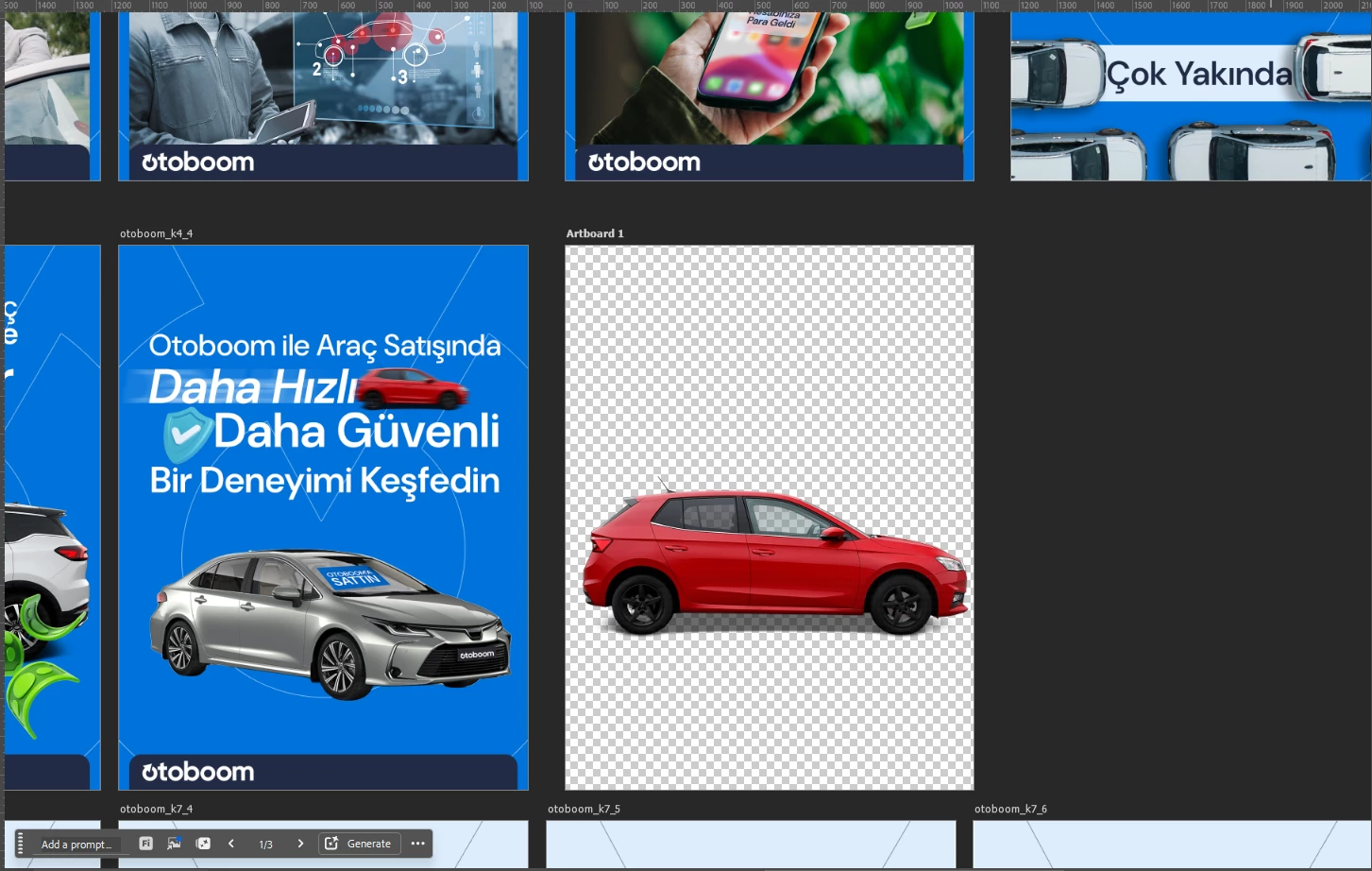
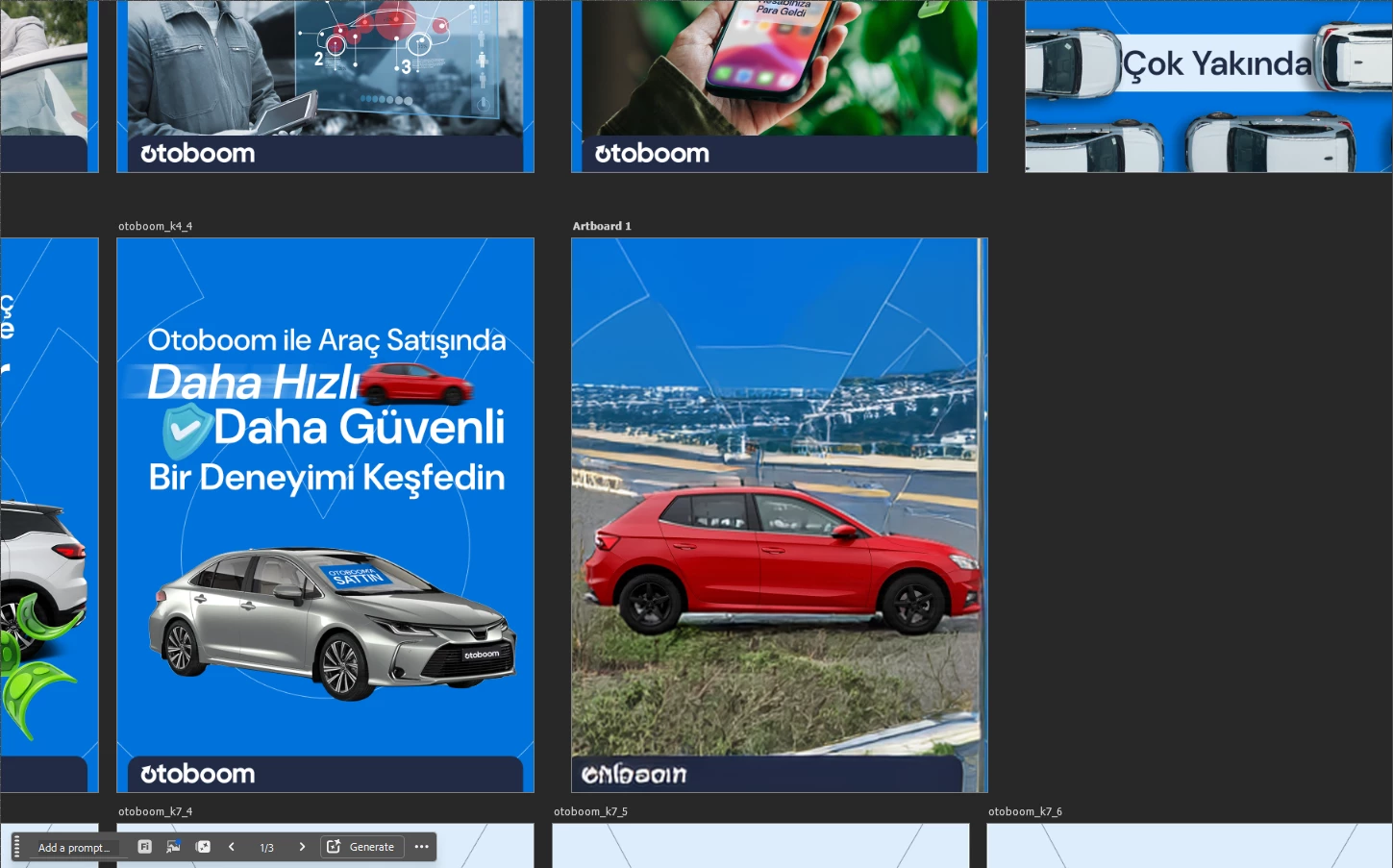
Generative Fill: When using Generative Fill near the edges of an artboard, the AI reads data from adjacent artboards. While Adobe models try to add unwanted white frames or stitch elements from neighboring artboards, partner models completely break. Isolating the layer in a standard single-canvas file completely fixes this.


 AdChoices