
Participant
March 9, 2025
Answered

AI Functions have stopped working following 8.2 Update

  • March 9, 2025
  • 1 reply
  • 305 views

Hi all,

It seems following my Lightroom CC update to 8.2, I've lost the ability to produce AI generated subject selections, and it's also affected AI Denoise function, giving me a weird colour static instead. 

I've uninstalled, reinstalled, checked drivers, updates etc. All the usual troubleshooting checkpoints and i can't seem to figure out what's the issue. Anyone else in the same boat at all? I've attached screenshots belowof both issues. The only linking factor I can see is they're both AI related.
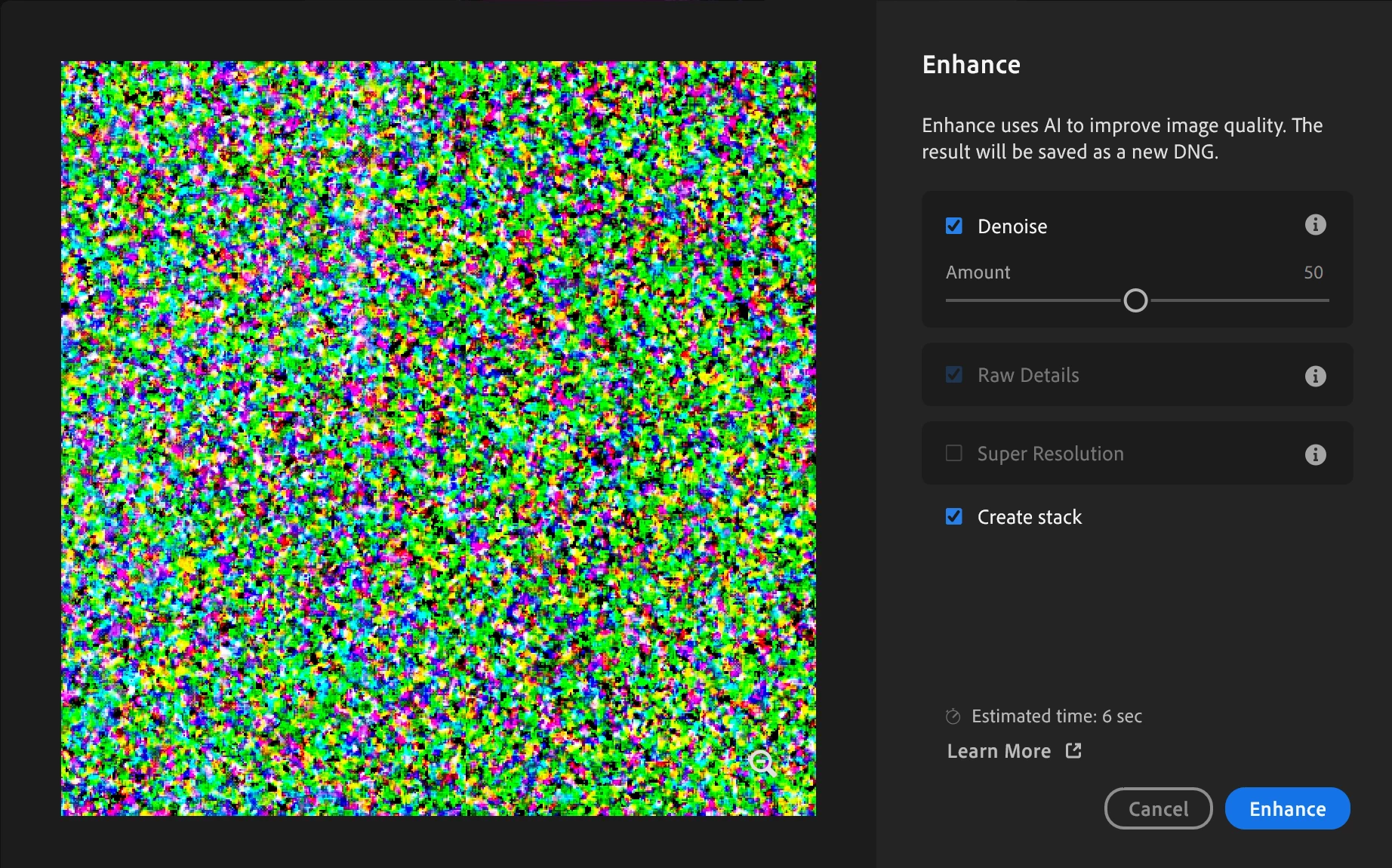
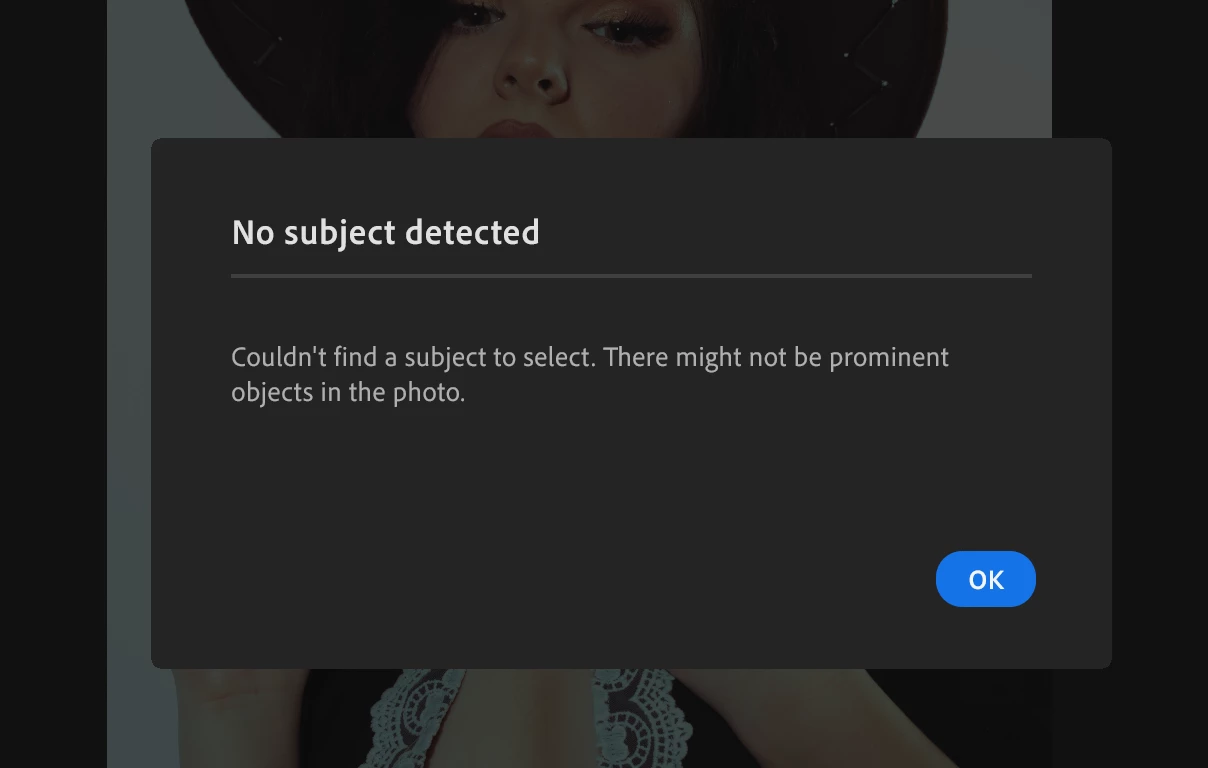
 

[moved from bugs to discussions according to the community rules - Mod.]

Correct answer Rikk Flohr_Photography

Since you did not provide the version number of your Video Driver, I would recommend you go to nVidia's site and download the latest Studio Driver (Do not use the Gamer-ready Driver) and perform a clean install of the driver. 

1 reply

Rikk Flohr_Photography
Community Manager
March 9, 2025

Your GPU is likely the issue here. 
You need to provide more system information for the experts here to help diagnose your issue. 

Rikk Flohr: Adobe Photography Org
Participant
March 9, 2025

It's not had any issues for the past couple years, and it's good for updates.

I'm running Surface Studio Laptop 2 with the NVIDIA GeForce RTX 4060 Laptop GPU

Rikk Flohr_Photography
Community Manager
March 10, 2025

Since you did not provide the version number of your Video Driver, I would recommend you go to nVidia's site and download the latest Studio Driver (Do not use the Gamer-ready Driver) and perform a clean install of the driver. 

Rikk Flohr: Adobe Photography Org