

Archiving locally encountered the following errors for X images. Invalid destination.
Hi,
Looking for some advice on the following errors when trying to archive to a local folder please.
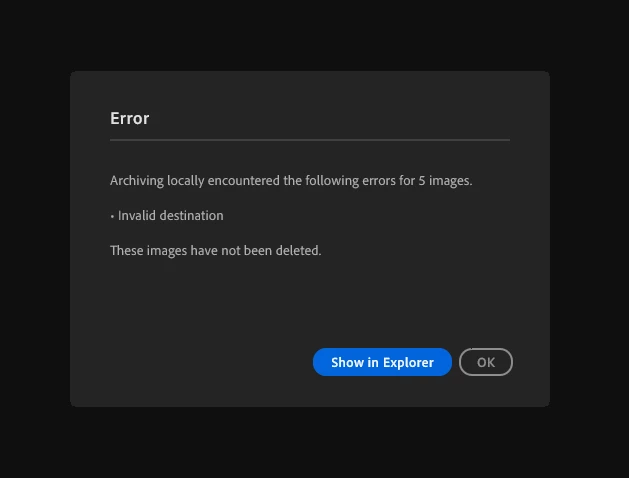
Archiving locally encountered the following errors for X images. Invalid destination.
I have multiple drives both SSD and HDD mounted to my PC that I've tried to archive too, all failing with the above error. Locations have more than sufficient storage space. I have formatted the drive, and have tried creating folders in Lightroom and Windows Explorer to archive too, both not working. I have tried reinstalling previous versions of Lightroom, this also hasn't worked. I have tried using an external HDD and nothing has worked so far.
It did work previously, and now it doesn't. Nothing hasn't changed so I'm unsure what might be causing the issue. Is anyone else having the same issue?
Any suggestions or workarounds welcome. Thank you.
Lighroom version 8.5.1
Windows 11 operating system


 AdChoices