


Question
Best Photos feature not working due to me being “offline”
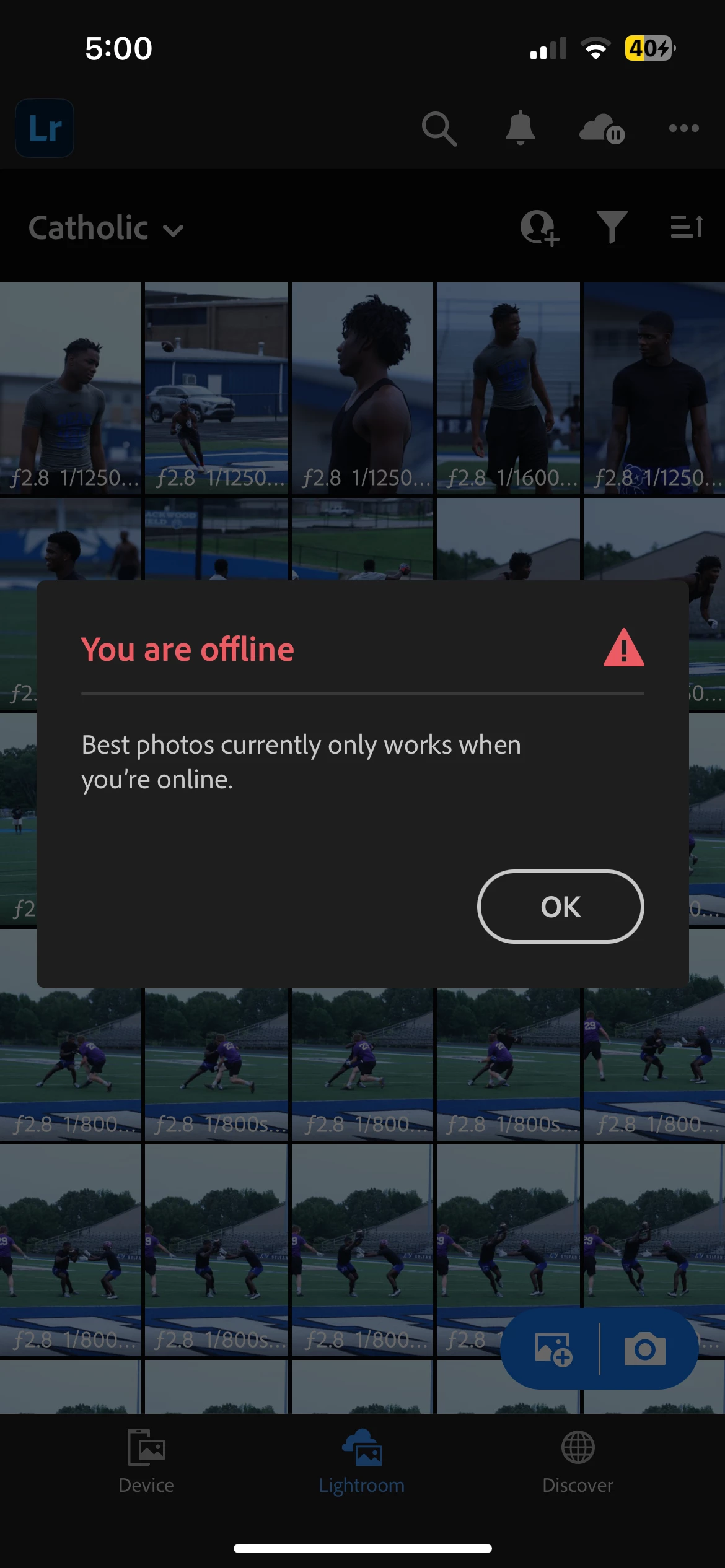
Im currently using the Apple 8.4.1 (had this problem with 8.4.0 too) version of Lightroom on my iPhone. A friend of mine showed me the "best photos" feature. However, I have not been able to use it at all due to the fact that every time I click to use it, I am met with, "You are offline. -Best photos currently only works when you're online." Which makes sense, however I am online. If I wasn't, I wouldn't be able to post this. I'm able to do everything else on my phone normally that requires Wi-Fi. I've tried using data, other local wifis around my city but no luck. I would love to use this feature but I am being blocked. Attached is what I see whenever I hit the best photos button. You can even see my connection in the top left there.
 AdChoices