
Jul Star
Participant
May 17, 2026
Question

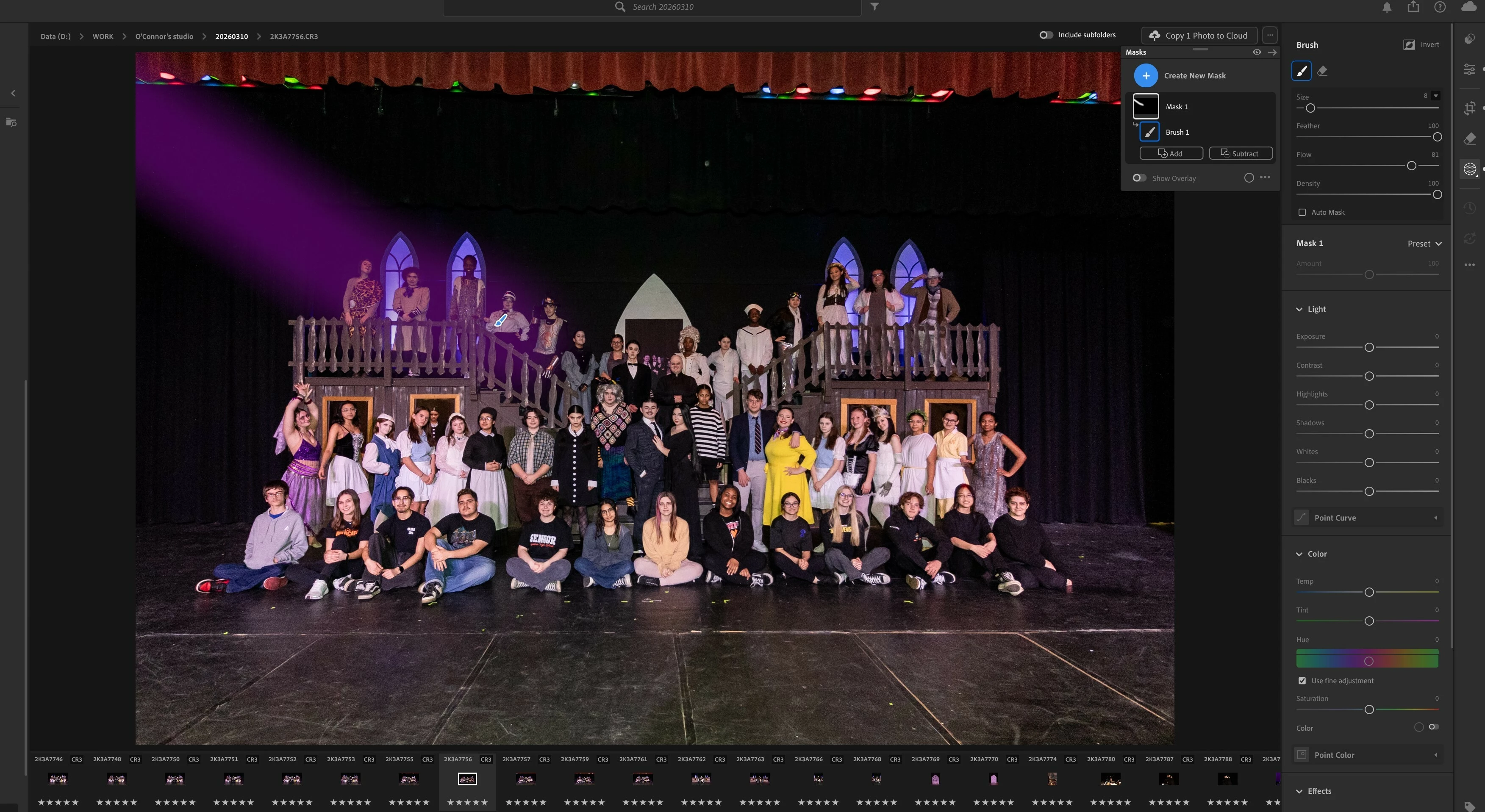
Brush mask in Adobe Lightroom it always starts painting in top left corner

  • May 17, 2026
  • 2 replies
  • 39 views

When I use Brush mask in Adobe Lightroom it always starts painting in top left corner (whenever I touch my Wacom graphic tablet with the stylus). I already changed the tip of the stylus but it didn't help



    2 replies

    Participating Frequently
    June 11, 2026

    I have the same issue. It is sooo annoying

    Sameer K
    Community Manager
    Community Manager
    June 12, 2026

    Hey, ​@Jack253734113gfn. Have you checked the steps in my response below? Please share the system info. 


    Let me know how it goes. Thanks!
    Sameer K

    Sameer K
    Community Manager
    Community Manager
    May 18, 2026

    Hey, @Jul Star. Welcome to the Lightroom Community. I'll need more info to help you figure this out. 

    Please share the system information from Lightroom Help > System info > Copy and paste into a text document > Upload and attach here. 


    Does this happen after a series of steps, or have you installed Lightroom on this machine for the first time? 

    You can set GPU performance in Edit > Preferences > Performance > Graphics Performance > Power-saving. 


    Here is a thread from a few months ago; please try the additional steps shared here: https://adobe.ly/4dQzzc7


    Let me know how it goes. 

    Thanks! 

    Sameer K

    (Type '@' and type my name to mention me when you reply)