
Participant
October 27, 2020
Question

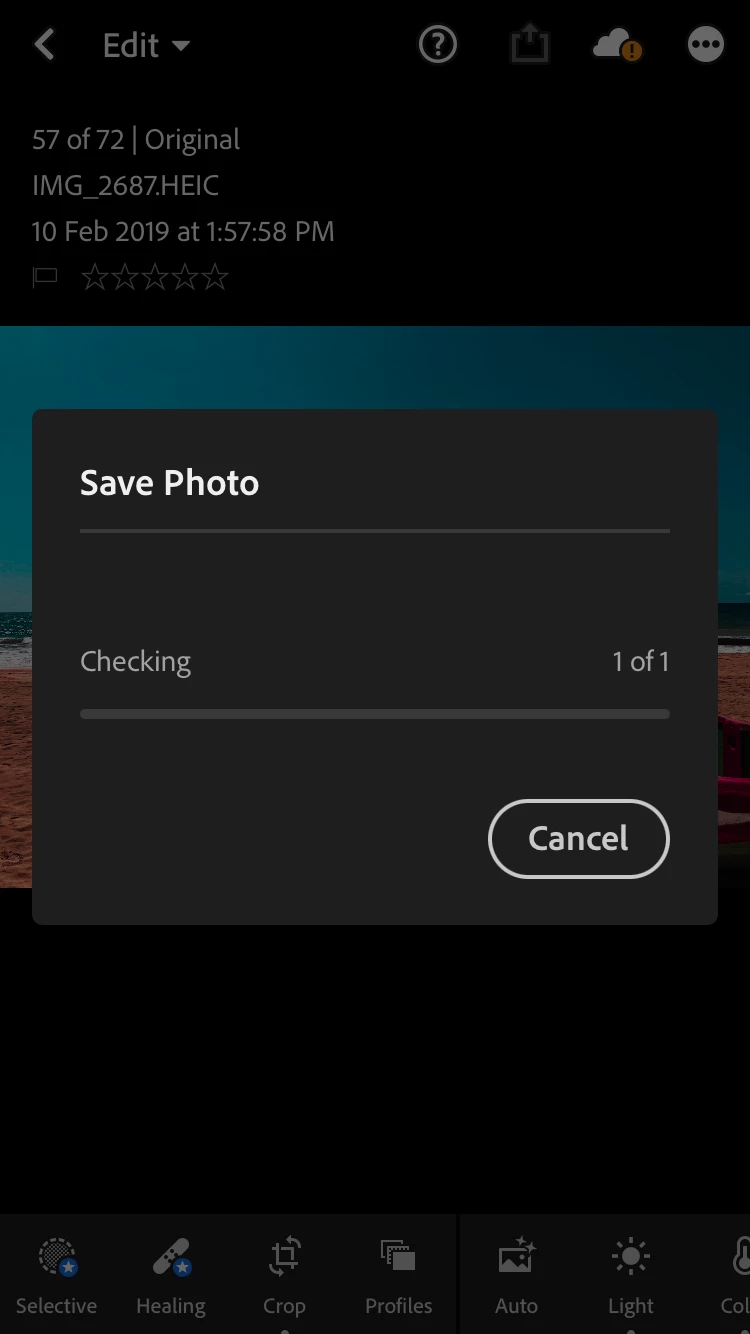
Can’t export edited photos to my mobile device from lightroom app

  • October 27, 2020
  • 1 reply
  • 406 views

Hi, when I try to save the photos after editing, a pop up box will appear and stay like like that and nothing happens, can't save edited photos on my iPhone. This happened after I updated to the new version of Adobe Lightroom App.
 

This topic has been closed for replies.

1 reply

Jim Wilde
Community Expert
Community Expert
October 27, 2020

You have a sync warning showing (see the exclamation mark on the cloud icon). Tap on that icon to see what the status is, it likely offers a clue as to what's happening.

Amila_93Author
Participant
October 27, 2020

Hi Jim, it only says that my trial version is expired, that's it. It doesn't mean that I can't use the free version right? 

Jim Wilde
Community Expert
Community Expert
October 27, 2020

I assume so, but if you've been using the trial is it possible that the image you're trying to export was initially synced to the cloud? Select the image again, then click on the cloud icon again, it should tell you what type of file it has stored locally.