Participant
October 26, 2018
Answered

Can't import photos from a card in Lightroom CC v 2.0

  • October 26, 2018
  • 2 replies
  • 657 views

Hello,

I opened Lightroom CC for the first time after the latest update (v. 2.0) and now cannot import photos from a memory card.

Half the time, Lightroom does not even load the photos to view -- after navigating to the card, I get the blue spinning wheel of death indefinitely. I then quit Lightroom, re-open, and if I'm lucky, I can see the photos.

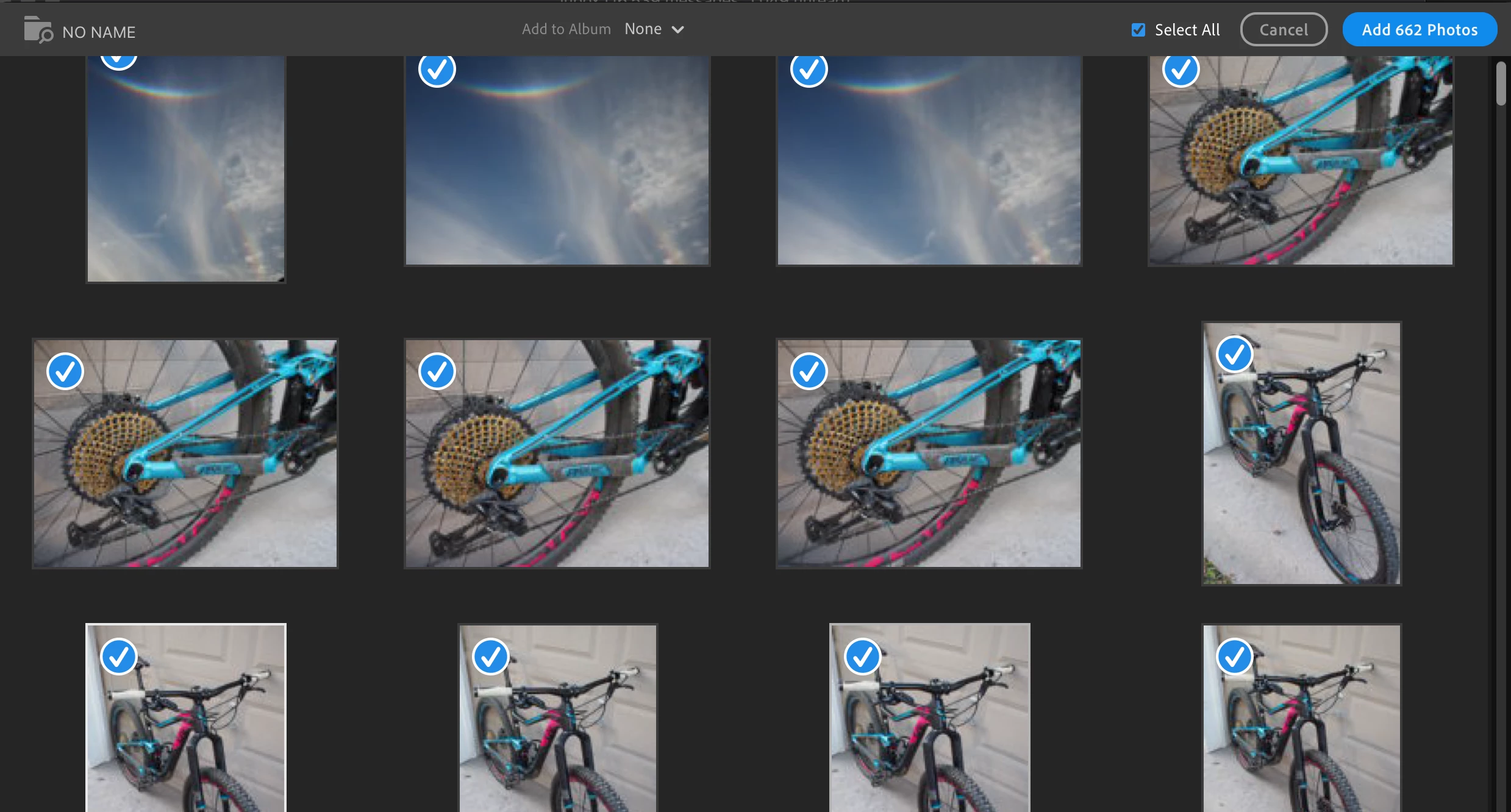
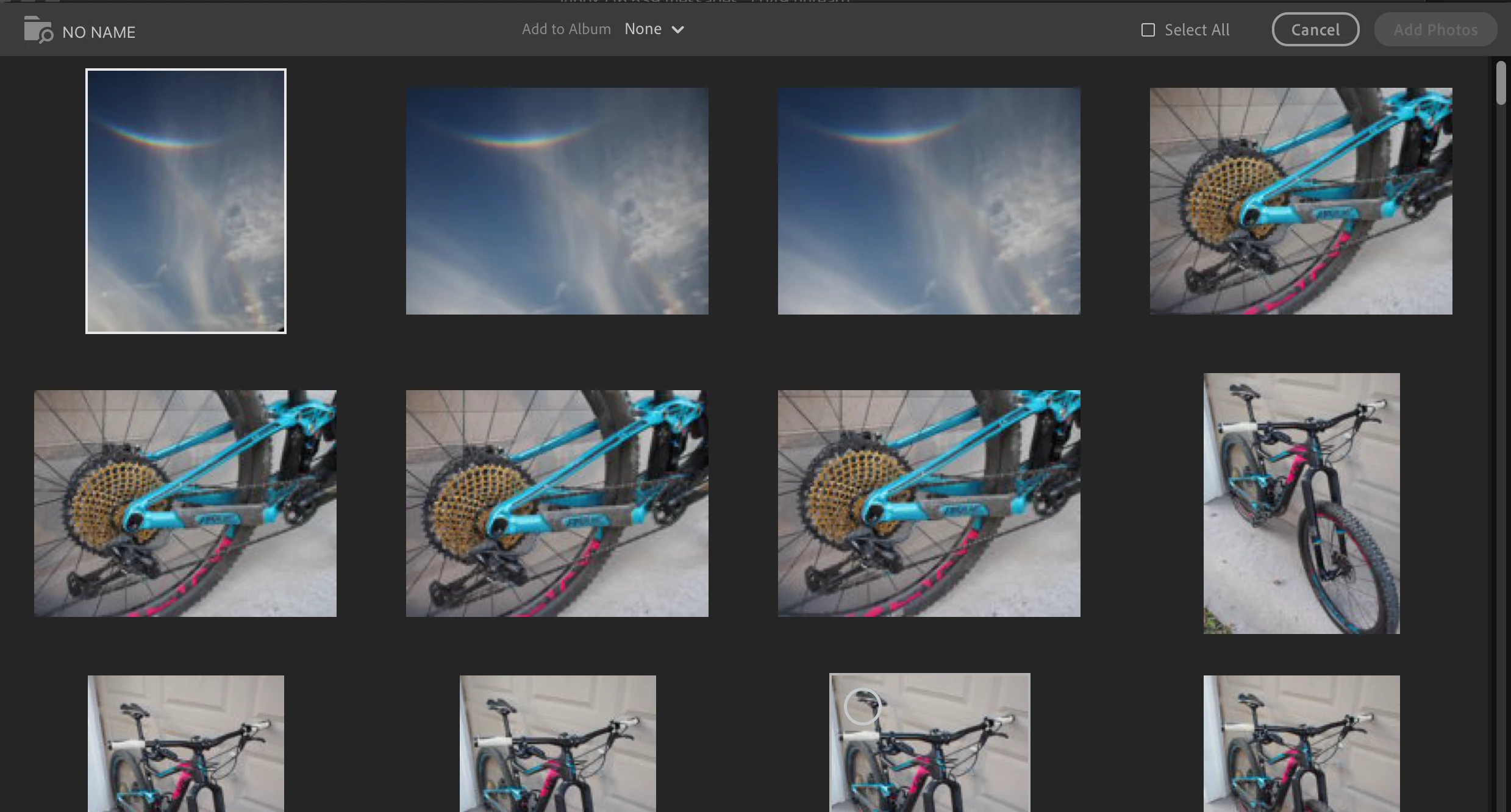
But the problem is then that once I select photos, the "Add Photos" button is greyed out. If I click "Select All," the button becomes active -- but I don't want to add all of the photos, just a few.

The select files have definitely not already been added to the library.

Have checked, and photos import fine in Lightroom Classic.

Working on a MacBook Pro Retina, macOS Mojave v. 10.14.

Any help appreciated!
This topic has been closed for replies.
Correct answer KBr00ks

You are right, JohanEI54 -- but trying again today, I could not make a selection (could not make the blue check mark appear) by clicking the upper left corner, only by using the "select all" button. So I guess to be more clear, the problem is that I couldn't actually select individual photos.

I tried uninstalling and re-installing Lightroom CC, and for whatever reason, that works for now. Can select individual photos. Also the memory card seems to be recognized each time, not just intermittently.

2 replies

JohanElzenga
Community Expert
Community Expert
October 27, 2018

I believe you misunderstand the dialog. In your first screenshot, none of the photos has a blue checkmark. That checkmark is your selection. In your second screenshot, all the photos have a checkmark. And now the 'Add 662 Photos' button is active. So what you need to do is first uncheck the 'All Photos' checkbox in the upper right corner, and then click in the upper left corner of a photo to activate that blue checkmark for this particular photo. You'll see a circle appear when you hover your cursor over that corner.

-- Johan W. Elzenga
KBr00ksAuthorCorrect answer
Participant
October 28, 2018

You are right, JohanEI54 -- but trying again today, I could not make a selection (could not make the blue check mark appear) by clicking the upper left corner, only by using the "select all" button. So I guess to be more clear, the problem is that I couldn't actually select individual photos.

I tried uninstalling and re-installing Lightroom CC, and for whatever reason, that works for now. Can select individual photos. Also the memory card seems to be recognized each time, not just intermittently.

KBr00ksAuthor
Participant
October 26, 2018

Also tried resetting preferences as per this article, but it did not help.