Participant
September 26, 2022
Question

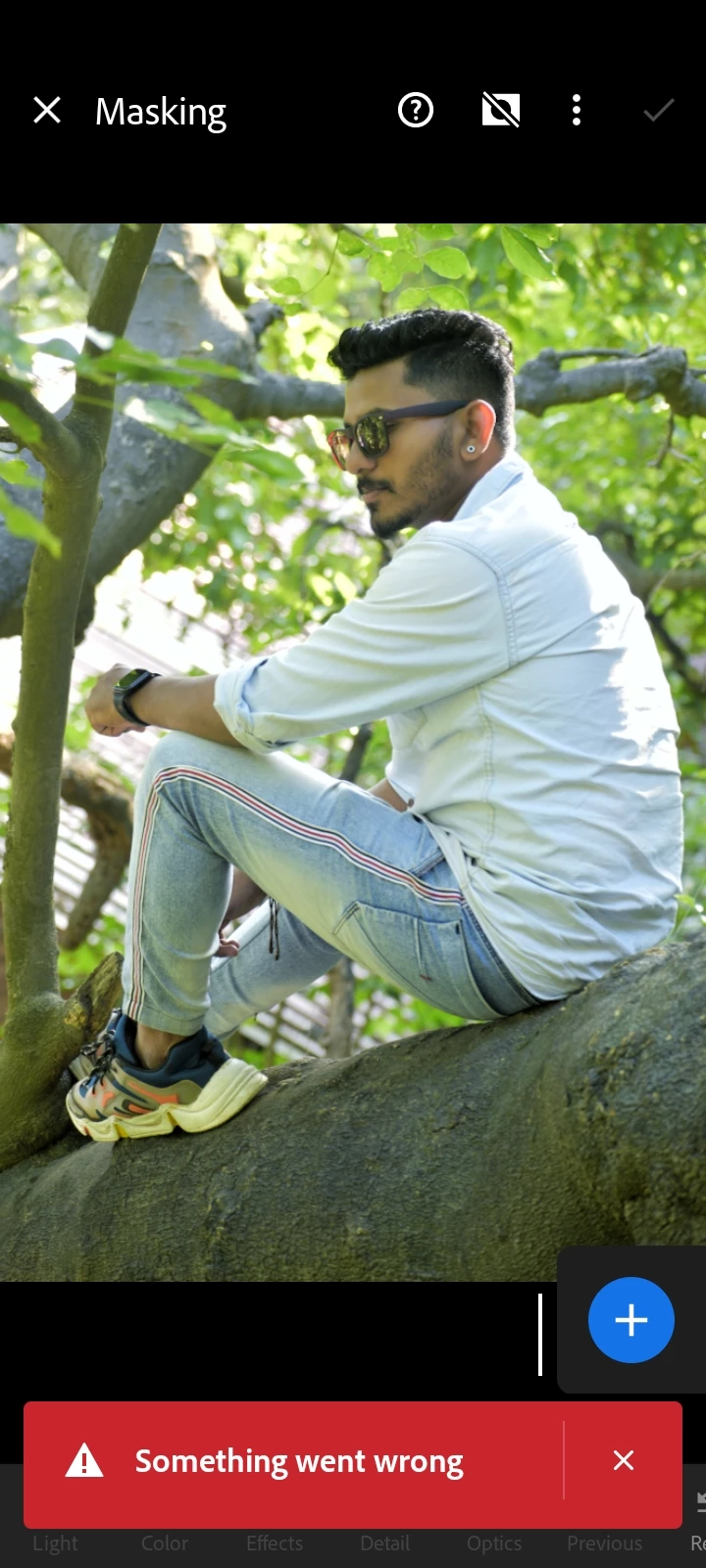
Can't use the select subject feature in Lightroom
  • September 26, 2022
  • 1 reply
  • 140 views


{Title edited by Moderator}

This topic has been closed for replies.

1 reply

Ranjisha Sengupta
Legend
September 26, 2022

Hi there, 


Thanks for reaching out. 

Which version of Lightroom Mobile and Android are you using? What is your device specification? Is it happening with just one image or all images? 

Can you log in to the cloud,  lightroom.adobe.com, and check if your assets are synced or not? If it's synced, try logging out of the application, uninstall it, and reinstall it again. (Don't do it if the images are not synced)

Please verify your device meets the necessary system specifications: https://helpx.adobe.com/lightroom-cc/system-requirements.html.


Note:

Certain features like Select Subject and Select Sky in Masking are supported only on Android devices with more than 6 GB RAM. Technology Previews (features that may not be completely production-ready yet but available to try out) are allowed on devices having between 4 GB and 6 GB RAM. Still, you could experience an occasional crash under memory pressure. On devices with less than 4 GB RAM, these features are unavailable.


Let us know if it helps.


Thanks

Ranjisha
