
Cannot import dng files to Lightroom 4
Hi, I have a new camera and new computer (Nikon Z50, MacbookPro 16"). I use Lightroom 4. I have used Lightroom for over 10 years.
With the new camera, I had to upgrade my [very] old mac to be able to read the new RAW files (I spoke to Nikon directly about this - my maxed-out OS was not able to run the DNG Converter), so I could run DNG Converter... so Lightroom could import and process the dng files. No problem with DNG Converter on the new MBP.
I set up a sample of 16 files to convert and import into LR4. I get this error screen when I import:
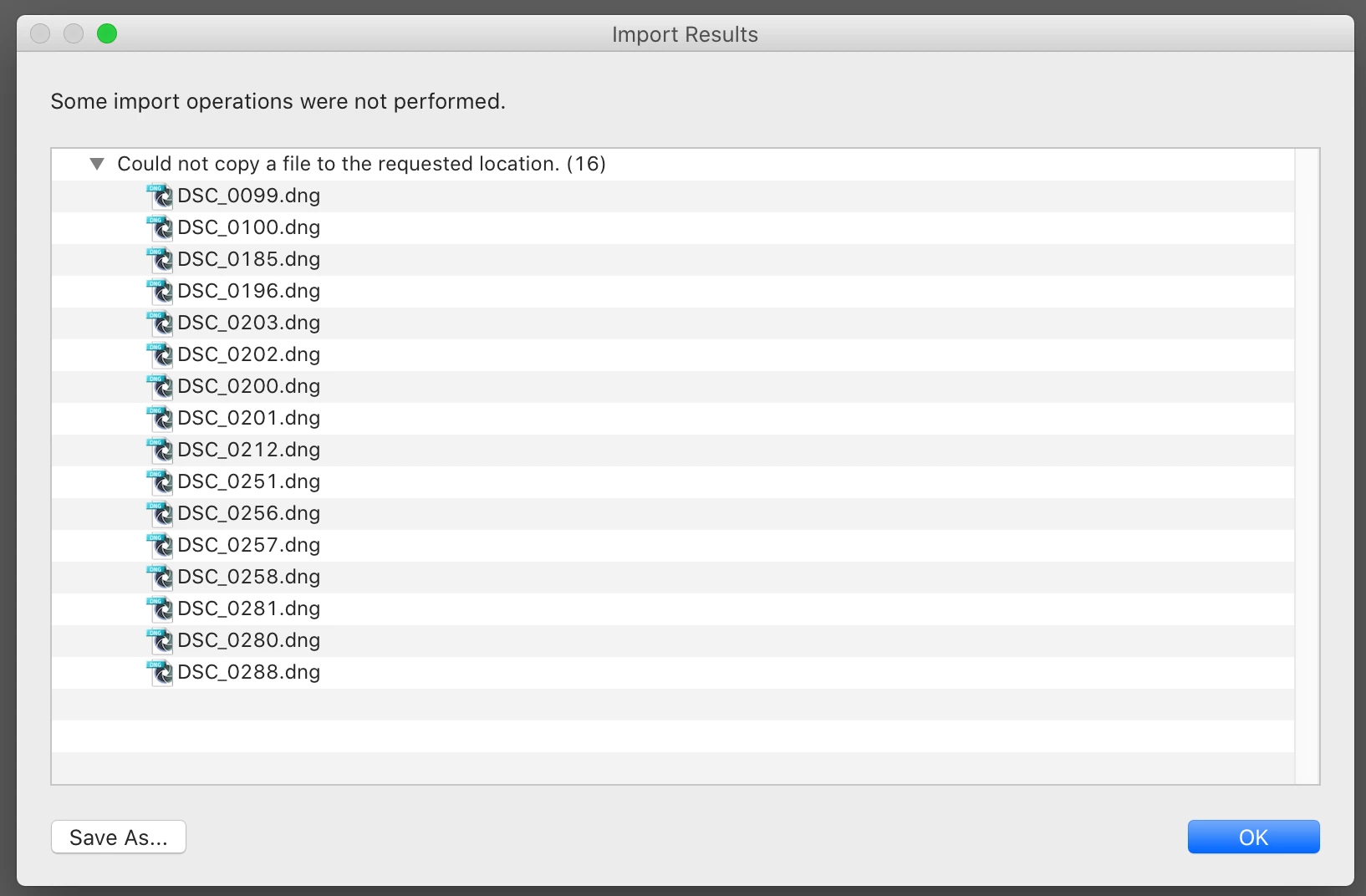
I have not changed any LR4 settings, and have imported over 50,000 files with no problem to the 2 destinations (main image inventory and a copy to a separate backup drive). I have done it this way without incident for many years.
How do I find out the "requested location" this error is referring to? Both drives are active, and I can access them in Finder with no problem.
Anyone have a similare issue?
Thank you for any insight you can provide.


 AdChoices